1
Pick a plan and a term
Fixed data for a set term, or a pass by the day.
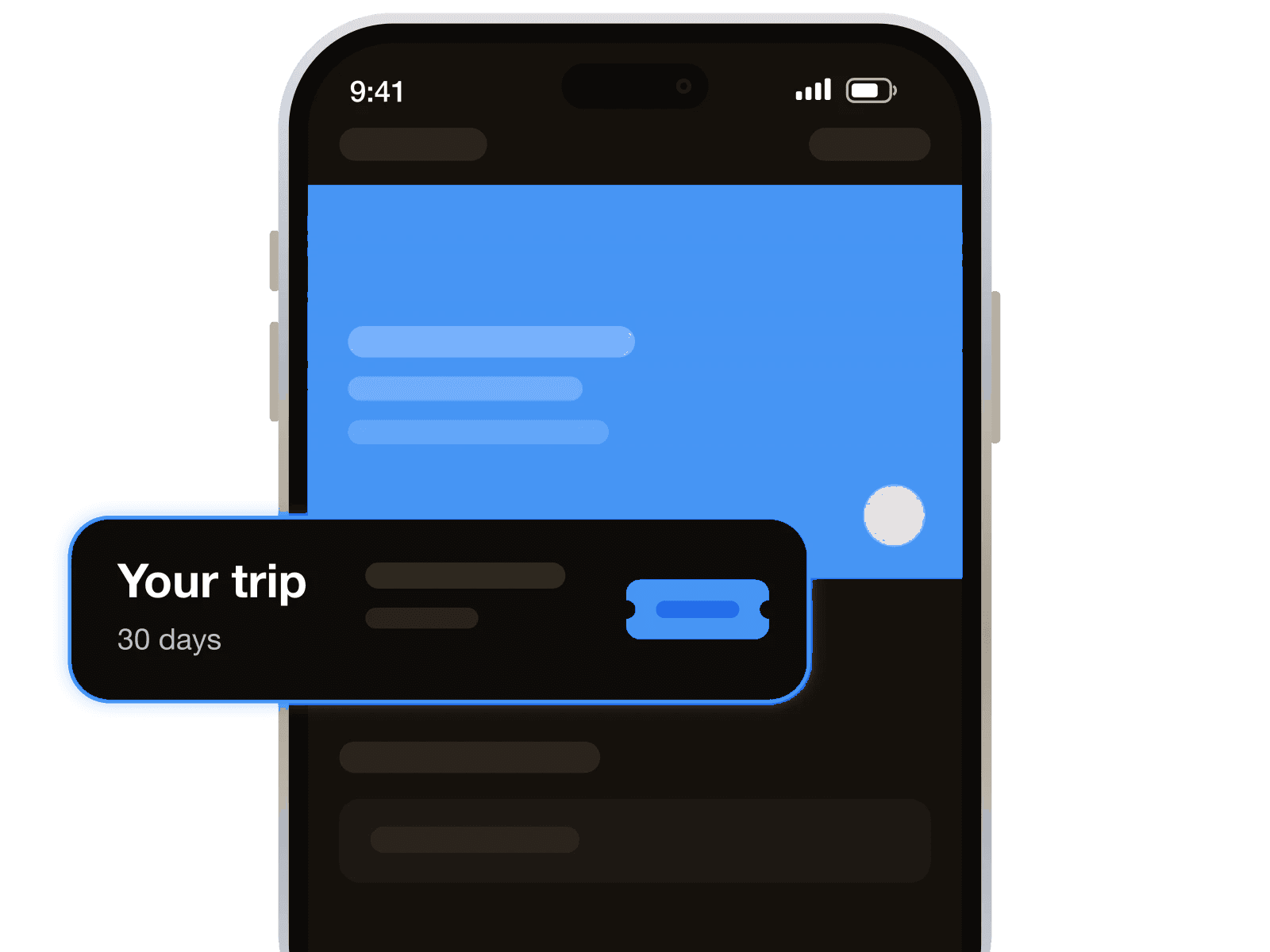
Prepaid data plans for your trip

Avoid home-carrier data roaming, SIM swaps, contracts, airport kiosk queues and ID checks. You need only an eSIM-capable, carrier-unlocked phone, with no physical SIM to collect when you land in Oman.
Keep your own number while the eSIM handles data only. Your existing SIM stays in your phone, so you can still receive calls, SMS and bank codes, and keep WhatsApp.
Match your plan to your route through Oman. Short plans suit Muscat stopovers, while longer ones suit travellers combining Nizwa, the Hajar Mountains and a stay down south in Salalah.
Arrive ready to connect by installing your eSIM before departure. You can turn on your travel data before passport control, without hunting for airport Wi-Fi to install your profile first.
What it is not: a phone number. For a local number to receive sign-up codes or bookings, add a virtual number next to the data plan.
Set it up on Wi-Fi the night before. The eSIM waits quietly until you arrive.
Fixed data for a set term, or a pass by the day.
Pay from your balance and get the QR code at once.
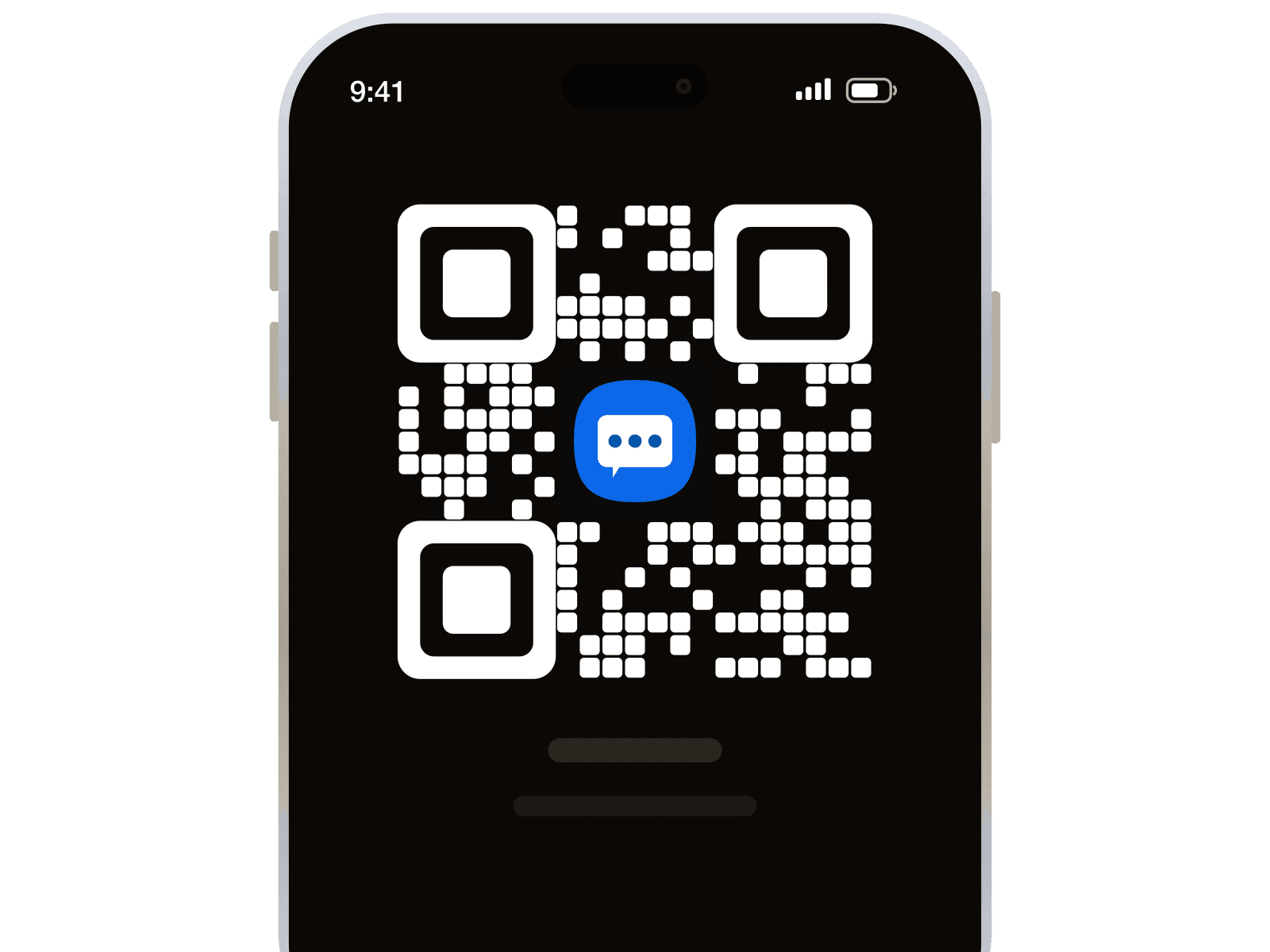
Turn on data roaming and it finds a network itself.
The details that matter once you are actually there.
Refunds follow our payment and refund policy. Read the policy

Using this site from more than 1 month and everything works perfect till now.. no problem faced.. UI is simple and easy to understand, buying number is fast.. numbers are always fresh and otp comes instantly no waiting time.. I really suggest them best site in 2026
Well, it worked as intended. It was very easy to use the service, so I can only recommend it. Wish there were help desk to check some questions but regardless it was a satisfactory purchase.
Excellent service. Works when it works and replaced when it doesnt. Fair pricing and good perks as well.
It definitely works, but it can be confusing if you are not aware of what some of the services do to prevent having multiple numbers. WhatsApp will try to prevent you from making a new number on the same phone. Just have to use another phone to create the account and then you can sign in properly. I was confused why I kept going through so many numbers not working, but it was because I was using the same device that I recently had an account on. I deleted my previous account, but WhatsApp saves your device info for 30 days.
SMS a little more expensive than other pages, but they are much more reliable, and work.
My experience has been great because 1001sms has made my job so effortless and a 10 man task feel like a job for just 1.
Great service, absolute amazin for 3rd Countries who cant use amaing services without phone numbers
I have used number from this site and it worked perfectly. 1001sms is a good choice when it comes to getting number from any country and any service
Dial *#06# and look for an EID, which shows eSIM support. Your phone must also be carrier-unlocked to use this data plan in Oman.
Yes, you keep your own SIM and number for calls and SMS. Your WhatsApp number stays the same while the Oman eSIM supplies data.
Your own SIM receives SMS codes, not the data-only Oman eSIM. Keep that SIM turned on; receiving codes still relies on your home carrier’s service.
No, installing the profile on your phone does not connect your laptop. A separate laptop connection would need hotspot sharing from your phone.
Your bundle has a fixed data amount and an expiry date. For a longer Oman stay, you can buy another plan from your prepaid balance.
Turn on your eSIM and select it for mobile data in phone settings. Turn on data roaming for that eSIM, then restart your phone.
Select your Oman eSIM for mobile data and turn off automatic data switching. Turn off data roaming on your home SIM while keeping it for calls.
Every time someone you referred tops up their balance, 10% lands in yours. Not once. Every top-up, for life.
Get my referral linkCreate a free account, pick a plan, and install the eSIM before you leave for the airport.
113,427 registered members