1
Выберите тариф и срок
Фиксированный пакет или пропуск по дням.
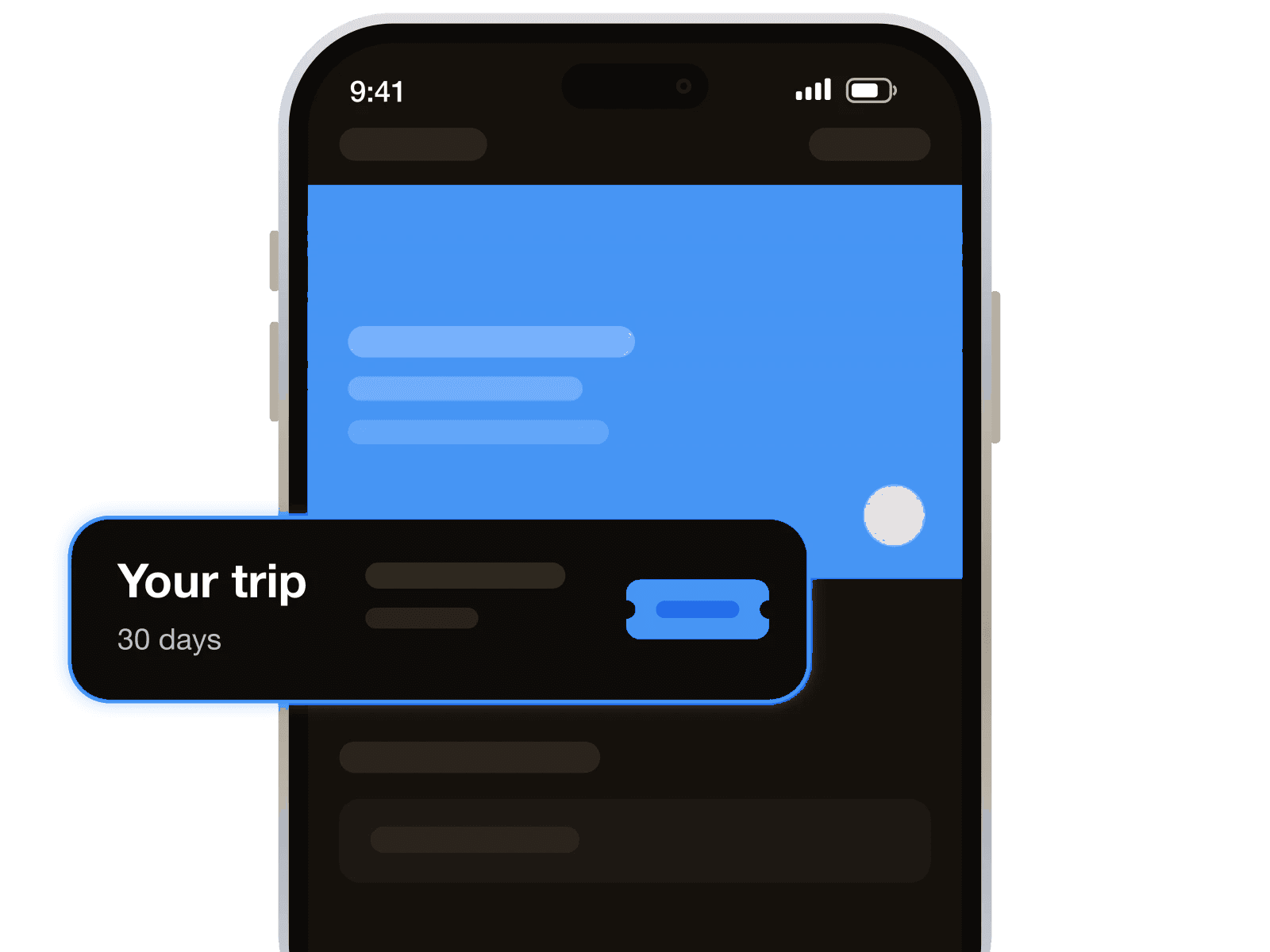
Предоплаченные тарифы на интернет для поездки

Он заменяет роуминг от домашнего оператора, физическую SIM-карту, очередь у стойки и контракт. Вам нужен только телефон с eSIM и без блокировки.
Она оставляет ваш номер в телефоне. Данные идут через eSIM, а звонки, SMS, WhatsApp и коды банка продолжают приходить на вашу SIM.
Южная Корея удобна для поездки между Сеулом, Пусаном и островом Чеджу. Короткий план подходит для города и пересадок, а длинный — для поездки на большее число дней.
Профиль можно поставить до вылета. После прилёта он подключается на месте, и вы выходите в сеть ещё до паспортного контроля.
Чем это не является: телефонным номером. Если нужен местный номер для кодов регистрации или бронирований, добавьте виртуальный номер к тарифу на интернет.
Настройте по Wi-Fi накануне вечером. eSIM спокойно подождёт вашего прилёта.
Фиксированный пакет или пропуск по дням.
Оплатите с баланса — QR-код придёт сразу.
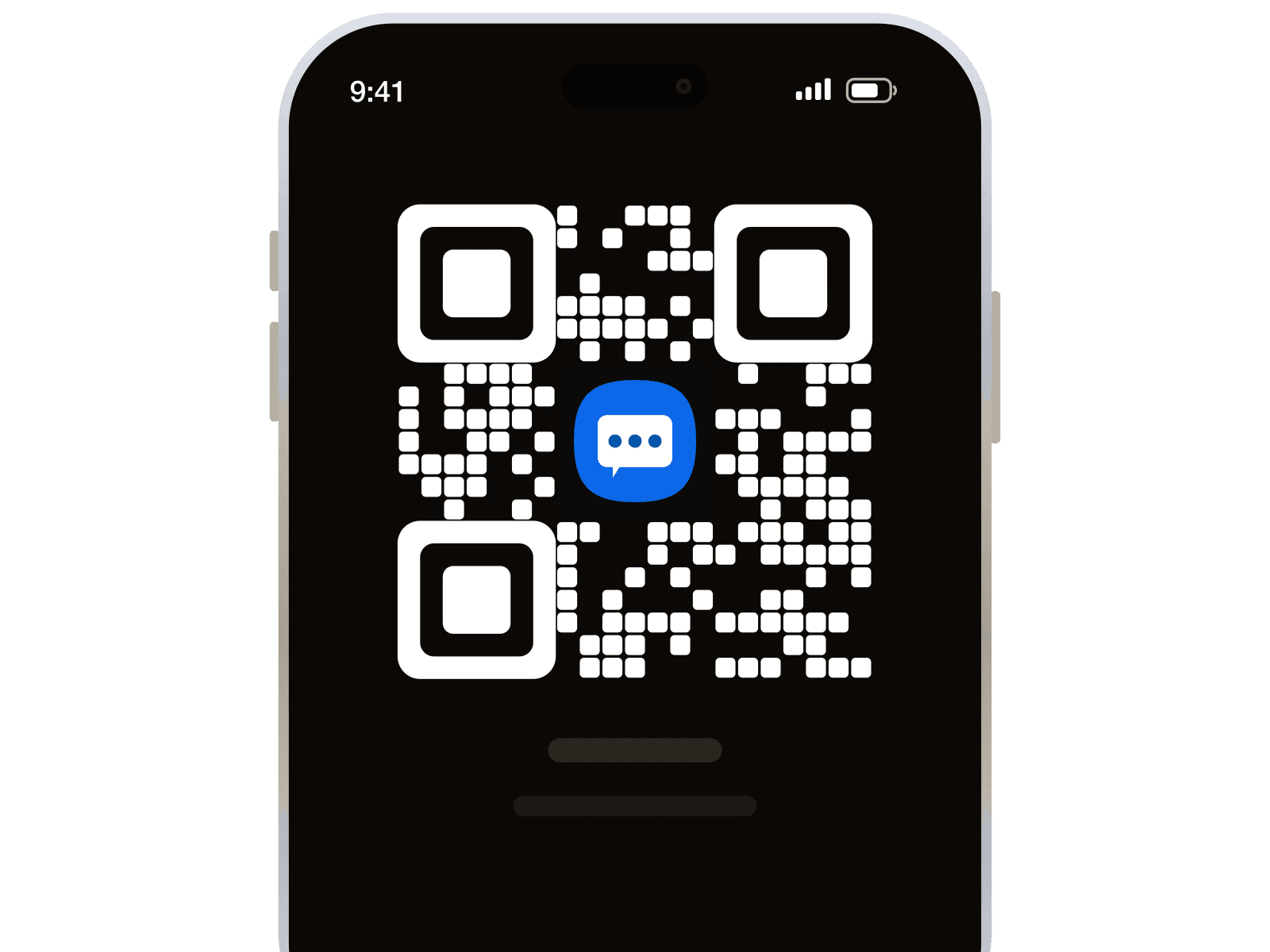
Включите роуминг данных для линии eSIM.
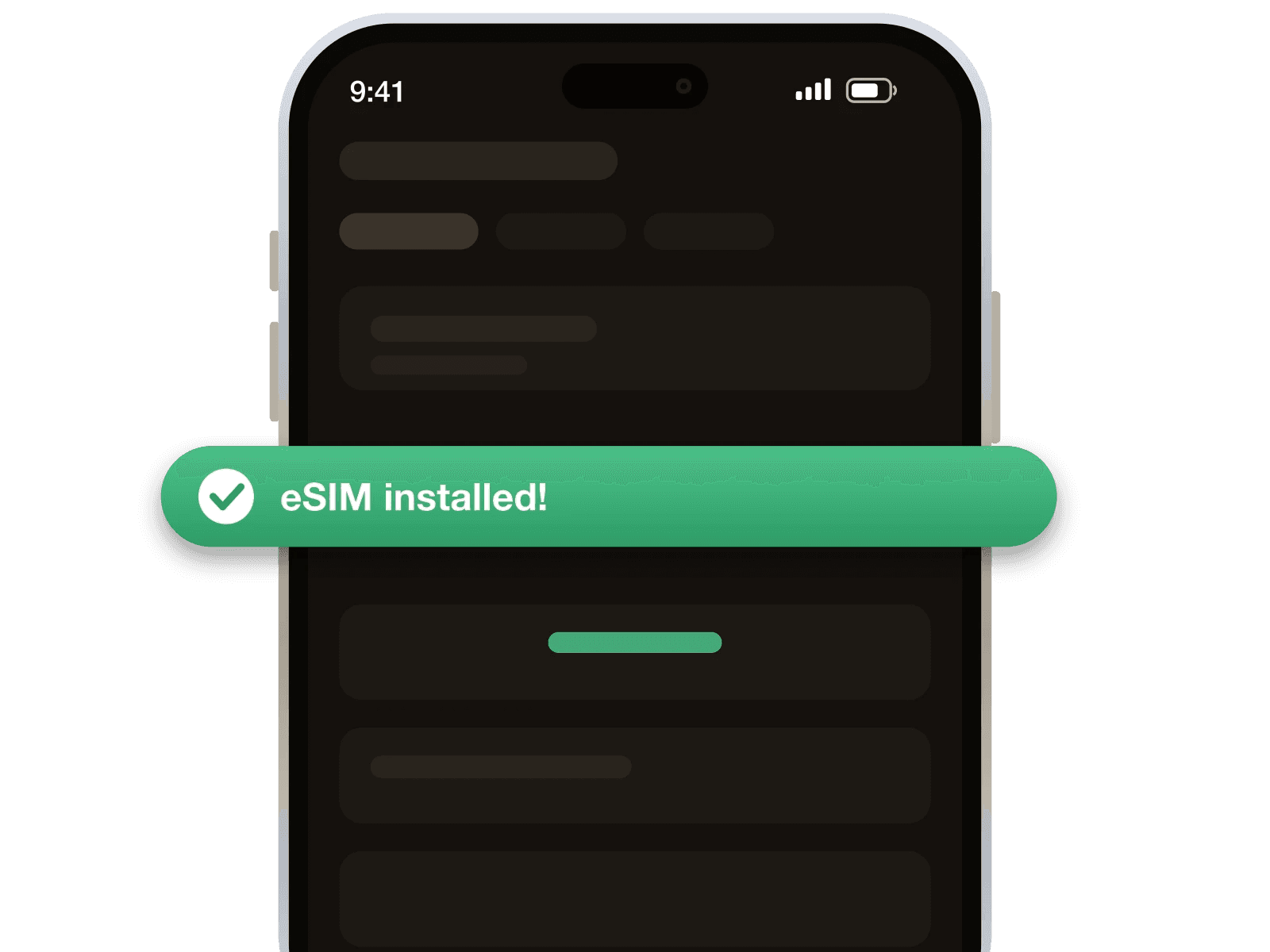
Детали, которые важны, когда вы уже на месте.
Возвраты выполняются по нашей политике оплаты и возвратов. Читать политику

Очень удобный сервис. Столкнулся с болью, то что практически нигде нет нормальных армянских номеров для приема СМС. Где-то изредка встречается, но чтобы получить номер нужно "отстоять" виртуальную очередь. В этом сервисе такого нет, взял пополнил баланс и покупаешь без очередей, мгновенно, то, что тебе нужно.
Вначале были пробеге в с приобретением, но спустя несколько попыток все прошло успешно
Очень неплохой и доступный ресурс. Значительный выбор номеров и стран, но хотелось бы больше актуальных неиспользованных номеров
Если номера нет делают возможным возврат денег,в целом сервис отличный ,есть нюансы но где их нет?)
В общем, не плохой сервис. Однако, рассчитывал на российские номера, которые заявлены, но чуда не случилось. Увы и ах. А так да, всё хорошо.
Нормально. Но быстро вышло из Ватсаппа
Да, если телефон поддерживает eSIM и не заблокирован оператором. Профиль работает в Южной Корее через SKTelecom и LG Uplus.
Да, ваш номер остаётся в телефоне. Эта eSIM даёт только данные, поэтому звонки и SMS идут через вашу SIM.
Да, если ваша обычная SIM остаётся активной в телефоне. Банковские коды приходят на номер, который вы уже используете.
Да, вы можете делиться интернетом с телефона. Это помогает, если у вас ещё есть планшет или второй телефон.
Скорость снизится до скорости, указанной для day pass. Если план закончится, нужен новый план или больше данных.
Да, сначала включите eSIM и передачу данных на телефоне. Если связи нет, перезагрузите телефон и проверьте, что он без блокировки.
Да, если поездка короткая и вы больше пользуетесь картами и мессенджерами. Для долгой поездки лучше взять больший объём или больше дней.
Каждый раз, когда приглашённый вами человек пополняет баланс, 10% попадают на ваш. Не один раз. С каждого пополнения, навсегда.
Получить реферальную ссылкуСоздайте бесплатный аккаунт, выберите тариф и установите eSIM до выезда в аэропорт.
113 444 зарегистрированных участников