
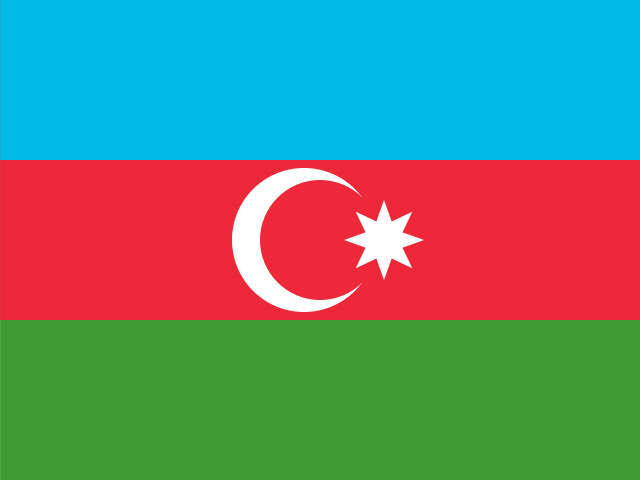

How to Verify Blizzard with an Azerbaijan Number
Verifying a Blizzard account is a crucial step for security, but what if you need to use a number from a specific region like Azerbaijan? Whether for privacy, regional access, or managing multiple accounts, using a temporary virtual number is an effective and secure solution. This guide will walk you through the process, ensuring you can get set up quickly and safely.
Why Use a Virtual Number for Blizzard Verification?
Using a virtual number, also known as a masked number, offers several key advantages over using your personal phone number, especially when dealing with online platforms.
- Enhanced Privacy: Keep your personal contact details private and secure. Using a virtual SIM for verification helps protect your identity and prevents your real number from being exposed to potential spam or data breaches.
- Bypass Regional Locks: Gain access to region-specific games, betas, or promotions on Battle.net by verifying your account with a number from that location.
- Account Management: Easily create and manage multiple Blizzard accounts for different purposes without needing multiple physical SIM cards.
- Instant Access: Get a disposable number instantly without the hassle of contracts or physical hardware. It’s a perfect tool for a one-time OTP receiver.
A Step-by-Step Guide to Receiving Your Blizzard SMS
The process is straightforward and designed to get you verified in minutes. Follow these simple steps to complete your blizzard verification using a temporary number.
- Choose Your Number: Navigate to our platform and select from the available azerbaijan phone numbers. Pick one that is ready for immediate use.
- Enter the Number on Blizzard: Copy the virtual number provided and paste it into the phone number field on the Blizzard account registration or security page.
- Receive the Verification Code: Return to our dashboard. The incoming SMS with the One-Time Password (OTP) from Blizzard will appear there within moments.
- Complete the Process: Enter the OTP on Blizzard's website to finalize the verification. Your account is now secure and ready to use.
Best Practices and Troubleshooting
To ensure a smooth experience, follow these expert tips. We've designed our system to be reliable, but these practices can help you solve common issues quickly.
Pro-Tip: Before you select a number, check its SMS success rate for Blizzard on our platform. Services with a higher success percentage are more likely to deliver your verification code instantly, saving you time and effort.
- Delayed SMS Code: If the code doesn't arrive within a minute, try refreshing the page. If it still doesn't appear, you can release the number and select a different one to attempt the verification again.
- Number Not Supported: In the rare case that Blizzard flags a number, simply choose another from our extensive list. Our inventory is constantly updated to ensure compatibility.
- One-Time Use: Remember that these numbers are intended for one-time verification. Do not use them for account recovery unless you plan to retain access to the number. This is a key aspect of identity protection and using a masked number properly.