Meet Lika, the new AI assistant on 1001SMS
Ask about prices, numbers, eSIMs or your own account, in your own words, and get an answer in seconds. What Lika can do, what it can't, and how to start a chat.
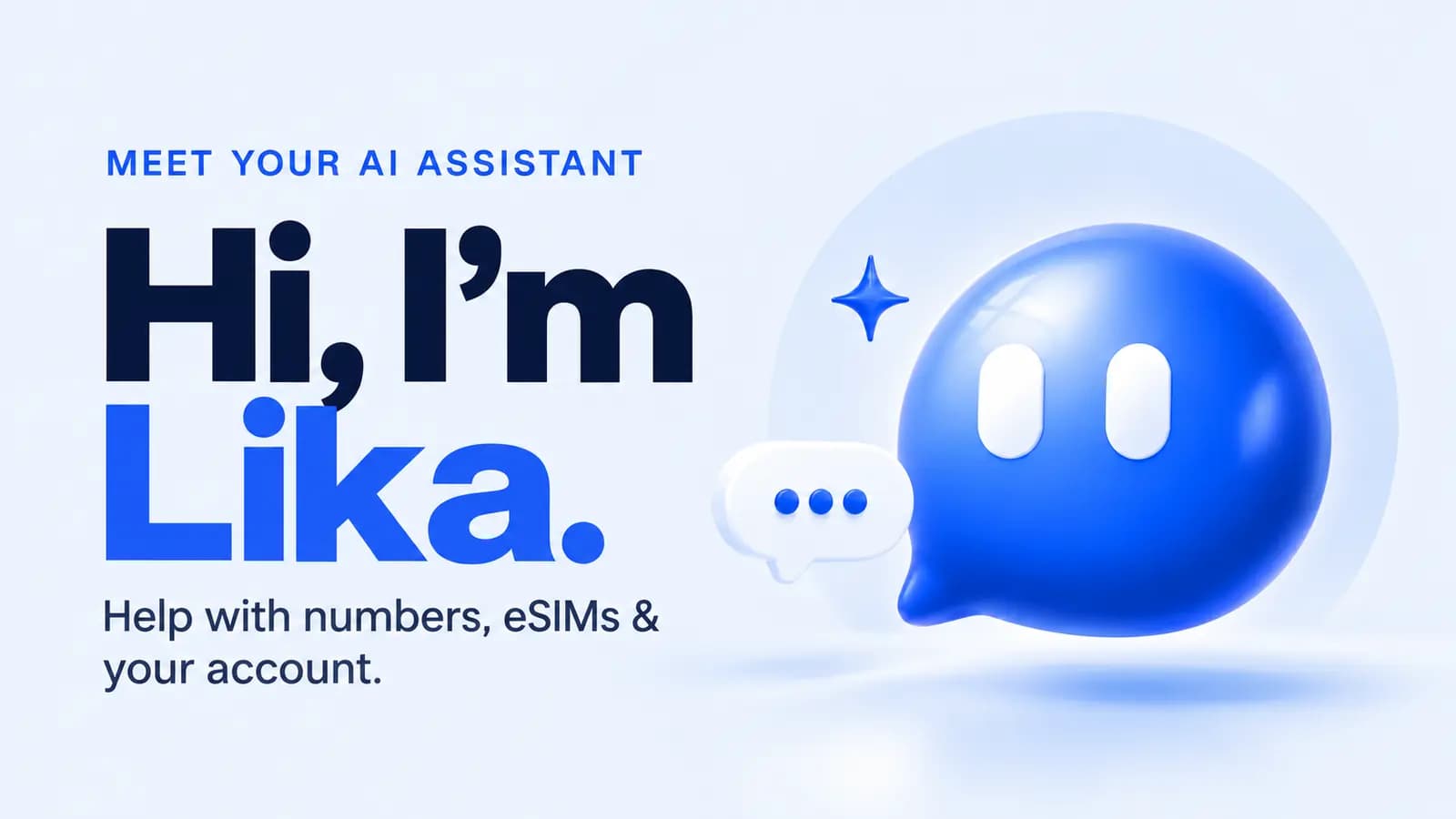
There's a new face in the corner of 1001SMS. The little blue chat bubble with eyes, at the bottom right of every page, is Lika, our AI assistant. Tap it, ask a question in your own words, and you get an answer in a few seconds.
We built Lika because most questions we get are the same handful. How much is a number? Which kind should I buy? Did my payment arrive? How do refunds work? You shouldn't have to wait for a person to answer those, and now you don't.
What you can ask
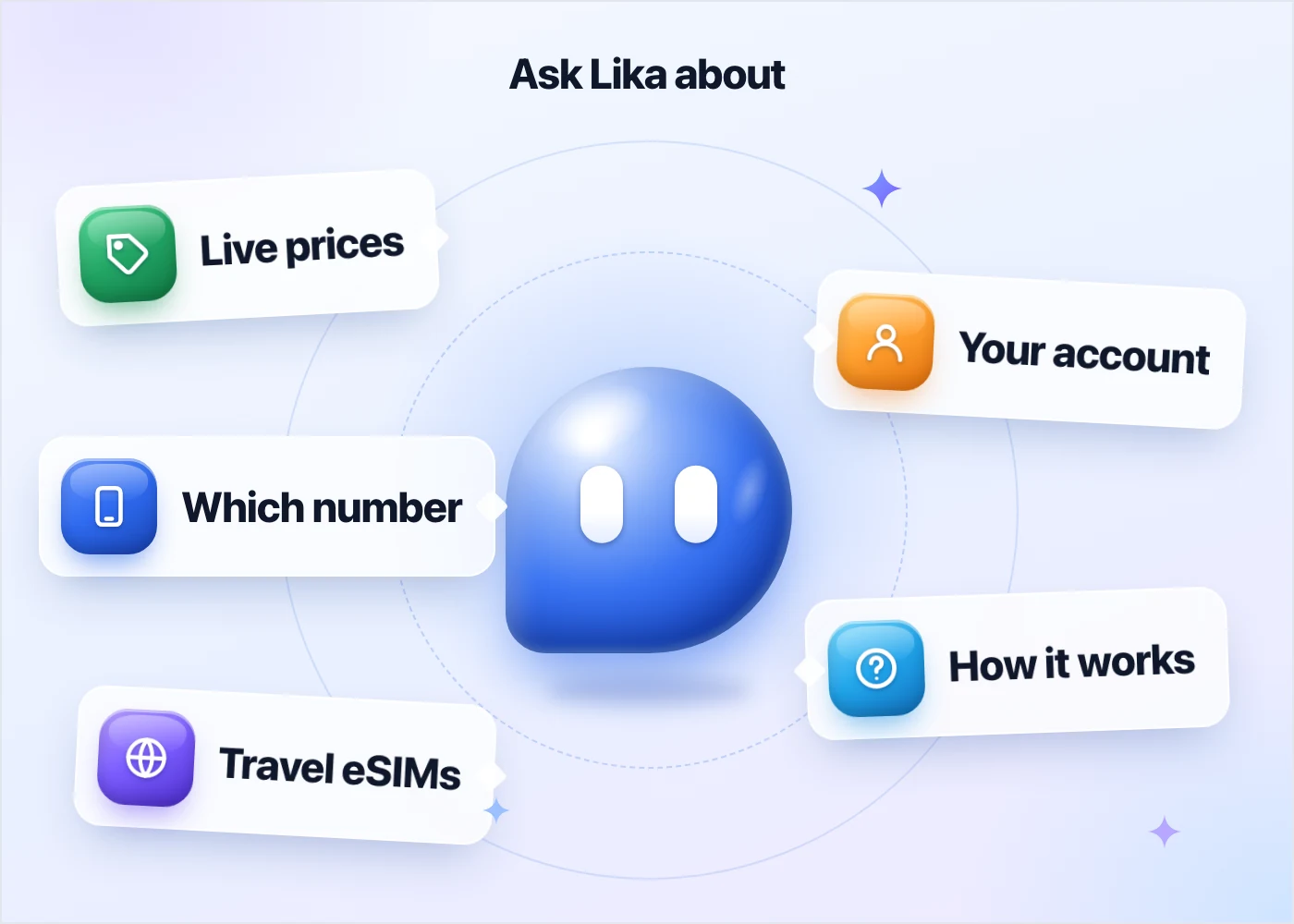
Prices, right now. Ask "How much is a UK number for WhatsApp?" and Lika checks the live prices, the same ones the site shows at that moment. You get a short table with every option and a Buy link on each row.
Which number to pick. Not sure whether you need a temporary number or a virtual one? Tell Lika what you're signing up for. If you'll ever need to log in again, a virtual number is the safer choice: it stays yours and keeps receiving codes. For one code and done, a temporary number is cheaper.
Travel eSIMs. Say where you're going, and Lika lists the plans for that place: unlimited plans with each number of days, then the fixed data plans.
How to pay. Lika tells you which top-up methods work in your country, with any fee, before you pay.
Your own account. When you're signed in, you can ask "What's my balance?", "Did my last payment arrive?" or "When does my number run out?". Lika reads your balance, numbers, eSIMs, top-ups and transactions. Only yours: it works from the account you're signed in with, and nothing you type can make it open someone else's.
How things work. Renewing a number, installing an eSIM, the refund rules, the API: Lika searches our help center and this blog, and answers from what they say.
From a question to checkout
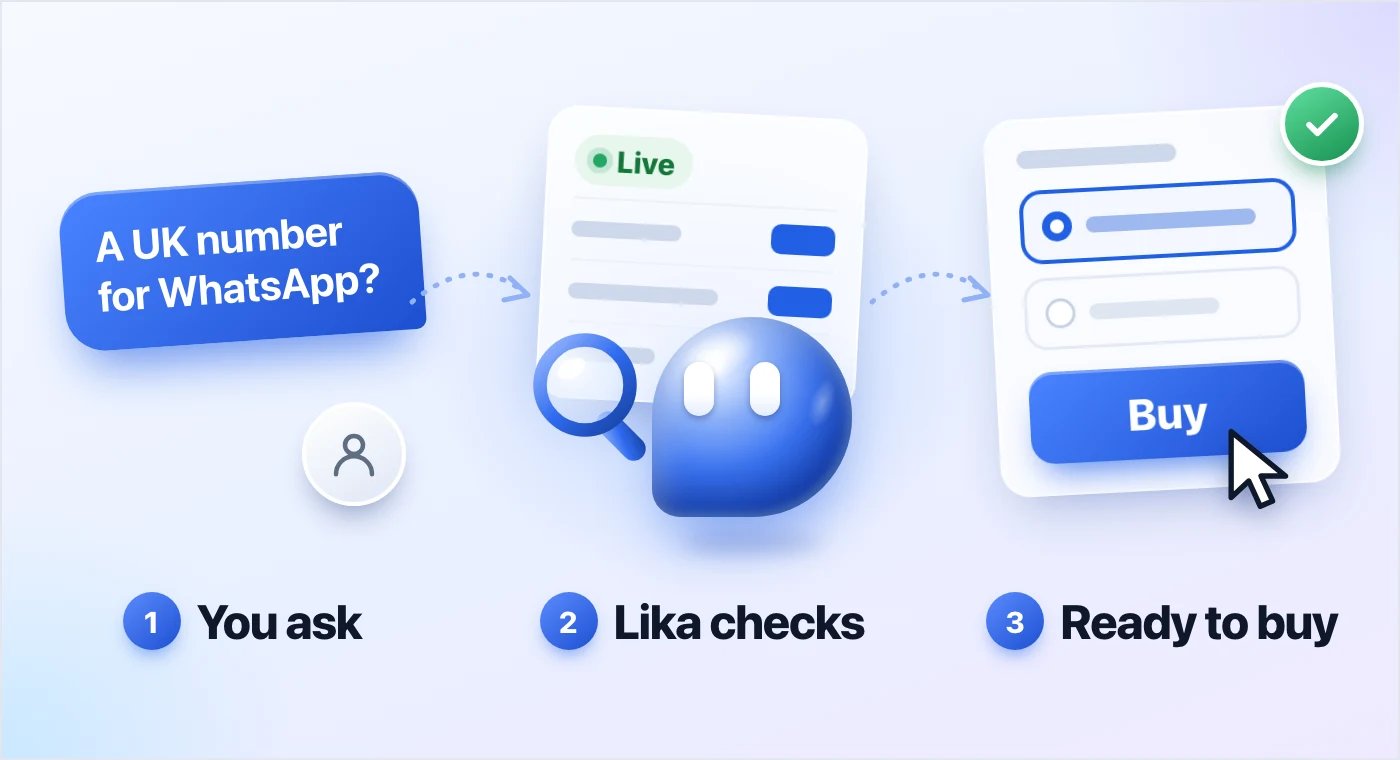
Every price in Lika's answers comes with a Buy link. For a virtual number or an eSIM, the link opens checkout with that exact option already picked, and you can pay right there, even with an empty balance. For a temporary number, it opens the purchase card with the app, the country and the operator already chosen. You just press the button.
Lika will point out, say, the term with the lowest price per day. It won't push you, though. No made-up deadlines, no "only 2 left", no fake discounts. If the answer is no, that's fine too.
Lika reads. You decide.
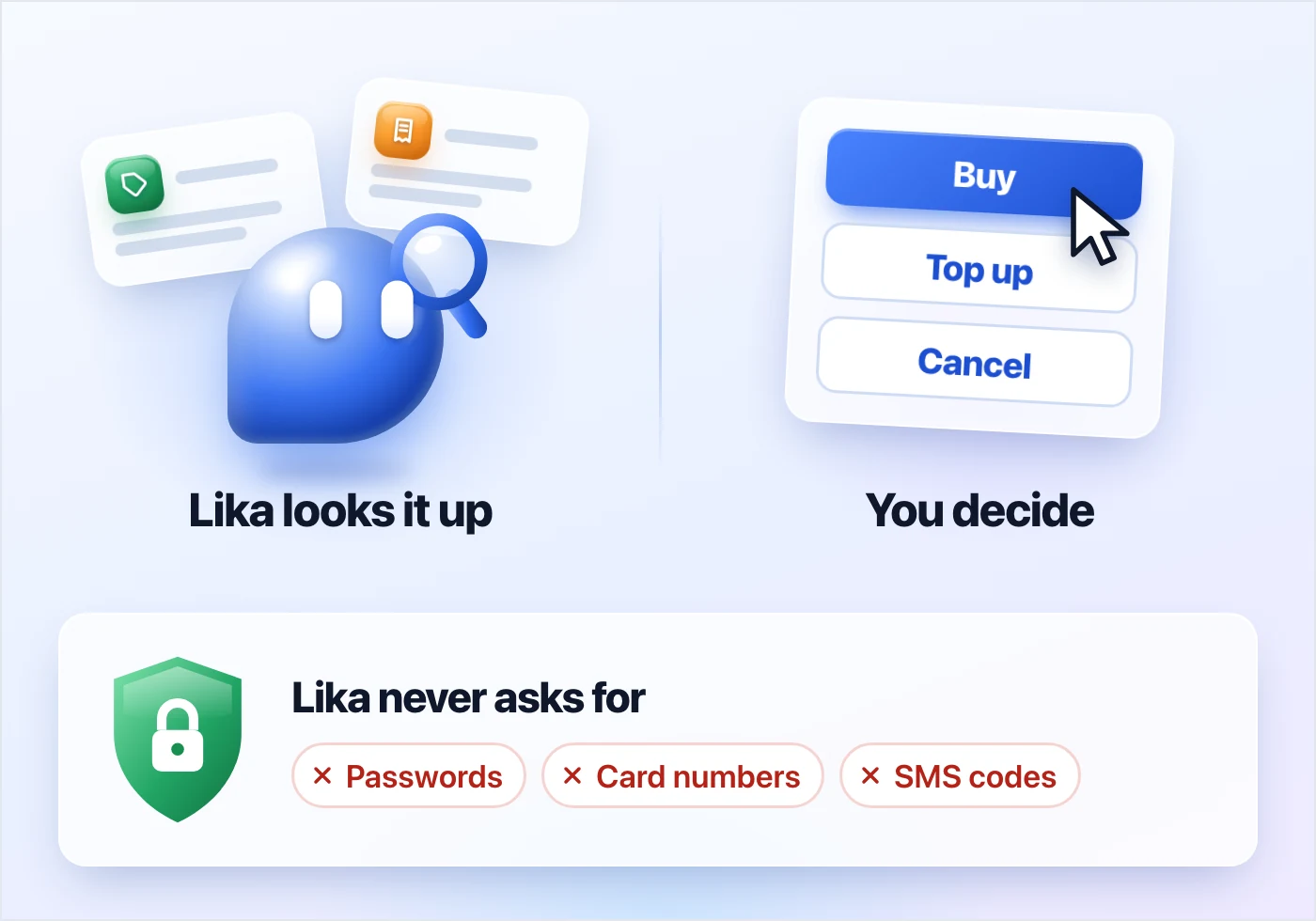
Lika can look things up, but it can't change anything. It can't buy, cancel, top up or refund. Those buttons stay on the site's pages, and Lika tells you where to find them.
A few more things worth knowing:
- Lika never asks for your password, your card number or a verification code. It can't even see your SMS codes: they're in your account menu, and they stay there. If anyone ever asks you for a code, from us or anyone else, it's a scam. The US Federal Trade Commission puts it plainly: "Anyone who asks you for your account verification code is a scammer."
- Lika won't promise money. No refunds, discounts or compensation from the chat. Questions like those go to a person.
- AI can make mistakes. It says so right under the chat box. Lika takes prices from the live site rather than from memory, but if something looks off, check the page or ask us.
Asking for your money back
Topped up by card or bank and haven't spent any of it? You can ask for that money back from the chat. Tell Lika you'd like a refund. It checks your top-ups, and each one that qualifies gets a "Request refund" button. You press the button, and a person from our team reviews the request.
The rules are the ones in our payment and refund policy. The money goes back to your card or bank only for a card or bank top-up with nothing bought since, and the policy asks you to request it within 48 hours. Crypto payments can't be reversed, so they stay on your balance. If a top-up doesn't qualify, Lika tells you why, but it can't make an exception.
A temporary number that never got its SMS is a different story: you don't need to ask. Cancel it on its page and the money is back on your balance at once.
When you'd rather talk to a person
Just say so. Ask for a person and Lika shows our support card straight away, with our Telegram chat and the contact form. You'll get the same card when Lika isn't sure of an answer, or when the question is about a payment that never reached your balance, a dispute or compensation. People handle those.
Any language, any page
Write in English, Russian, Chinese or your own language, and Lika answers in the language you wrote in.
Lika also knows which page you're on. Ask "How much is a WhatsApp number?" on the Turkey page, and the answer is about Turkish numbers without you having to say so.
Your chat is kept in your browser, so it's still there when you open another page. "New chat" at the top starts over.
Try it
Open Lika from the blue bubble at the bottom right of any page. Not sure where to start? These are good first questions:
- How much is a WhatsApp number?
- Can I keep a number for months?
- Do you have eSIMs for travel?
- Did my last payment arrive?
Ask the way you'd ask a friend who works here. That's what Lika is for.
Sources:
- Federal Trade Commission: What's a verification code and why would someone ask me for it? (https://consumer.ftc.gov/consumer-alerts/2024/03/whats-verification-code-why-would-someone-ask-me-it)
- 1001SMS: Payment & Refund Policy (https://www.1001sms.com/payment-and-refund-policy)