

South Korean Temp Number for Apple to Receive SMS

Get your private South Korean number for Apple verification. Receive your OTP instantly and securely. Fast, reliable, and easy to use.

+82
dial code

How to Use Republic of Korea Apple Numbers

Get started with Republic of Korea Apple SMS verification

Three steps · about a minute
1

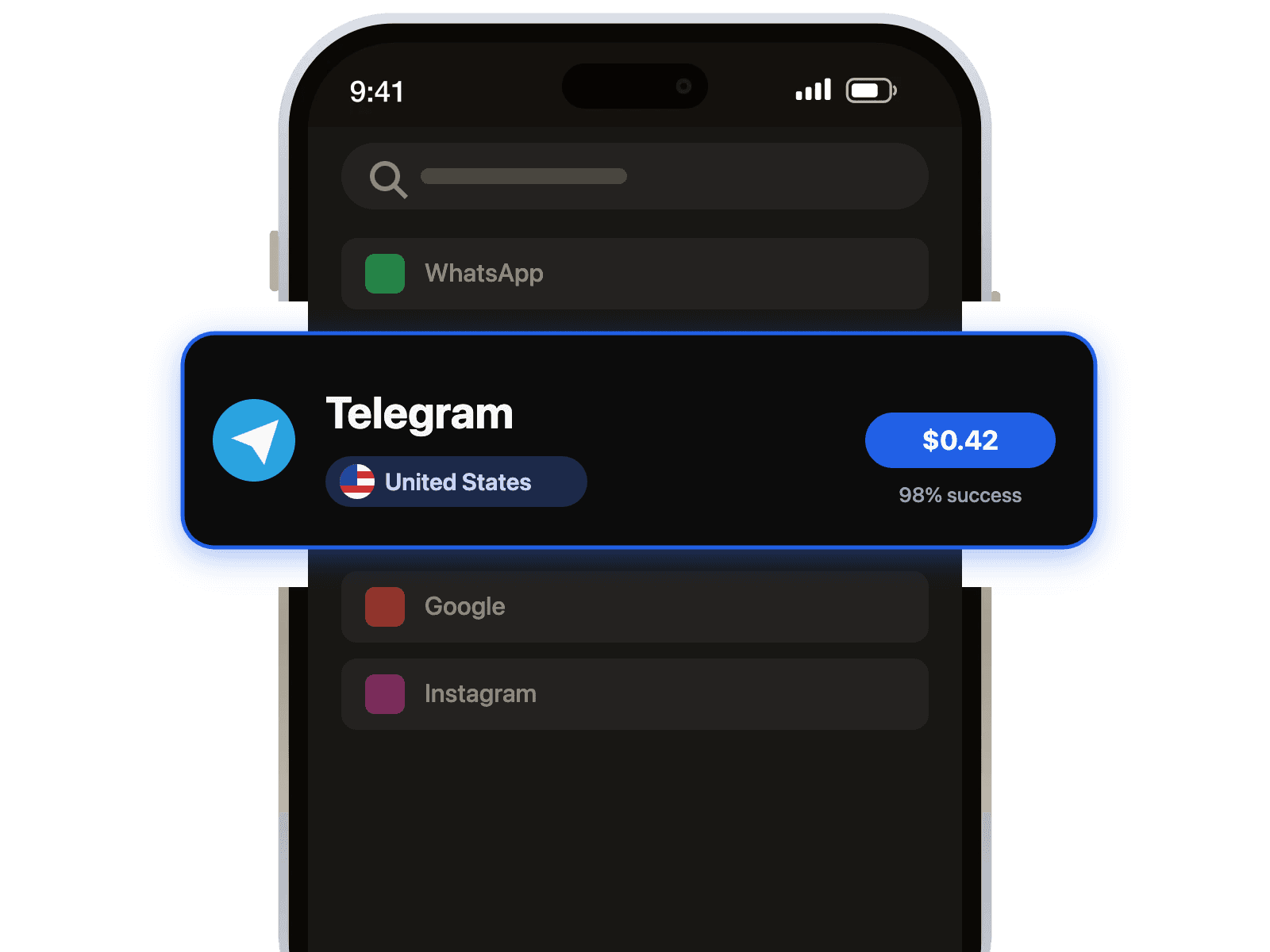
Select Country and Service

Choose `Republic of Korea` from the country list and `Apple` from the service list.

2

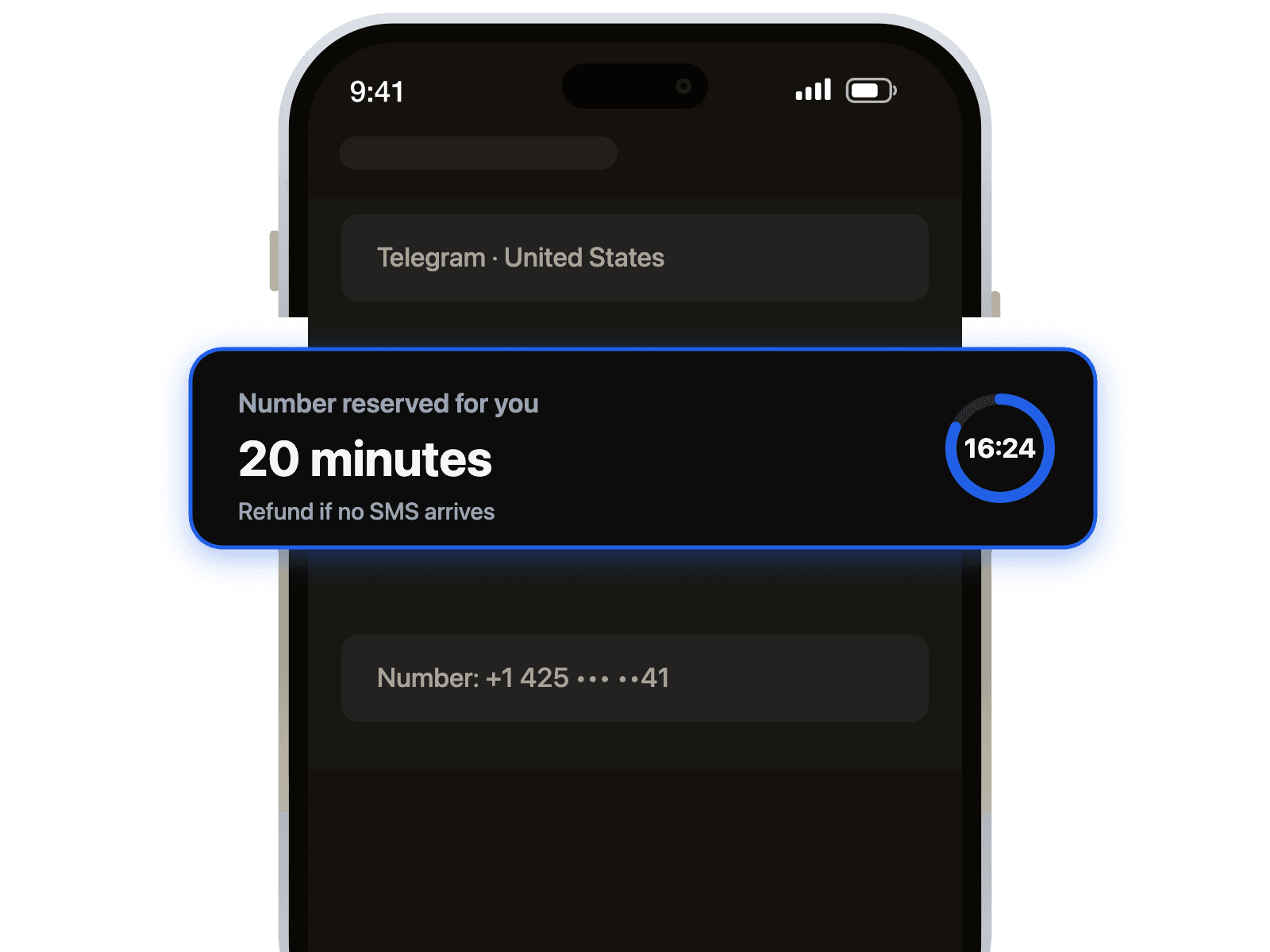
Get Your Number

Our system will instantly provide you with a private `Republic of Korea` number to use for `Apple`.

3

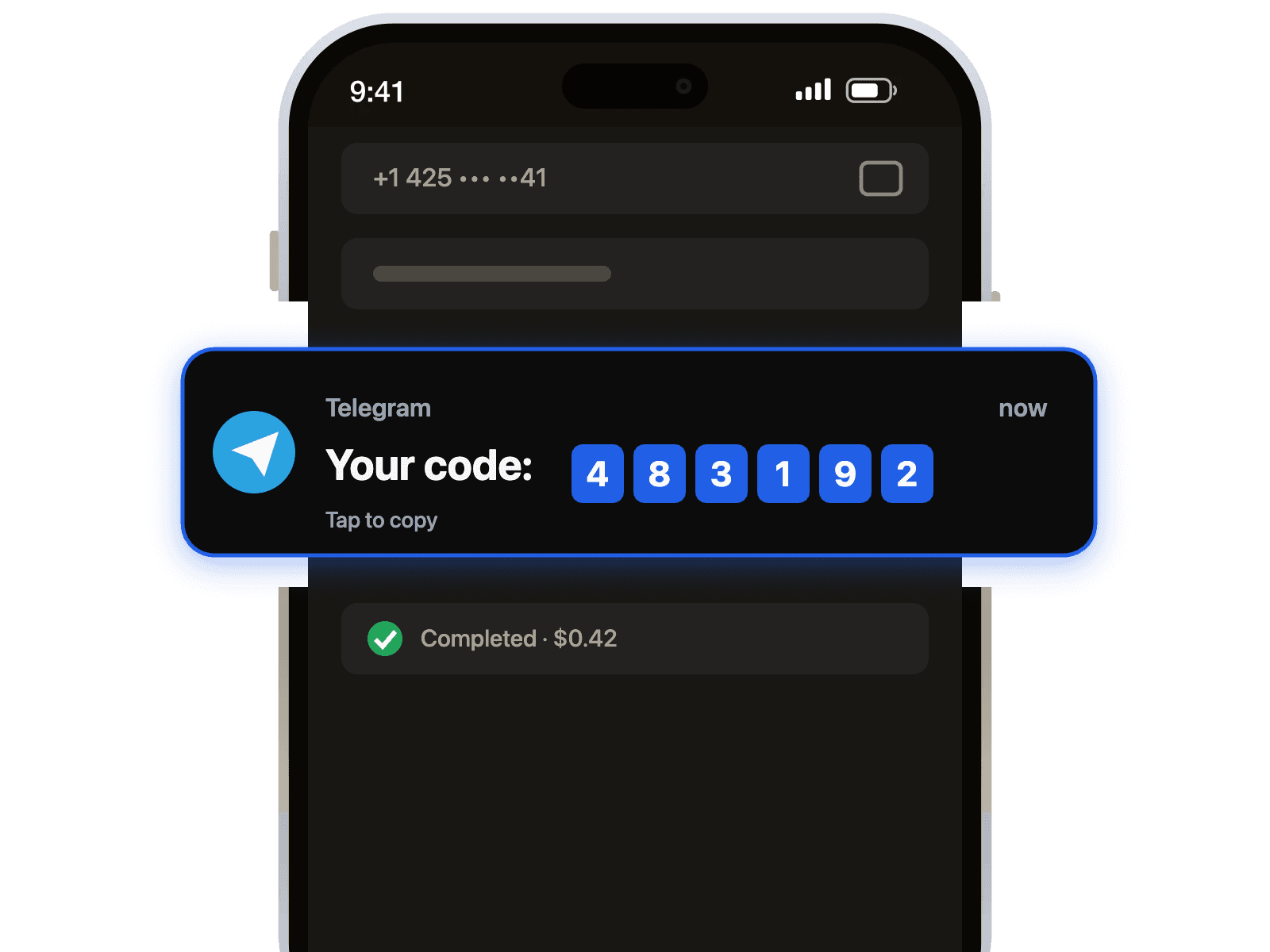
Receive Your Verification Code

Enter the number on `Apple` and your verification code will appear on your 1001SMS dashboard instantly.

Why 1001SMS for South Korea Apple

  • Unlock Korean App Store

    Instantly verify your Apple ID to access exclusive apps, games, and media only available in the Republic of Korea.

  • Secure & Private Apple ID

    Create your Republic of Korea Apple account without linking your personal phone number, keeping your identity secure.

  • Instant Verification Code

    Receive your Apple SMS code in seconds with our reliable Republic of Korea numbers for a fast and easy setup.

Apple in South Korea: Helpful stats

· Last 7 days
Updated 15:09 UTC

Other services in South Korea, Apple in other countries and top combinations.

Republic of Korea Temp Number for Apple for Secure SMS Verification

Why Use a Temporary Korean Number for Apple?

When creating or verifying an Apple ID for the Republic of Korea region, a local phone number is often required. Using a temporary virtual number allows you to receive the necessary SMS verification codes without exposing your personal phone number, ensuring your privacy and security while accessing region-specific apps and services.

Enhance Your Digital Privacy

Sharing your primary phone number online can lead to unwanted marketing calls and messages. A temporary Korean number acts as a secure buffer between your personal information and online services. Use it exclusively for Apple verification to keep your real number confidential and your digital footprint clean.

Seamless and Instant SMS Reception

Our service simplifies the verification process. Simply select a Republic of Korea temporary number from our list, enter it into your Apple ID setup or verification prompt, and the SMS code will appear on our platform almost instantly. There's no need for a physical SIM card or a long-term contract.

Key Advantages of Our Service

  • Immediate Access: Get a functional Korean number and receive SMS within seconds.
  • Complete Anonymity: No registration or personal information is required to use our numbers.
  • Reliable for Apple: Our numbers are tested to ensure compatibility with Apple's verification systems.
  • Free and Convenient: A straightforward solution for one-time verification needs without any cost.

Common Uses for a Temporary Number

This service is ideal for a variety of situations. Use a temporary Korean number to create a new Apple ID for the Korean App Store, verify an existing account, secure your iMessage and FaceTime setup, or test app features that require SMS confirmation, all while protecting your identity.


Popular Use Cases

Discover how South Korea Apple verification can help you

  • Access the Korean App Store

  • Developer Account for App Testing

  • Create a Private, Region-Specific Apple ID

  • Secure In-App Purchases

Frequently Asked Questions

Short answers. Longer ones in the Help Center.

Our South Korea temporary numbers provide instant SMS verification for Apple services. Codes are typically received within 5-60 seconds. We use high-quality, real SIM card numbers, not virtual ones, which ensures a very high success rate and reliability for creating or verifying a South Korea Apple ID. This direct-from-carrier approach minimizes delays and avoids common blocks associated with lower-quality services, making your registration process smooth and efficient.

Still have questions?

Explore our complete FAQ section for more detailed answers

Visit FAQ

Ready to Get Started?

Start using Republic of Korea Apple numbers today