
Indian Temp Number for Microsoft to Receive SMS

Get a private Indian temporary number for Microsoft OTP verification. Receive your SMS instantly and securely without using your real phone number.

+91
dial code

How to Use Republic of India Microsoft Numbers

Get started with Republic of India Microsoft SMS verification

Three steps · about a minute
1

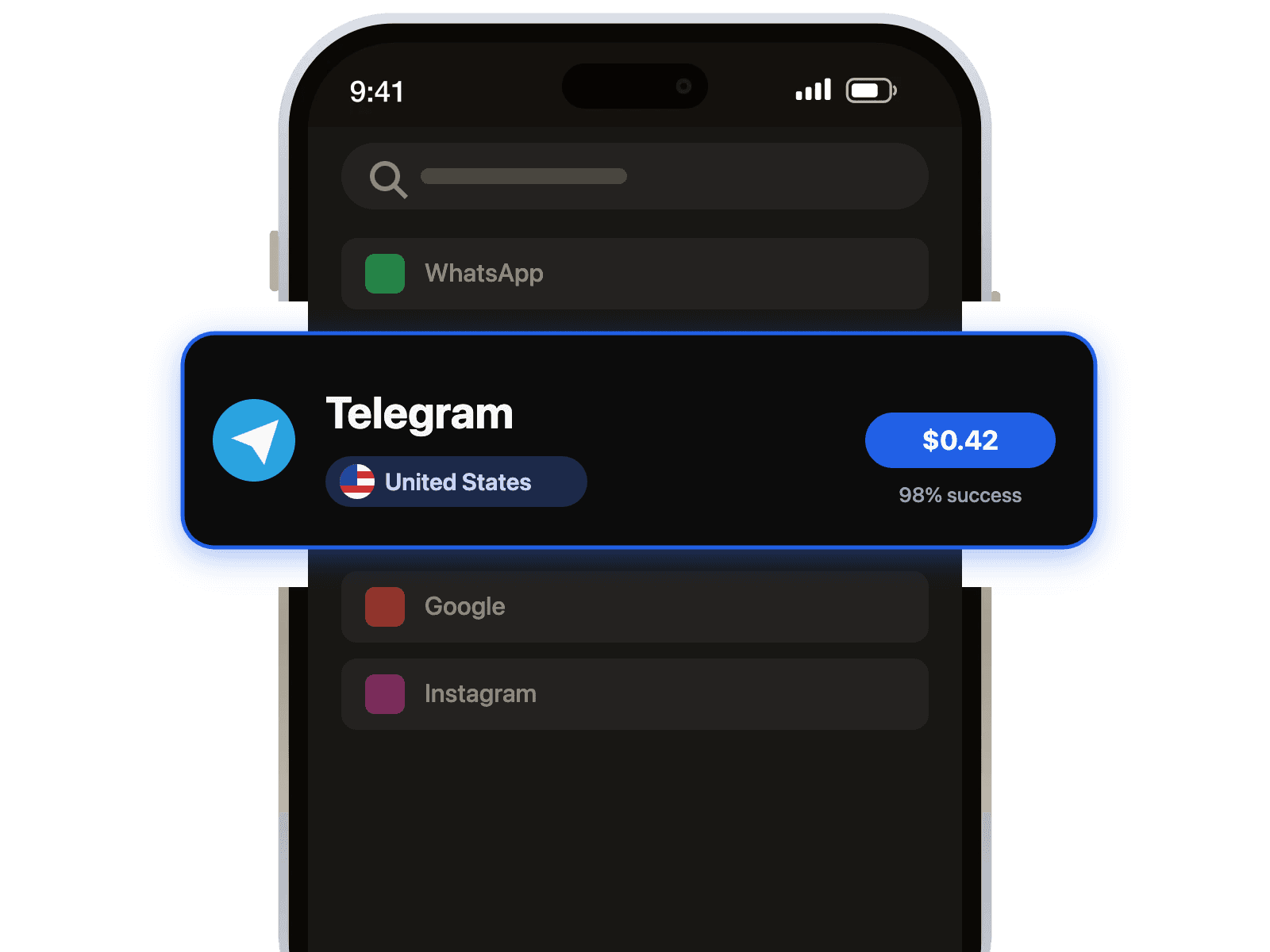
Select Country and Service

Choose Republic of India from the country list and Microsoft from the service list.

2

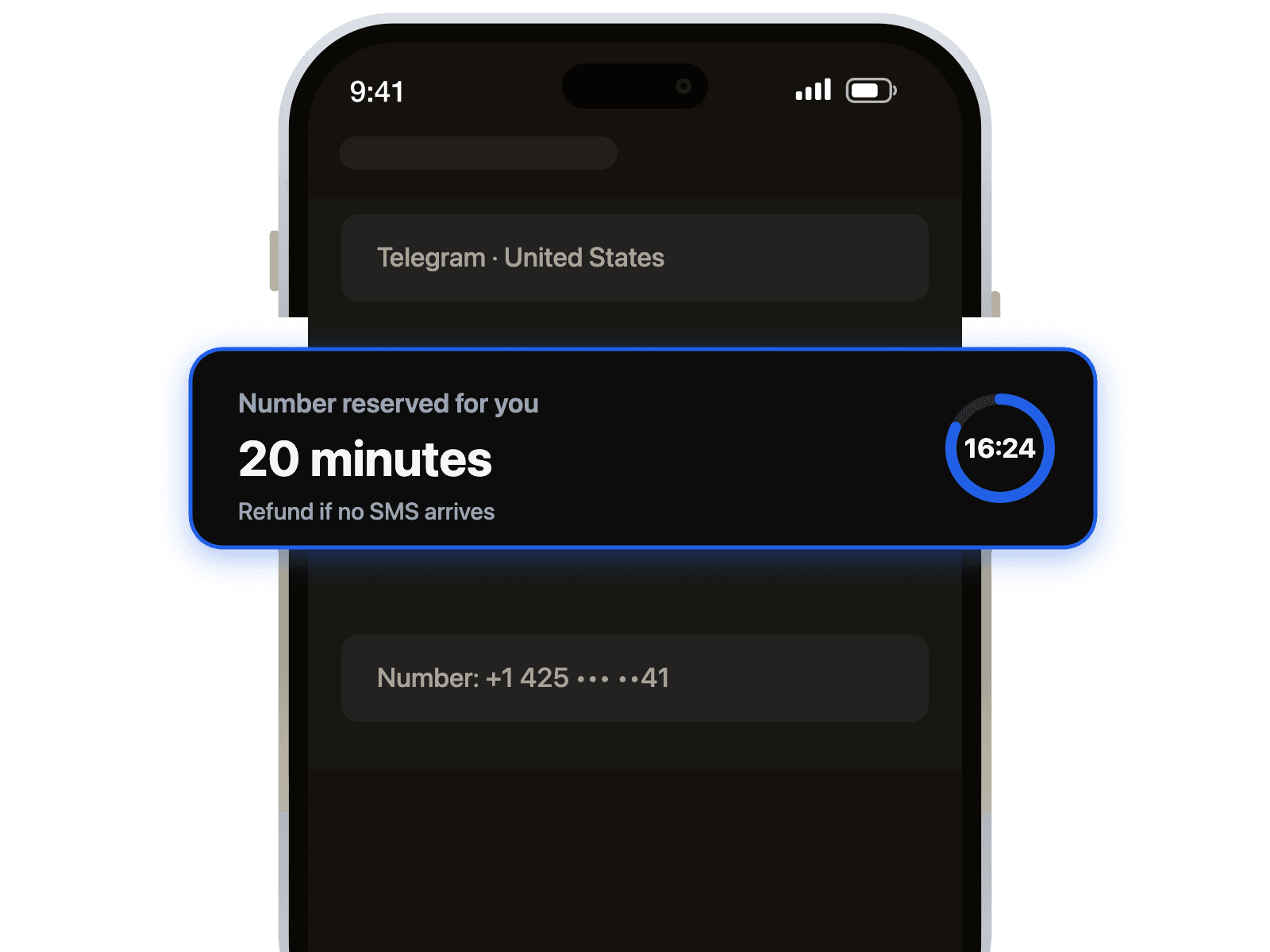
Get Your Temporary Number

Our system will instantly provide you with a private Republic of India number to use for Microsoft.

3

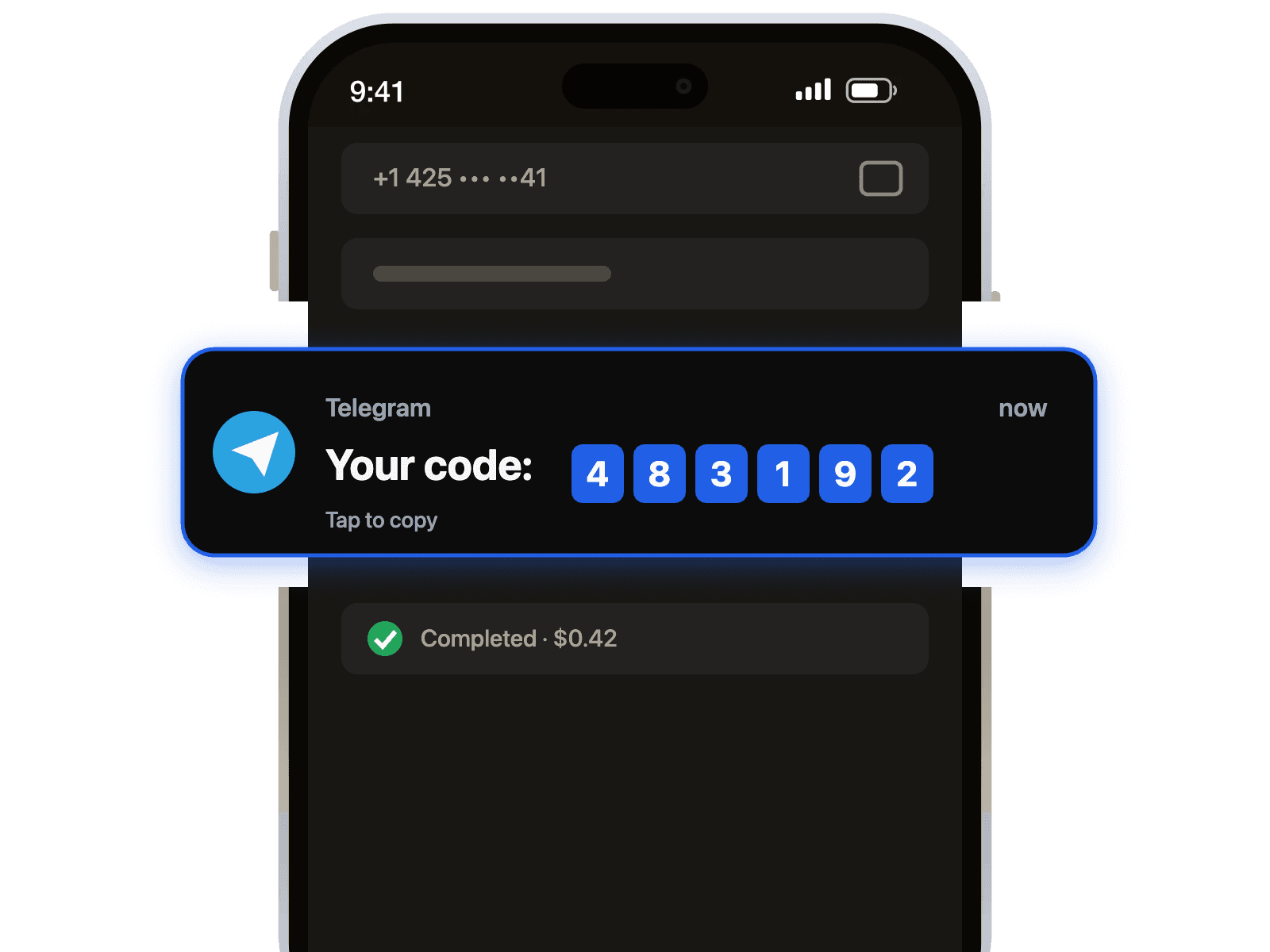
Receive Your Code

Enter the number on Microsoft and your verification code will appear on your 1001SMS dashboard instantly.

Why 1001SMS for India Microsoft

  • Instant Microsoft Activation

    Receive your Microsoft verification code immediately with our reliable Republic of India numbers for a seamless account setup.

  • Protect Your Privacy

    Keep your personal phone number secure from Microsoft and third parties by using a dedicated Indian number for verification.

  • Unlock Regional Access

    Access Microsoft services and features exclusive to the Republic of India by verifying your account with a genuine local number.

Republic of India Temp Number for Microsoft: A Guide to Secure SMS Verification

Protect Your Privacy with a Temporary Number

When signing up for or verifying a Microsoft account, using your personal phone number can expose you to unwanted marketing calls and link your identity to the account. A temporary virtual phone number from the Republic of India provides a secure and private layer, allowing you to receive essential SMS verification codes without revealing your primary contact details.

Benefits of Using an India Virtual Number

Our service offers a seamless solution for your verification needs. By choosing a temporary number based in the Republic of India, you gain several key advantages for interacting with Microsoft's global services.

  • Instant Access: Get a working phone number immediately without any hardware or long-term contracts.
  • Enhanced Security: Keep your personal number safe from data breaches and spam lists.
  • Reliable Delivery: Our numbers are optimized to receive SMS codes from major platforms like Microsoft quickly.
  • Complete Anonymity: Verify your accounts without creating a link to your real-world identity.

How to Receive Microsoft SMS Codes

The process is straightforward and designed for speed. Simply follow these steps to verify your Microsoft account in minutes:

  1. Choose a Republic of India virtual number from our available list.
  2. Copy the number and enter it into the Microsoft sign-up or verification form.
  3. Return to our website to view the incoming SMS verification code in real-time.
  4. Enter the code on the Microsoft page to complete the process securely.

Ideal for All Microsoft Platforms

Whether you are a business professional, a developer, or a casual user, a temporary number is the perfect tool for managing your digital identity across the entire Microsoft ecosystem. Use it for services such as:

  • Microsoft 365 and Office applications
  • Outlook and Hotmail email accounts
  • Microsoft Azure and developer services
  • Xbox and gaming profiles
  • Account password recovery and security updates

Popular Use Cases

Discover how India Microsoft verification can help you

  • Unlock Regional Pricing on Microsoft 365 & Azure

  • Create a Private Business Account

  • Test Applications for the Indian Market

  • Maintain Anonymity for Xbox Gaming

Frequently Asked Questions

Short answers. Longer ones in the Help Center.

Our premium India temporary numbers offer excellent reliability for Microsoft SMS verification, with codes typically arriving in under 60 seconds. We use high-quality, real SIM-based numbers to ensure a high success rate specifically for the India Microsoft platform. This minimizes issues with blocked or previously used numbers. Our system is designed for speed, ensuring you can complete your verification process without unnecessary delays and get immediate access to your Microsoft account.

Still have questions?

Explore our complete FAQ section for more detailed answers

Visit FAQ

Ready to Get Started?

Start using Republic of India Microsoft numbers today
