


Бесшовная верификация Gameflip: Ваше руководство по использованию виртуального номера
Регистрация в Gameflip требует верификации по телефону, но делиться своим личным номером не всегда удобно. Независимо от того, беспокоитесь ли вы о конфиденциальности, хотите избежать спама или создаете отдельный аккаунт для своих игровых сделок, временный виртуальный номер — идеальное решение. Это руководство объясняет, как быстро и безопасно обойти SMS-верификацию, позволяя вам приступить к действию, не раскрывая свою личность.
Зачем использовать временный номер для Gameflip?
Использование виртуальной SIM-карты для Gameflip предлагает несколько ключевых преимуществ по сравнению с вашим личным номером телефона. Это не просто получение одноразового пароля (OTP); это умное и безопасное управление аккаунтом.
- Защитите свою конфиденциальность: Сохраняйте свой реальный номер телефона в полной тайне и вне списков сторонних маркетинговых компаний. Маскированный номер служит щитом для вашей личной информации.
- Предотвратите нежелательный спам: Привязка личного номера к онлайн-сервисам часто приводит к потоку спам-звонков и сообщений. Временный номер является одноразовым, поэтому вам никогда не придется беспокоиться о будущих нежелательных сообщениях.
- Глобальный доступ и поддержка нескольких аккаунтов: Зарегистрируйте свой аккаунт Gameflip из любой точки мира. Если вам нужно несколько аккаунтов для различных игровых целей, наш сервис позволяет легко верифицировать каждый из них с помощью уникального номера, например, из нашего ассортимента телефонных номеров США.
- Повышенная безопасность: Не используя свой основной номер, вы добавляете уровень разделения между вашей игровой личностью и вашей реальной личностью, защищая вас от потенциальных рисков безопасности.
Как мгновенно получить код верификации Gameflip
Наша платформа разработана для скорости и простоты. Вы можете получить свой код верификации менее чем за две минуты, выполнив следующие шаги:
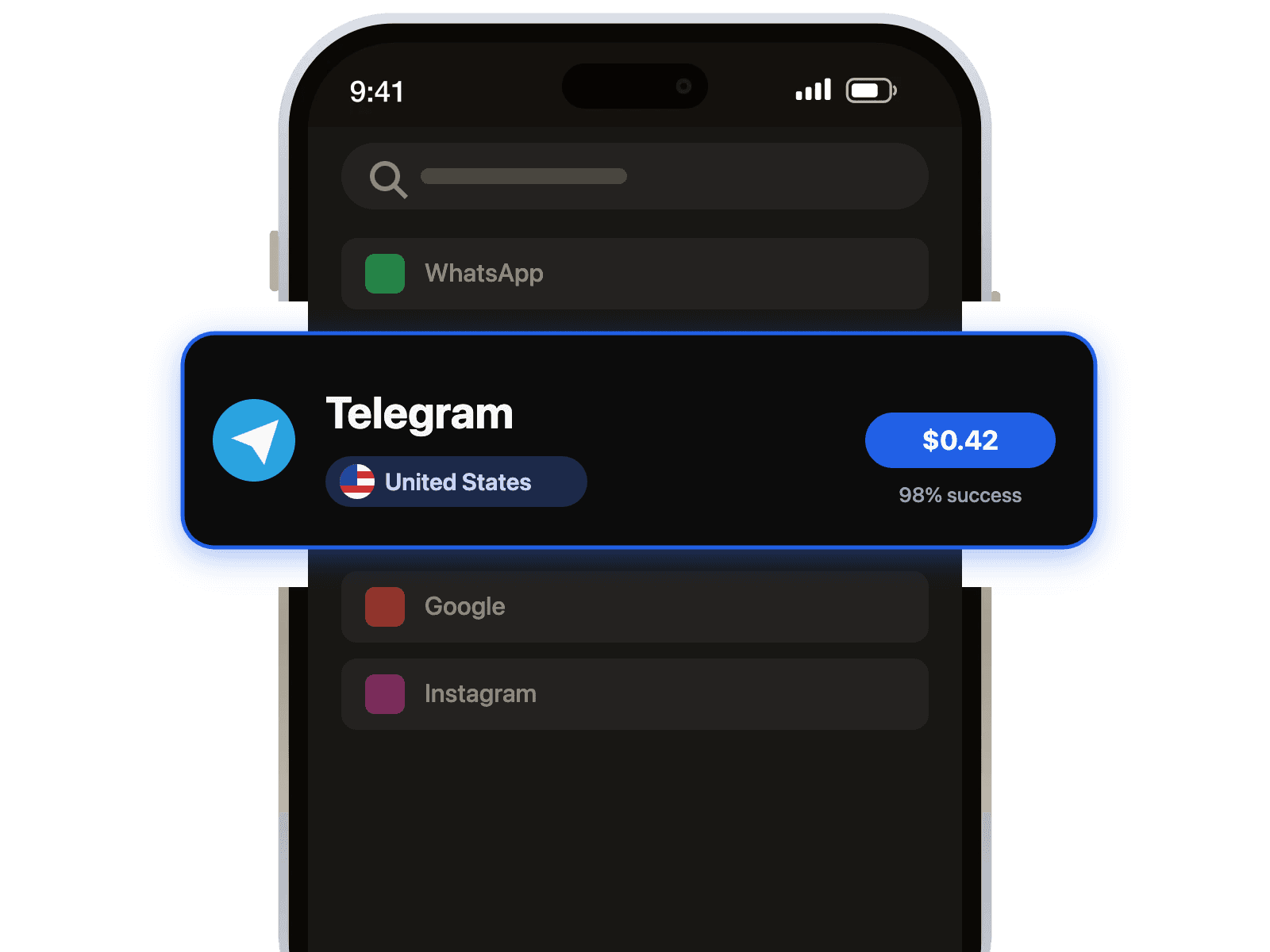
- Выберите услугу и страну: Выберите Gameflip из нашего списка услуг и выберите страну для вашего нового номера. Мы предлагаем широкий спектр опций для обеспечения высокой успешности.
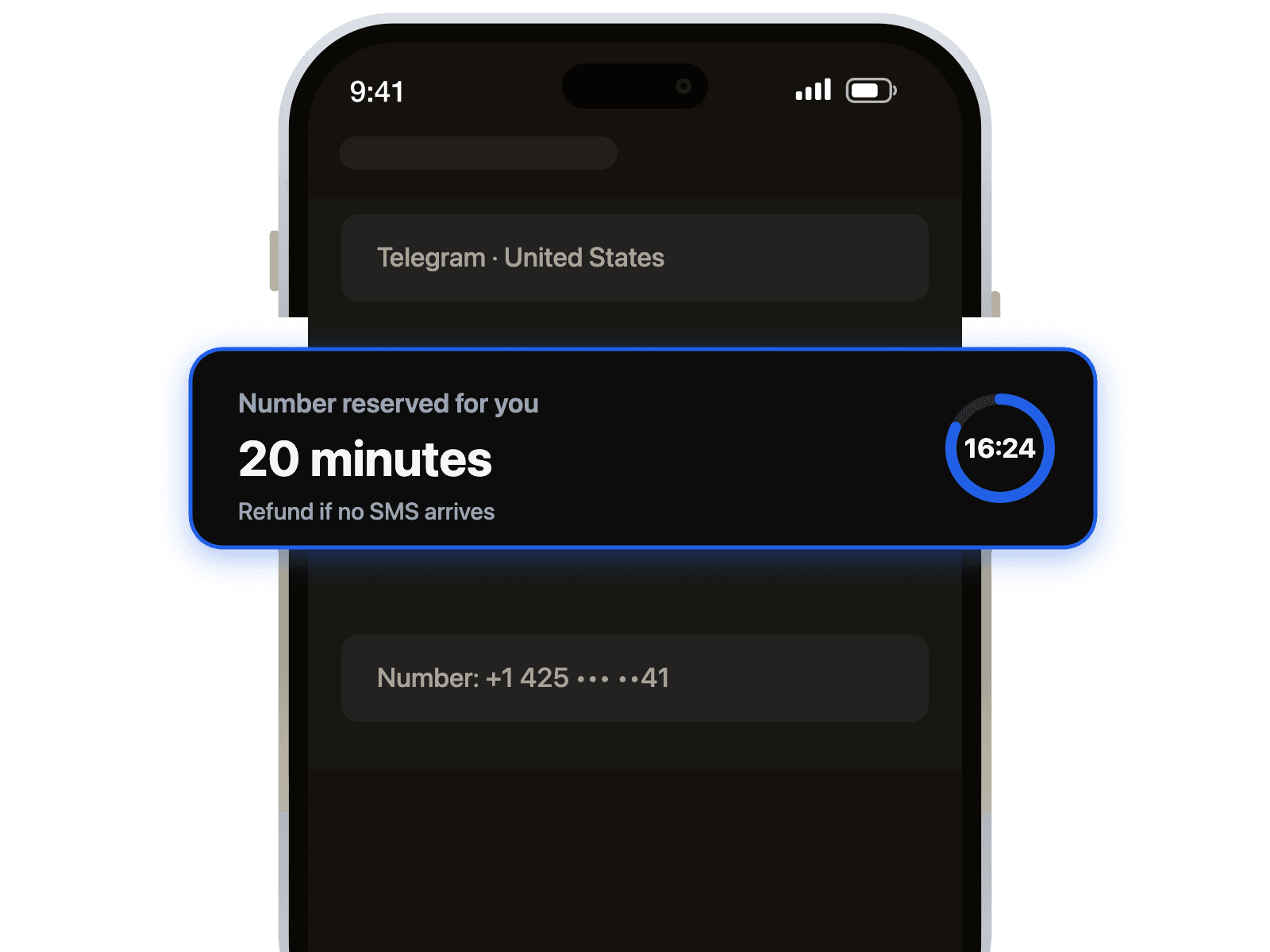
- Получите свой номер: Как только вы завершите покупку, ваш новый временный номер телефона мгновенно появится на вашей панели управления. Просто скопируйте его.
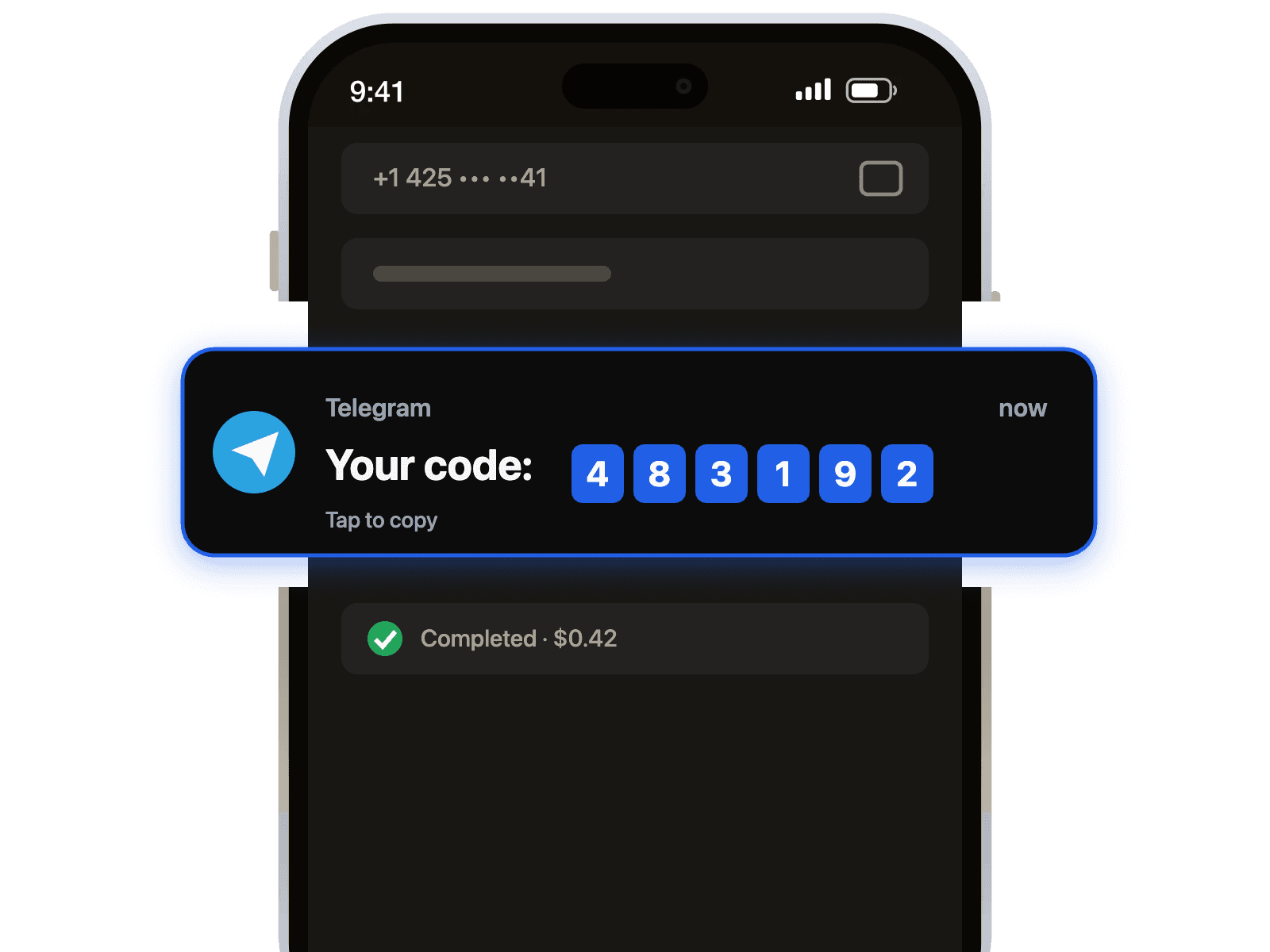
- Получите свой OTP: Вставьте виртуальный номер в регистрационную форму Gameflip и нажмите, чтобы отправить код. Обновите нашу страницу, и ваш код верификации Gameflip будет ждать вас. Это так просто!
Совет профессионала: Для максимальной успешности верификации старайтесь, чтобы страна вашего виртуального номера телефона совпадала с регионом вашего аккаунта Gameflip. Например, используйте номер из пула телефонных номеров Великобритании для аккаунта, зарегистрированного в Великобритании.
Устранение распространенных проблем с верификацией Gameflip
Иногда могут возникать сбои. Вот как быстро решить наиболее распространенные проблемы и верифицировать свой аккаунт.
- Ошибка: "Этот номер телефона уже используется."
Это означает, что номер ранее использовался для аккаунта Gameflip. Не волнуйтесь. Наши номера часто обновляются. Просто запросите другой номер из нашей системы, чтобы продолжить. - Проблема: "Я не получил SMS-код."
Это может произойти из-за задержек в сети. Подождите 60 секунд и снова проверьте свою панель управления. Если OTP все еще не пришел, попробуйте запросить код снова в Gameflip. Если это не поможет, получение нового номера от другого провайдера или из другой страны часто мгновенно решает проблему. Этот процесс аналогичен для других платформ, например, когда вам нужна верификация Discord. - Проблема: "Неверный формат номера телефона."
Дважды проверьте, что вы скопировали весь номер с нашей панели управления, включая код страны. Убедитесь, что нет лишних пробелов до или после номера, когда вы вставляете его в Gameflip.
Используя временный виртуальный номер, вы получаете контроль, безопасность и гибкость для вашего аккаунта Gameflip. Начните сегодня и испытайте более умный способ обработки онлайн-верификаций.



 Канал в Telegram