


Seamless Ozon Verification: How to Use a Virtual Number to Register
Signing up for Ozon requires SMS verification, which can be a challenge if you want to protect your privacy or access the service from an unsupported region. Using a temporary virtual phone number is the perfect solution. It allows you to receive the Ozon OTP (One-Time Password) instantly without linking your personal details, ensuring your primary number remains private and secure.
Why Use a Temporary Number for Your Ozon Account?
A virtual SIM offers more than just a way to receive a code. It provides a layer of security and flexibility that is essential in today's digital world. Here’s why it’s the smart choice for Ozon registration:
- Protect Your Privacy: Keep your real phone number private and avoid unsolicited marketing calls and spam messages. A masked number is your first line of defense for identity protection.
- Bypass Regional Restrictions: Ozon may not be available in all countries. With our service, you can get a number from a supported region, such as one of our United Kingdom phone numbers, and create your account from anywhere in the world.
- Manage Multiple Accounts: Whether for business or personal use, our service makes it easy to manage multiple Ozon accounts, each verified with a unique temporary number.
- Enhance Your Security: Using a disposable number for online verifications prevents your primary number from being exposed in data breaches, protecting you from targeted attacks.
A Simple Guide to Receiving Your Ozon SMS Online
Our platform is designed for speed and simplicity. You can get your Ozon verification code in just a few clicks. Follow these steps to get started:
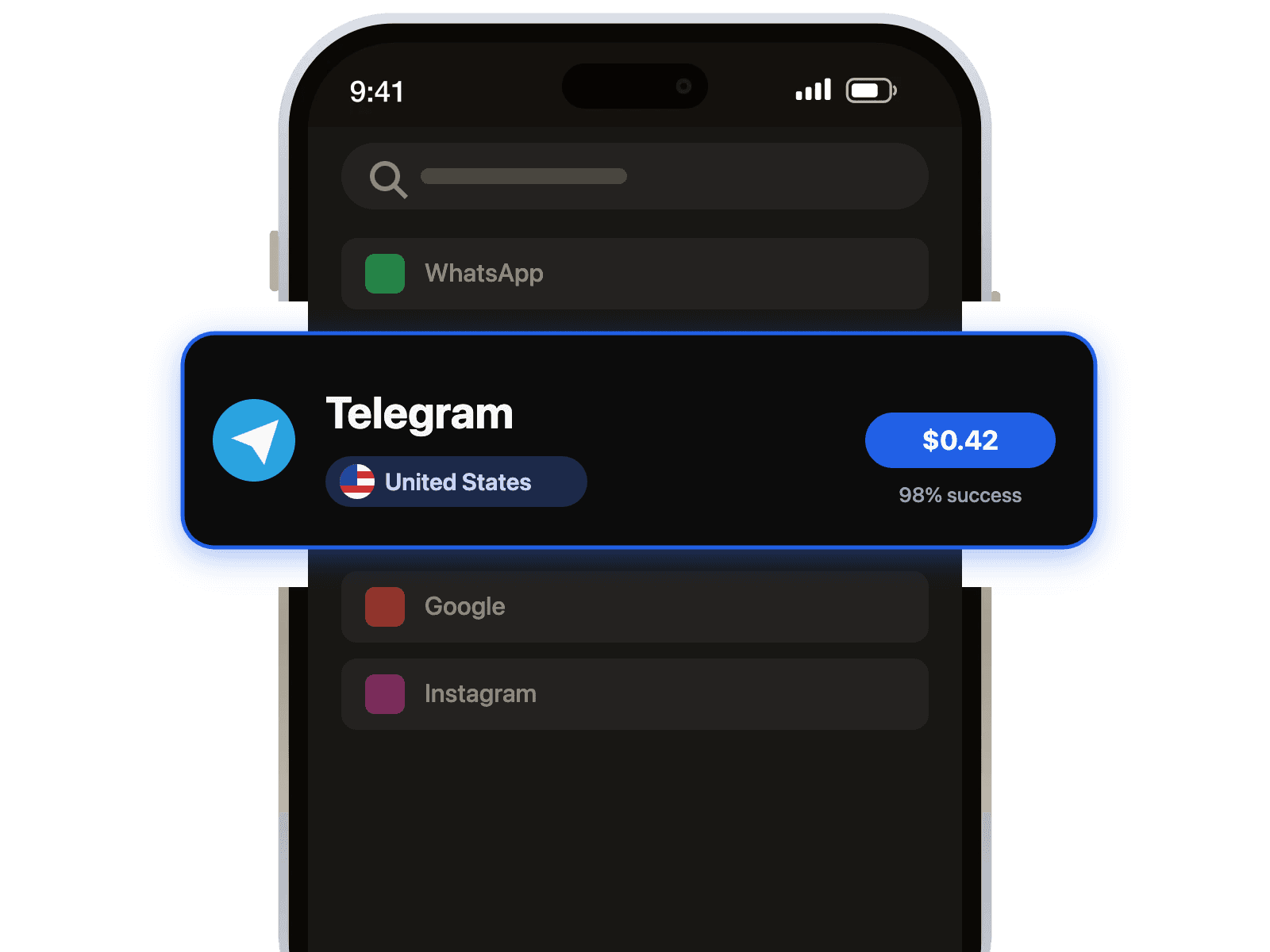
- Select Your Service: Choose Ozon from our list of available services.
- Pick a Country: Select a country for your virtual number from our extensive list.
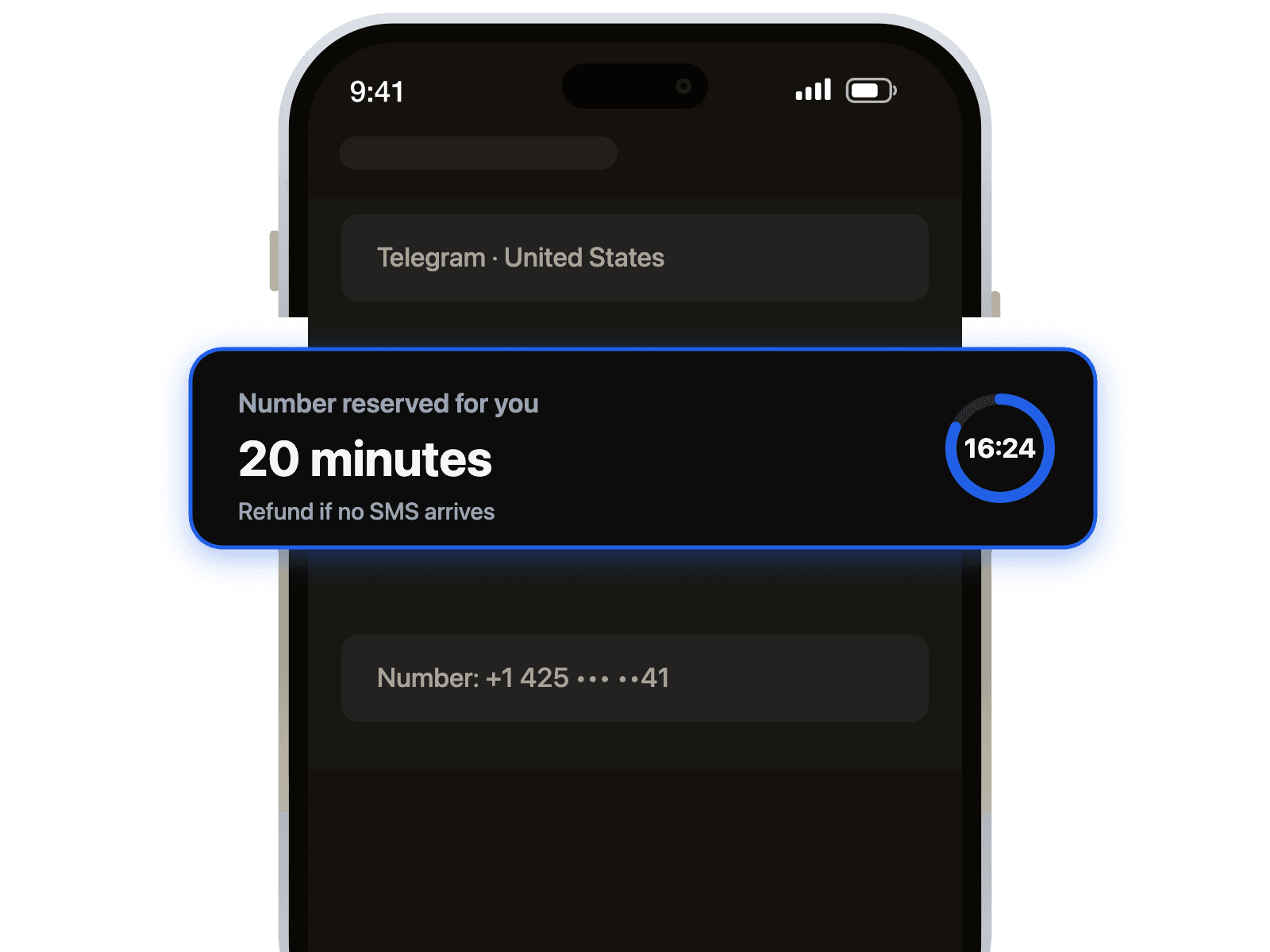
- Complete the Purchase: Add funds to your account and purchase the number. The number will instantly appear on your dashboard.
- Enter the Number on Ozon: Copy the virtual number and paste it into the Ozon registration page.
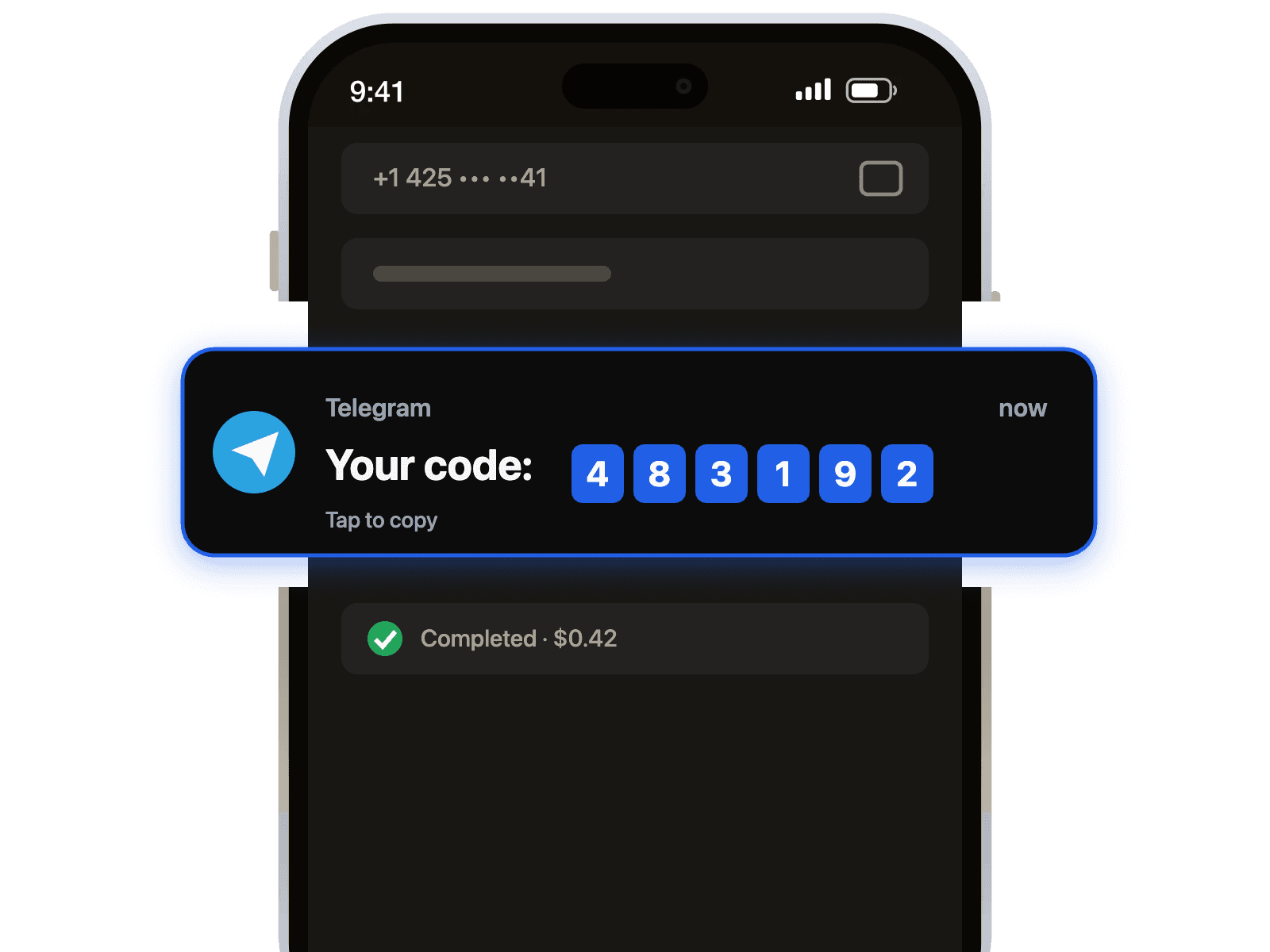
- Receive Your OTP: Return to our dashboard. Your verification code will appear within seconds. It's as easy as completing a Telegram verification.
Troubleshooting: What if I Don't Receive the SMS?
While our system boasts a high success rate, occasional delays can happen. If you don't receive your Ozon verification code immediately, don't worry. Here are a few quick troubleshooting steps:
Pro-Tip: Our system is designed to be fair. If a number fails to receive an SMS within a few minutes, you can cancel it and the credit will be returned to your account. You only pay for successful verifications.
- Refresh the Page: Sometimes a simple refresh of our dashboard will display the newly arrived code.
- Request a New Code: Ask Ozon to resend the SMS. This often resolves network delays.
- Try a Different Number: If the code still doesn't arrive, cancel the current number and request a new one. Choosing a number from a different mobile operator can often help.



 Канал в Telegram