


Buy a Virtual Number for Telegram: The Complete Guide
In the modern world, privacy has become a luxury. Many users are looking for a way to buy a virtual number for Telegram to separate personal and work chats, maintain anonymity, or simply register an additional account. In this article, we will explain how to do this correctly and securely.
Why do you need a virtual number for Telegram?
Using your personal phone number for messenger registration is not always convenient or safe. Here are the main reasons why users choose virtual numbers:
- Anonymity: Your real number will not be visible to other users or linked to the account.
- Multi-accounting: The ability to create a second account for business, marketing campaigns, or bot testing.
- Bypassing Restrictions: Registering accounts with numbers from different countries if local carriers block SMS from Telegram.
- Spam Protection: Using a temporary number prevents your main personal phone from ending up in spam databases.
How to Buy and Activate a Number: Step-by-Step
The process of purchasing and activating takes just a few minutes. Follow this algorithm:
- Select a Service: Register on our website and top up your balance using any convenient method.
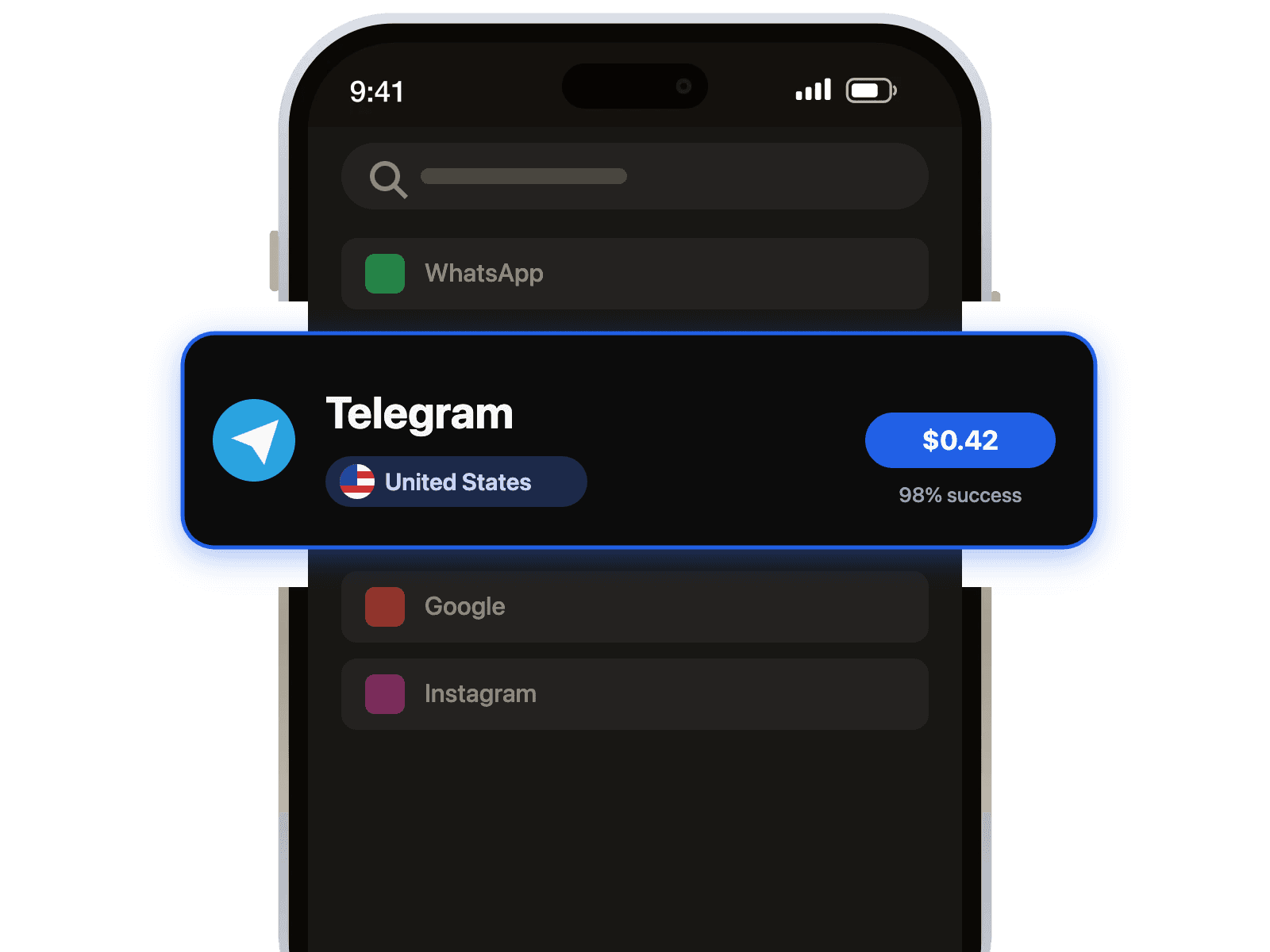
- Choose Country and Service: In the menu, select the desired country (Geo) and find "Telegram" in the list of services.
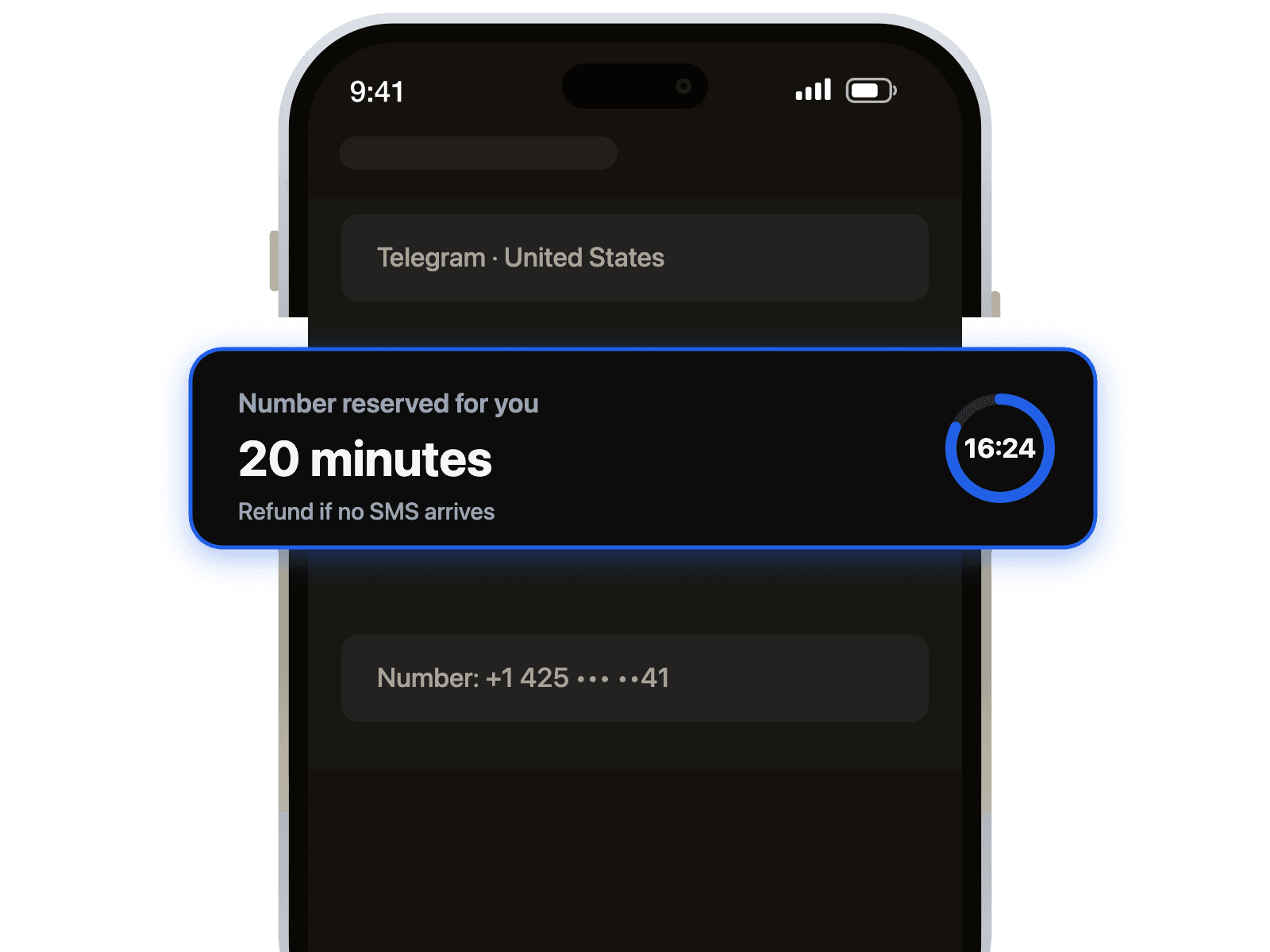
- Get the Number: Click "Buy" or "Get Number". Copy the provided phone number.
- Enter Number in Telegram: Open the Telegram app on your phone or PC and start the registration process by pasting the purchased number.
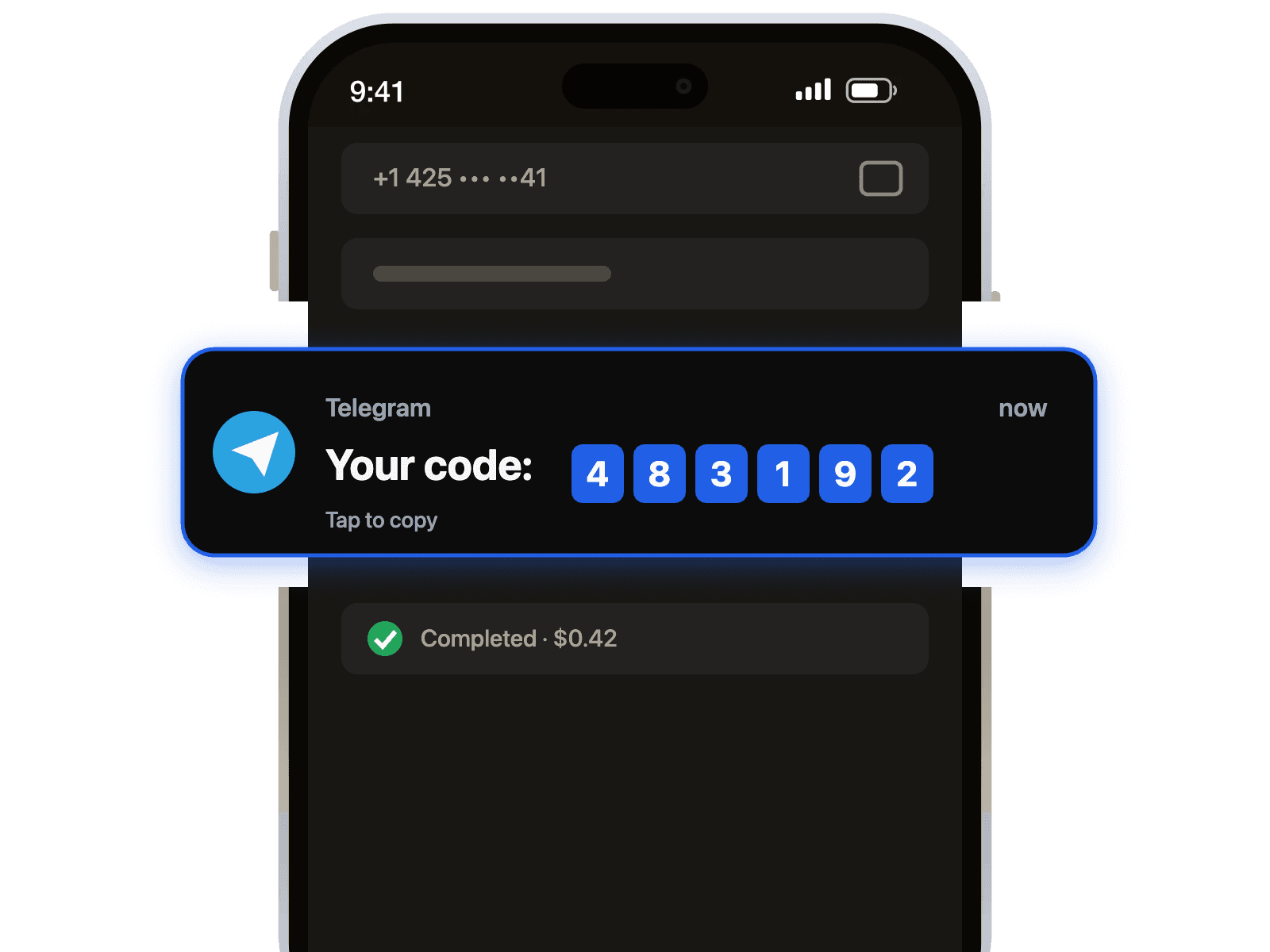
- Receive the Code: Return to our website. Within 1-2 minutes (sometimes slightly longer), the verification code will appear in the order window.
- Finish Registration: Enter the code in Telegram. You're all set!
⚠️ Important Tips and Best Practices
Virtual numbers are a powerful tool, but using them requires following security rules to ensure you don't lose access to your account.
1. Mandatory: Enable Two-Step Verification (2FA)
This is the most important advice. Virtual numbers can be temporary. If the telecom carrier recycles this number after a few months, a new owner might try to log in. They will be able to take over your account unless you have a password set.
How to do it: Settings ➝ Privacy and Security ➝ Two-Step Verification (Cloud Password). Set a password and link a recovery email.
2. Do not log out immediately
After registering, do not log out of the session immediately and try not to log in from a different device within the first 24 hours. Telegram may view this as suspicious activity and ban the new account.
3. Privacy Settings
Immediately after logging in, go to privacy settings and hide your phone number. Select the option: Who can see my phone number — "Nobody". This increases the security of your profile.
4. Use the number for "light" tasks
We do not recommend using temporary virtual numbers for banking accounts or storing critical sensitive information. They are ideal for chatting, marketing, and temporary tasks.


