


Buy a Virtual Phone Number for Google: Instant & Secure SMS Verification
Need to create a new Google account but don't want to use your personal phone number? You've come to the right place. Our service provides clean, private, and temporary virtual phone numbers specifically for receiving Google's SMS verification code. Protect your privacy and get verified in seconds, hassle-free.
How to avoid Google (re-verification) trigger?
When you register a Gmail account using a temporary number, Google often triggers a "re-verification" check later if it detects a change in your login pattern - such as a new IP, device, or browser session. Since you cannot access that temporary number again, you risk losing the account permanently.
To avoid this, you must replace the phone number requirement with other "trusted" security signals immediately after registration. Below is the best workflow to ensure you never need that original number again:
1. Shift Verification to an Authenticator App
Immediately after creating the account, navigate to Security > 2-Step Verification and set up an Authenticator App (such as Google Authenticator, Bitwarden, or Authy).
- Why this works: Once an authenticator is linked, Google will prioritize asking for a 6-digit code from your app rather than an SMS.
- Pro Tip: You can save the "Secret Key" (the text code used to set up the authenticator) in a spreadsheet. This allows you to generate codes for that account indefinitely without needing the original phone.
2. Add a Recovery Email (Crucial)
In Personal Info > Contact Info, add a stable recovery email address.
- Why this works: If Google flags the account, it will often offer to send a verification code to your recovery email as an alternative to the phone number.
- Strategy: Use one "master" email (perhaps from a provider like Proton or Outlook) as the recovery for a batch of Gmail accounts.
3. Generate and Save "Backup Codes"
Under the 2-Step Verification menu, look for Backup Codes. Generate a set of 10 codes and save them securely.
- Why this works: These are "one-time use" codes that bypass all other verification forms. If Google asks for a phone number you don't have, you can click "Try another way" and enter one of these codes.
4. Remove the Number After Setup
Once you have added a Recovery Email and an Authenticator/Backup Codes, you can often go into Personal Info > Phone and delete the number used for registration.
Note: If you delete it too quickly, Google might flag the account. It is usually safer to leave it for 24–48 hours but ensure the other methods (Authenticator/Email) are set as the "Default" options.
Why Use a Temporary Number for Google?
Using your real phone number online can expose you to unwanted spam and compromise your privacy. A dedicated virtual number for your Google account offers several key advantages:
- Protect Your Privacy: Keep your personal phone number confidential and separate from your online activities.
- Avoid Spam & Marketing Calls: Our temporary numbers are single-use, preventing future spam sent to that number.
- Manage Multiple Accounts: Easily create and manage multiple Google accounts for business, projects, or personal use.
- Global Access: Register a Google account from a specific country by using a local number, unlocking region-specific features.
Key Features for a Flawless Verification
We've designed our service to be fast, reliable, and incredibly simple to use.
- Instant Number Delivery: Your dedicated temporary number is ready the moment you complete your purchase. No waiting.
- Wide Country Selection: Choose from a massive list of countries to find the perfect number for your needs.
- Guaranteed SMS Reception: Our numbers are premium quality and optimized to receive verification codes from Google without fail.
- Secure & Anonymous: Your transaction is private, and the number is used only by you for the duration of the verification.
Get Your Google Verification Code in 3 Easy Steps
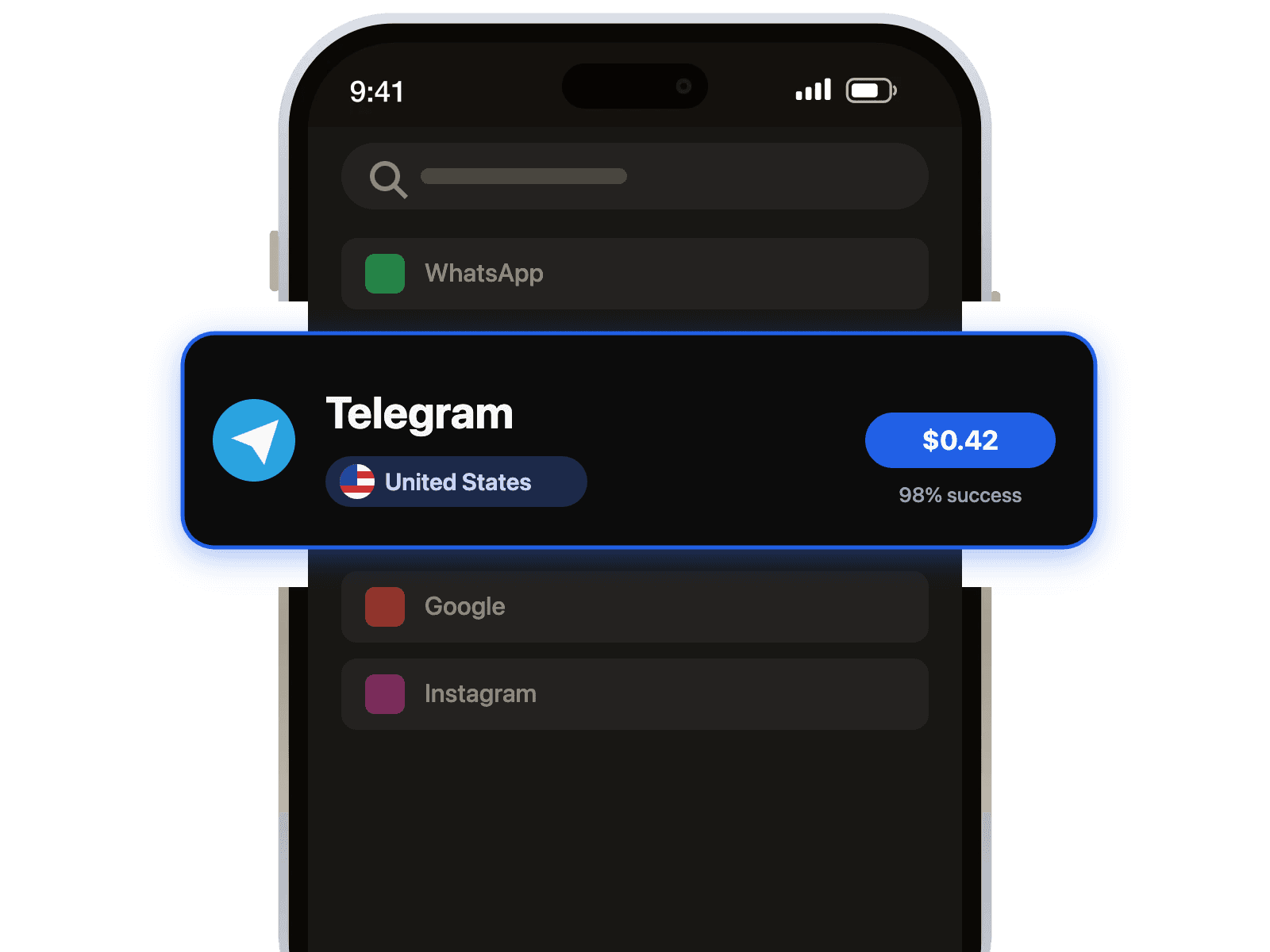
- Select Service: Choose 'Google' from our list of services and pick your desired country.
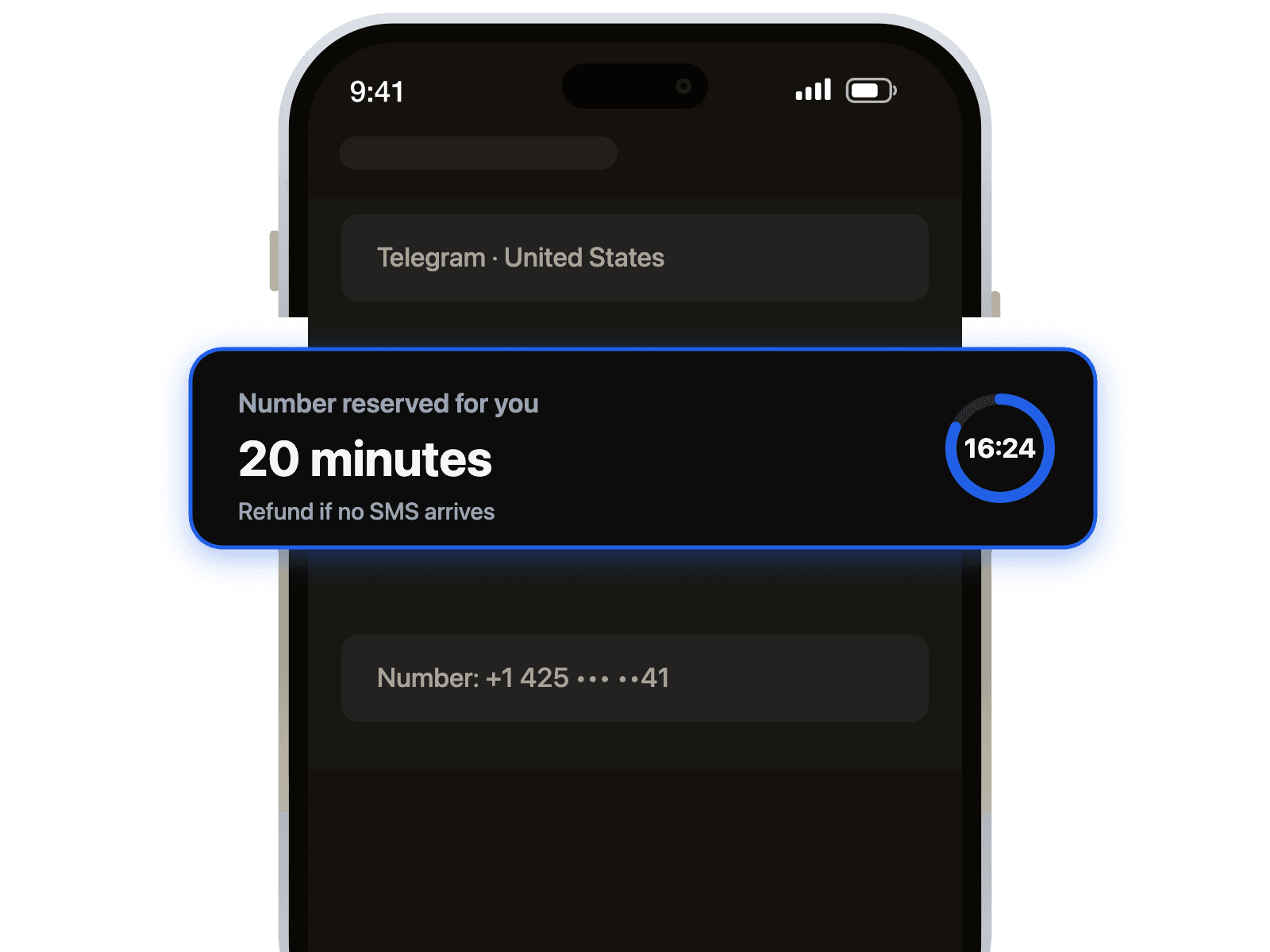
- Complete Purchase: Make a secure payment to instantly receive your private virtual number.
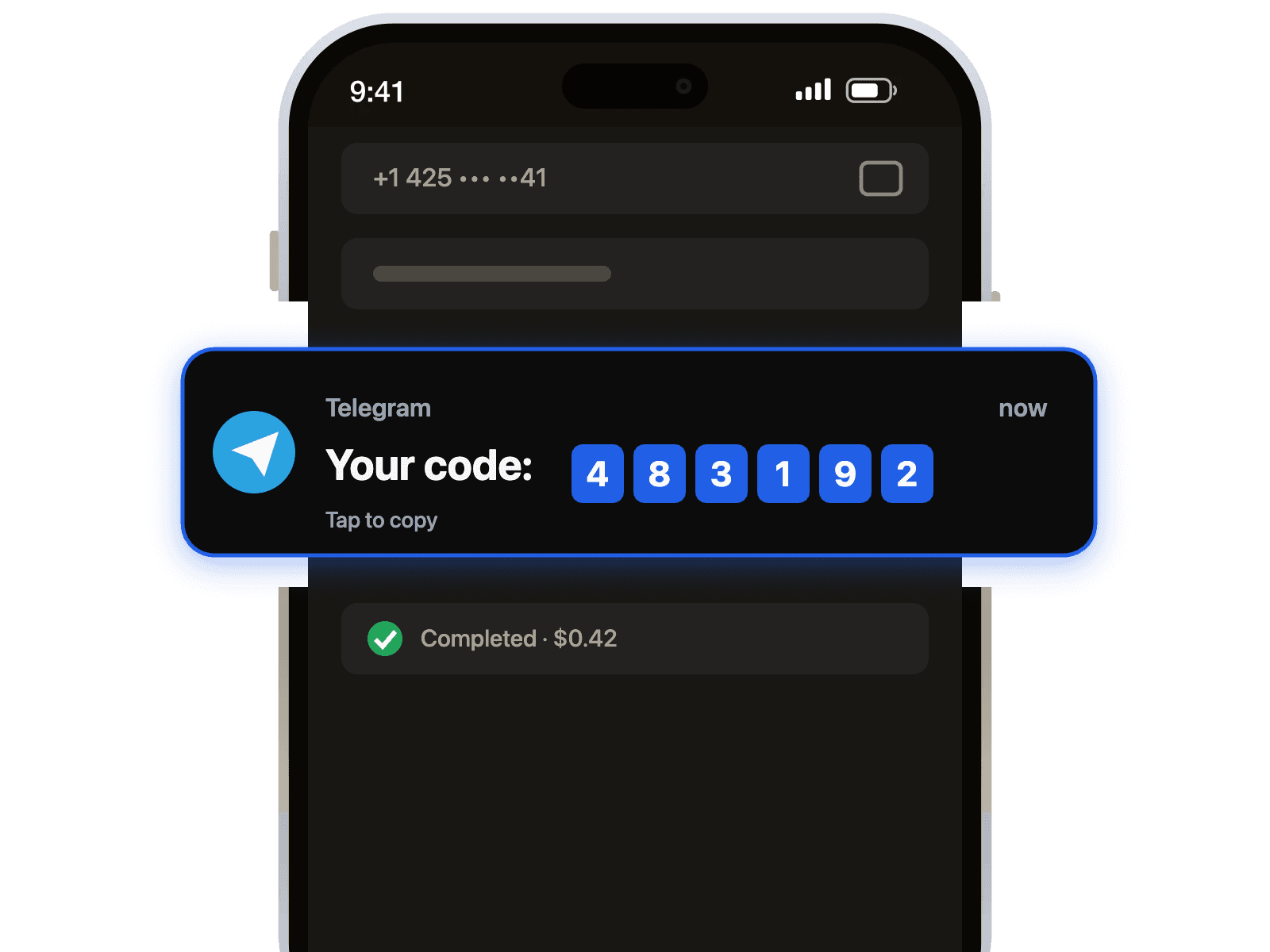
- Receive SMS: Enter the number on Google's registration page and your verification code will appear on our dashboard instantly.
Ready to Get Started?
Stop sharing your personal number. Get a secure, temporary phone number for your Google verification now and enjoy a seamless registration experience. Your new account is just a click away!

 Telegram channel