


Seamless Classpass Verification: Your Guide to Using a Virtual Number
Signing up for Classpass should be about finding your next favorite workout, not worrying about your privacy. However, phone number verification is a mandatory step. Using a temporary virtual number is the perfect solution to protect your personal information while gaining full access to the platform. Our service provides a private, secure, and instant way to receive your Classpass SMS online, keeping your real number safe and sound.
Why Use a Temporary Number for Classpass?
A virtual number, or masked number, offers several key advantages for services like Classpass. It's more than just a convenience; it's a smart way to manage your digital identity.
- Protect Your Privacy: Keep your personal phone number off marketing lists and away from potential data breaches. Using our OTP receiver service ensures your primary contact details remain confidential.
- Bypass Regional Blocks: Traveling or living abroad? Access Classpass as if you were in another country by using a local number. For example, using one of our united states phone numbers can unlock access to US-specific trials and offers.
- Manage Multiple Accounts: Whether for business or family, a temporary number allows you to create and manage separate Classpass accounts without needing multiple phones or SIM cards.
- Instant and Disposable: Get a number just for the verification process. Once you receive your code, you can forget about it, ensuring no further contact is sent to that line.
How to Get Your Classpass Verification Code Instantly
Our process is designed to be fast and user-friendly. Follow these simple steps to get your account verified in under two minutes:
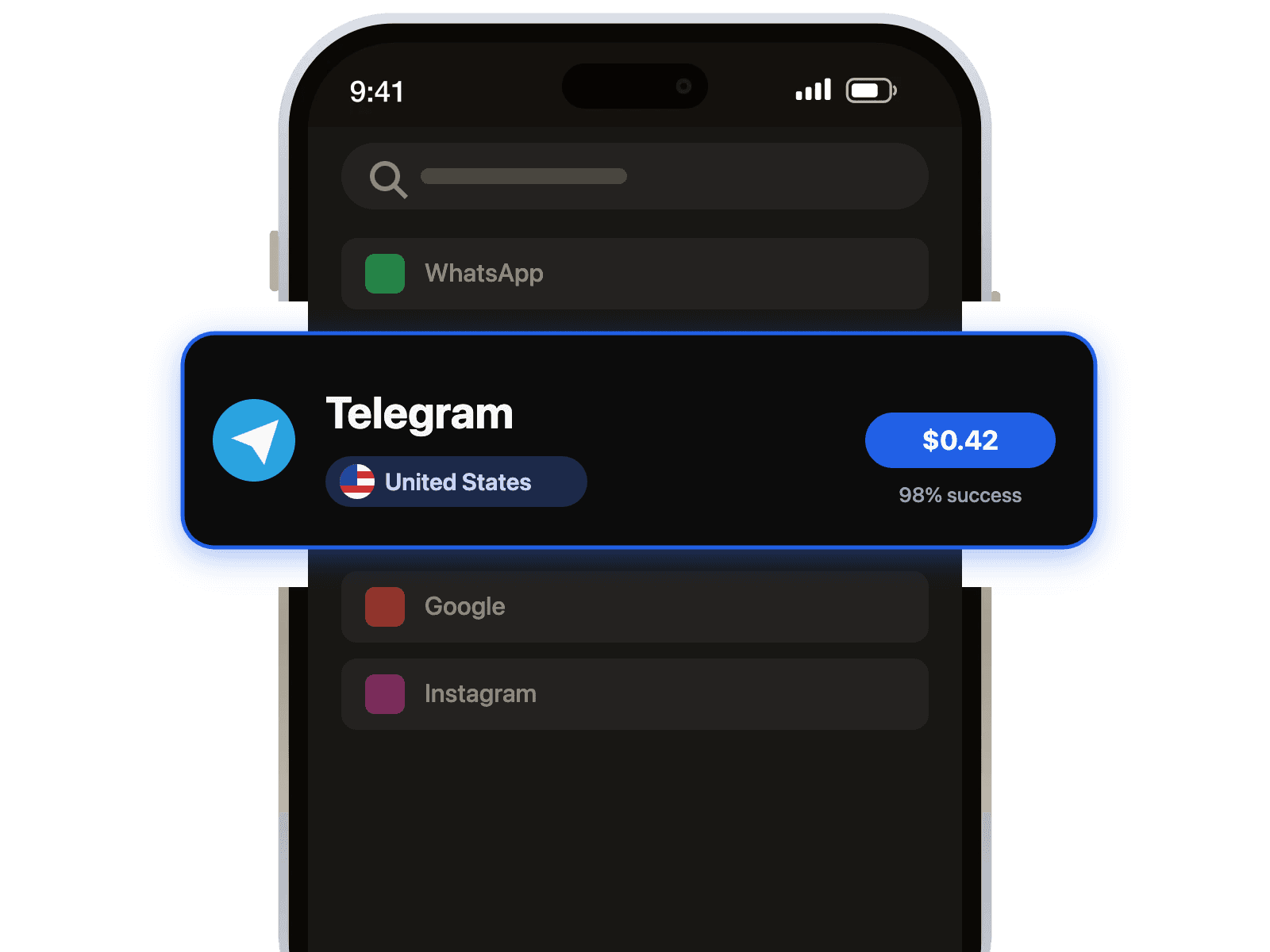
- Select Your Country and Service: Choose a country from our extensive list. Then, select Classpass from the service menu to ensure you get a compatible number that is guaranteed to work for Classpass verification.
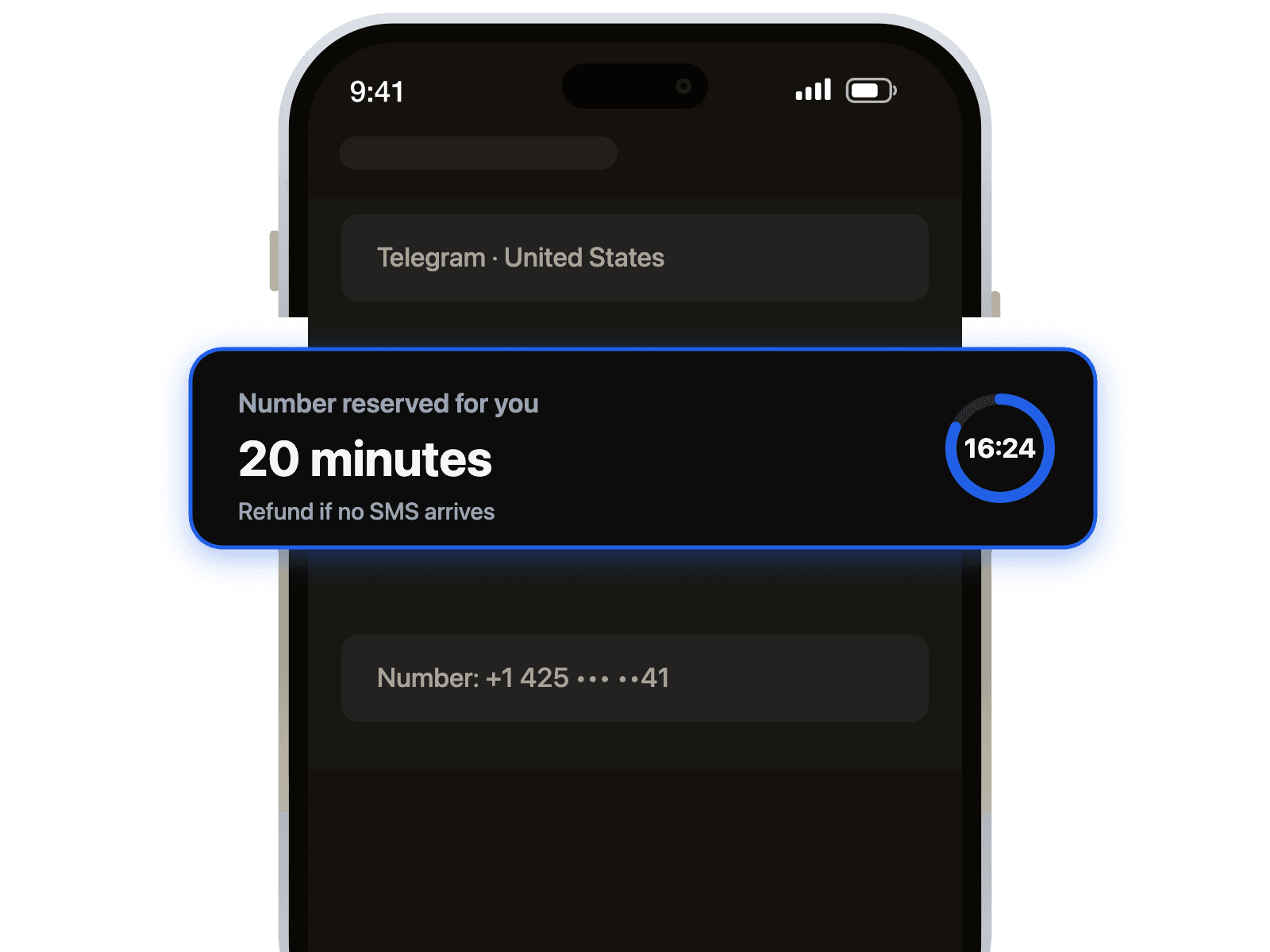
- Copy Your Temporary Number: Once you complete the purchase, your new virtual number will be displayed on the dashboard. Copy it with a single click.
- Enter the Number in Classpass: Paste the number into the Classpass registration or verification page and request the SMS code.
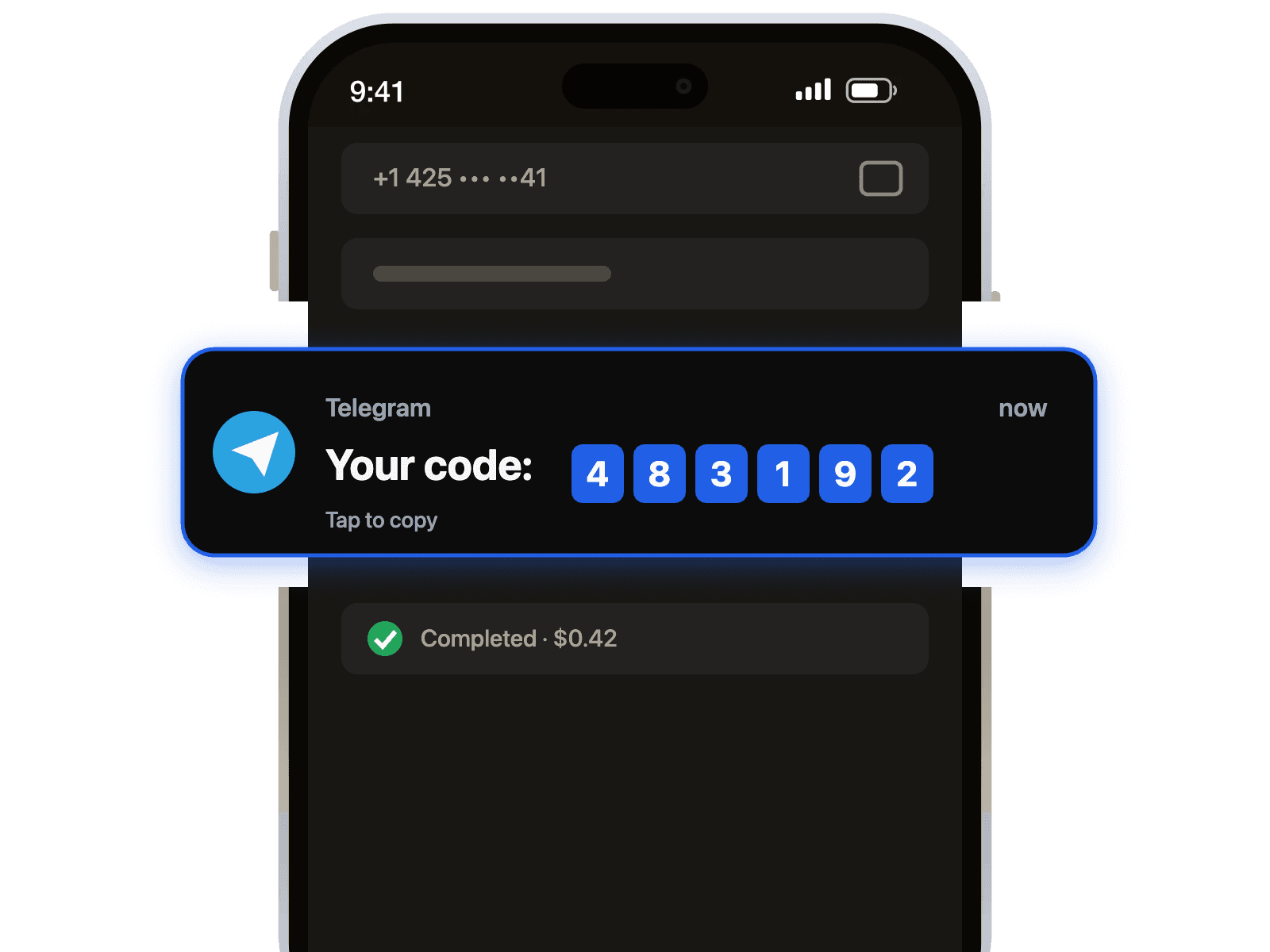
- Receive Your Code: Switch back to our dashboard. Your verification code will appear almost instantly. Use it to complete your registration and you're all set!
Troubleshooting: What If I Don't Receive the SMS?
While our system boasts a high success rate, occasional delays can occur. If you don't see your code right away, here are a few tips to troubleshoot the issue.
Pro-Tip: Before trying anything else, refresh the page on our website after 30-60 seconds. Most of the time, the message is there but just needs a quick refresh to display.
If the code still hasn't arrived:
- Verify the Service: Double-check that you selected 'Classpass' as the intended service. Some numbers are optimized for specific platforms.
- Try a Different Number: The simplest fix is often to request another number. Sometimes a particular number may be blocked by the service.
- Switch Countries: If a number from one country doesn't work, try another. A number from a different region, such as one from our united kingdom phone numbers, can often resolve the issue.
By using a temporary virtual number, you gain control over your digital footprint while enjoying seamless access to services like Classpass. It's the modern way to handle online verifications securely and privately.

 Telegram channel