


How to Seamlessly Verify Venmo with a Virtual Number
Venmo requires phone number verification to protect your account, but using your personal number isn't always ideal. Whether you're concerned about privacy, traveling abroad, or need a separate number for business, a temporary virtual number is the perfect solution. This guide explains how to bypass Venmo's SMS verification quickly and securely, allowing you to activate your account in minutes.
Why Use a Virtual Number for Venmo Verification?
Using a dedicated virtual number for your Venmo account offers several significant advantages over your personal SIM card. It's not just about getting a one-time password (OTP); it's about smart and secure account management.
- Ultimate Privacy Protection: Keep your personal phone number unlinked from your financial transactions. A masked number acts as a firewall, protecting your real identity and preventing data brokers from connecting your financial activity to your personal contact information.
- Bypass Regional Blocks: Venmo is primarily a US-based service. If you're an expat or traveler, our service provides access to authentic united-states phone numbers that work flawlessly for registration, no matter where you are.
- Manage Multiple Accounts: Easily create and manage separate Venmo accounts for personal use, freelance work, or your small business without the hassle and cost of multiple physical phones or contracts.
- Stop Unwanted Spam: By using a temporary number for one-time verifications, you prevent your primary number from being exposed in potential data breaches, drastically reducing spam calls and texts.
A Step-by-Step Guide to Receiving Your Venmo SMS Online
Our platform simplifies the verification process down to a few clicks. Follow these steps to get your Venmo account up and running with a new virtual number.
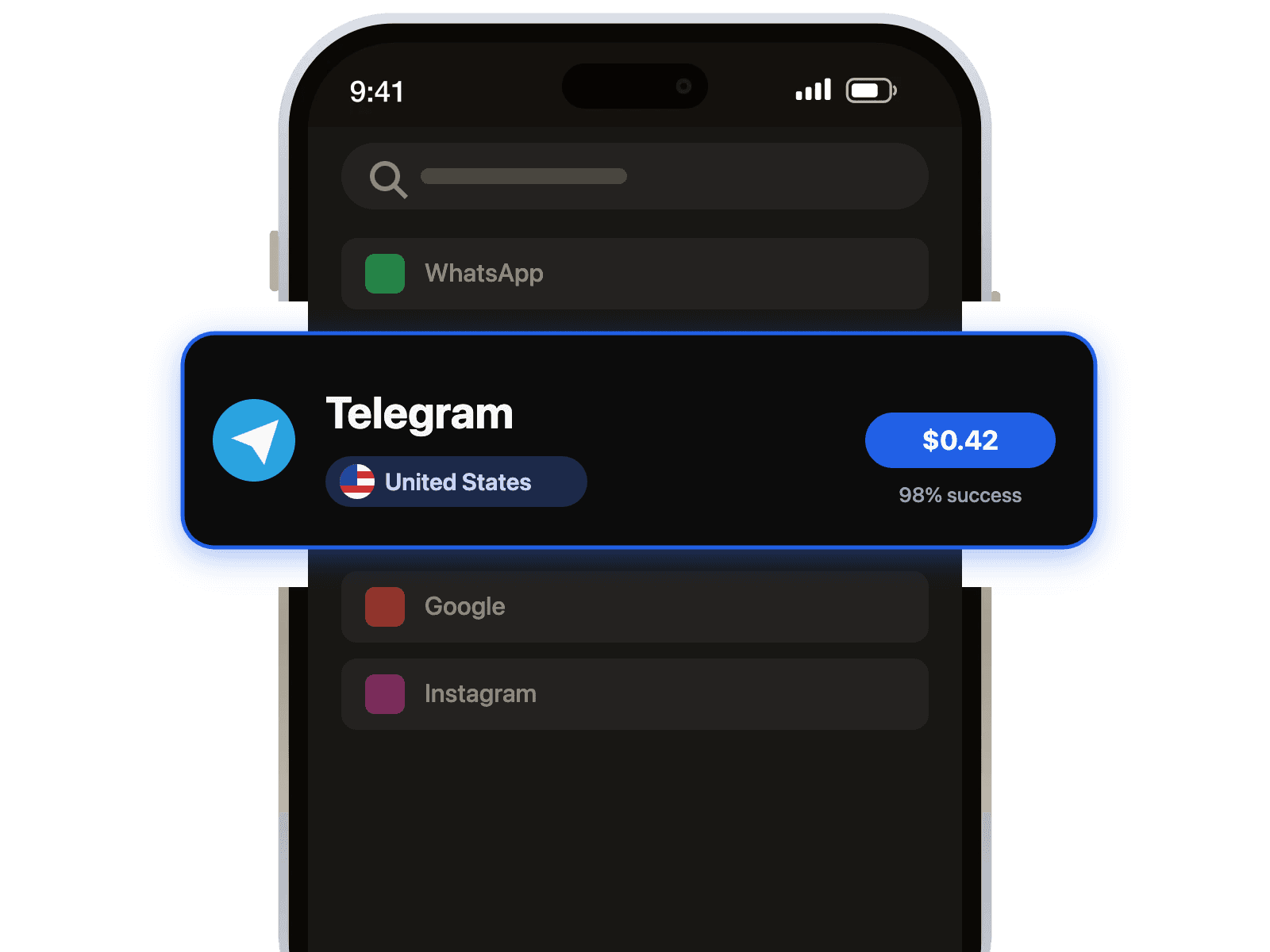
- Select Venmo: Choose Venmo from our list of supported services to ensure you get a compatible number.
- Pick a Country: Select a number from a country of your choice. For Venmo, a US-based number is highly recommended for the best results.
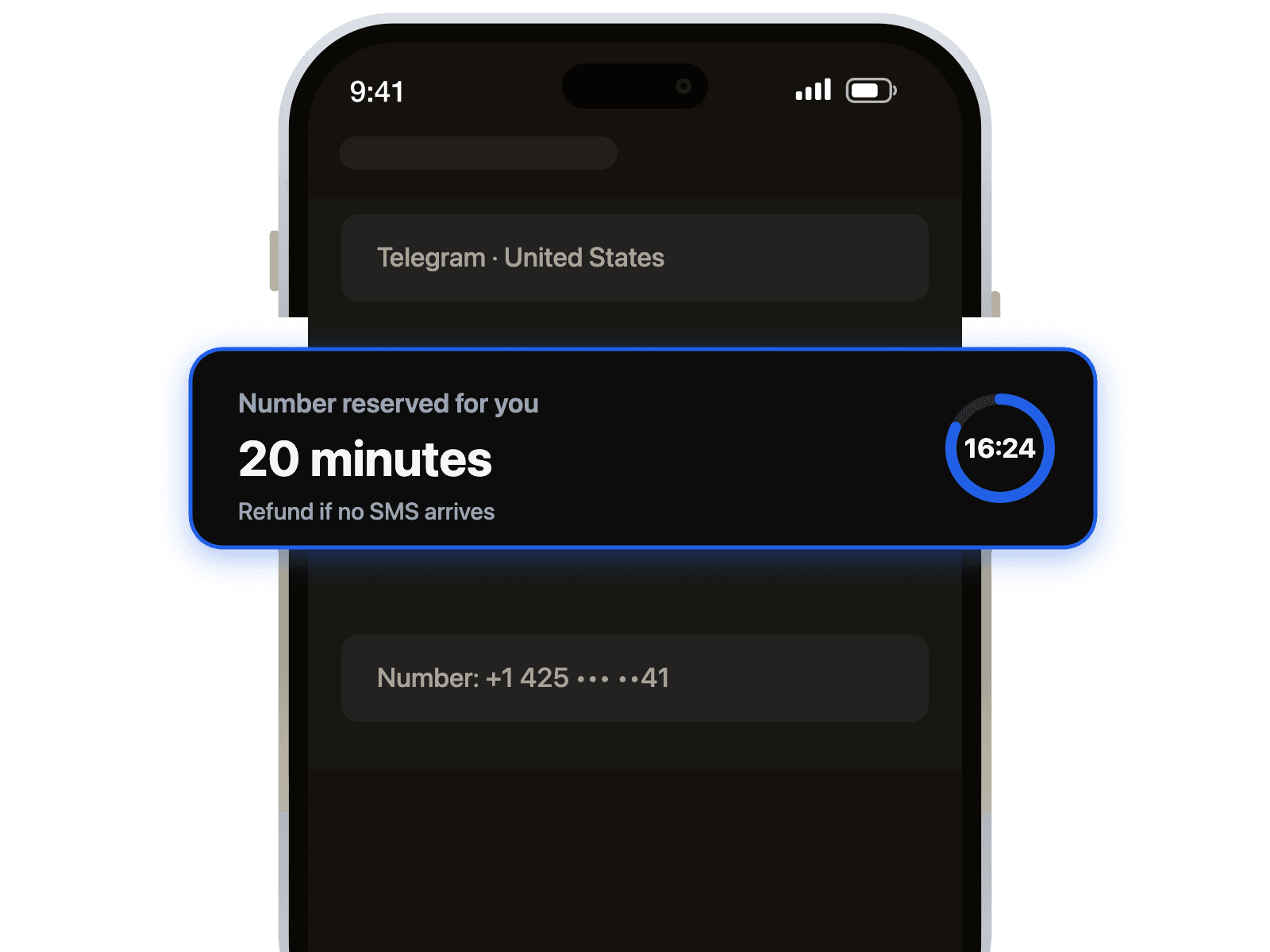
- Copy Your New Number: Once you complete the purchase, your temporary virtual number will be displayed on your dashboard. Copy it to your clipboard.
- Enter it in Venmo: Paste the virtual number into the Venmo app when it prompts for phone verification.
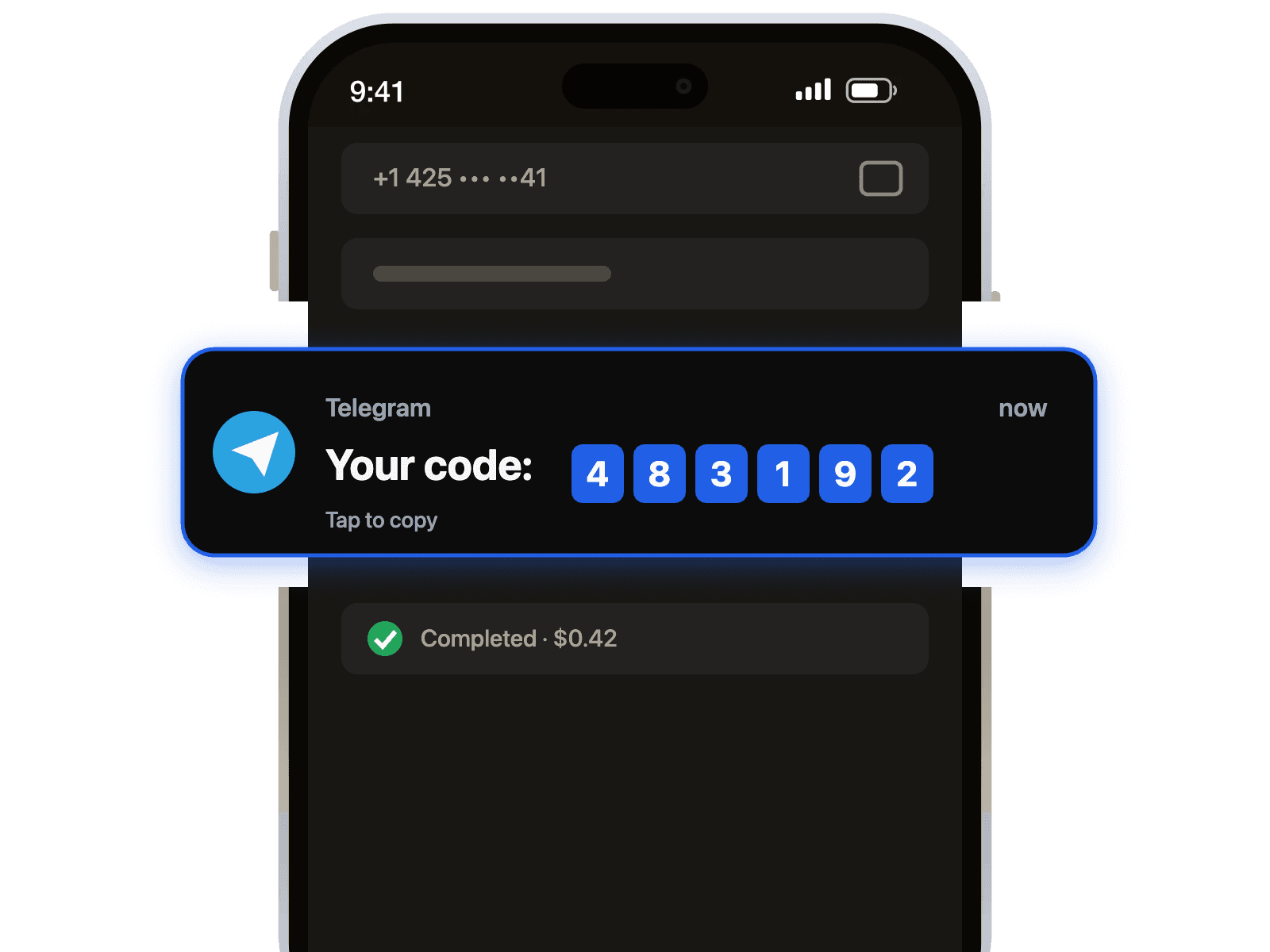
- Receive Your Code: Switch back to our dashboard. Your Venmo OTP will appear instantly in your inbox. Enter it in the app to complete your registration!
Pro Tip: Refresh the dashboard page after a minute if your SMS code doesn't appear immediately. Some networks may have a slight delay, but our premium routes ensure you receive it promptly.
Troubleshooting Common Verification Problems
Sometimes you might encounter a hurdle, but don't worry. Here are solutions to common issues users face when trying to verify an account.
- Issue: Venmo says 'This number cannot be used'.
Solution: Venmo sometimes flags numbers from generic VoIP providers. Our service offers premium, non-VoIP numbers that have a much higher success rate because they appear as real mobile numbers. This is also crucial for services that demand higher security, like those needed for paypal verification. - Issue: I did not receive the SMS code.
Solution: This is rare, but if it happens, you can simply request another number from a different provider on our platform. Your account is only charged for successfully received messages, ensuring you never pay for a number that doesn't work. - Issue: The number is already registered.
Solution: We provide private, single-use numbers for each transaction. This means the number you receive has never been used for Venmo before, guaranteeing a smooth registration process.

 Telegram channel