


Seamless Wallapop Verification: Your Guide to Using a Virtual Number
Are you trying to register for Wallapop but hesitant to share your personal phone number? You're not alone. Using a temporary virtual number is the smartest way to bypass SMS verification while protecting your privacy. Whether you're creating a second account, avoiding spam, or accessing the app from a different region, our service provides a fast, secure, and reliable solution.
Why Use a Virtual Number for Wallapop?
A virtual SIM or masked number acts as a private shield between your personal information and online services. Here are the key benefits for Wallapop users:
- Ultimate Privacy Protection: Keep your real phone number hidden from databases and other users. This is a crucial step for identity protection and preventing unwanted marketing calls.
- Manage Multiple Accounts: Easily create and manage separate Wallapop accounts for business or personal use without needing multiple physical SIM cards.
- Bypass Regional Blocks: Access Wallapop's marketplace from anywhere in the world by choosing a number from a specific country, like one of our popular Spain phone numbers.
- One-Time Use Security: Our numbers are temporary. Once you receive your OTP (One-Time Password), you can simply forget about the number, ensuring no one else can access your account through it later.
How to Receive Your Wallapop SMS in Under Two Minutes
Our OTP receiver platform is designed for speed and simplicity. Follow these three steps to get your verification code instantly:
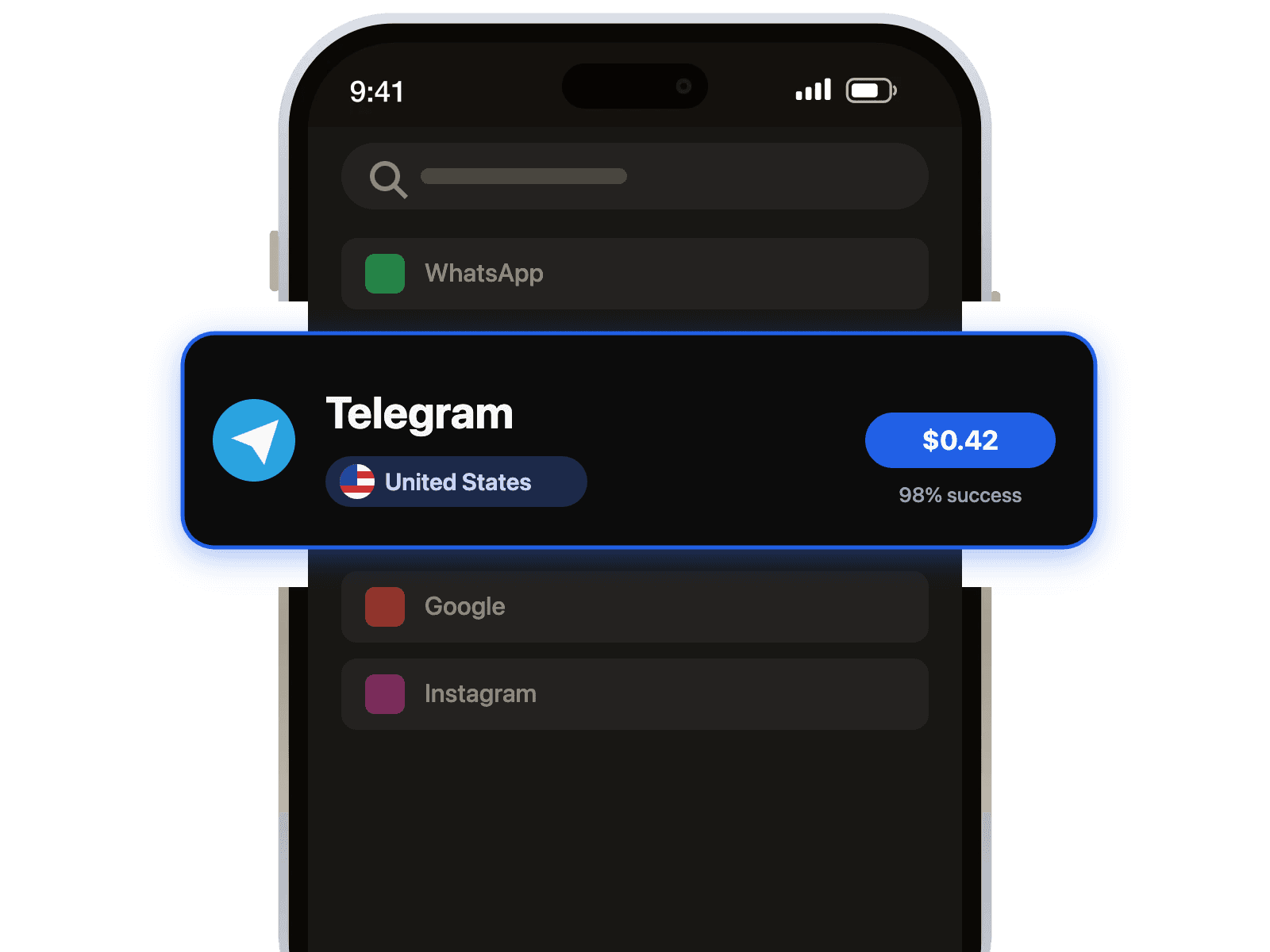
- Select Your Service: Choose Wallapop from our list of available services and pick a country for your new number.
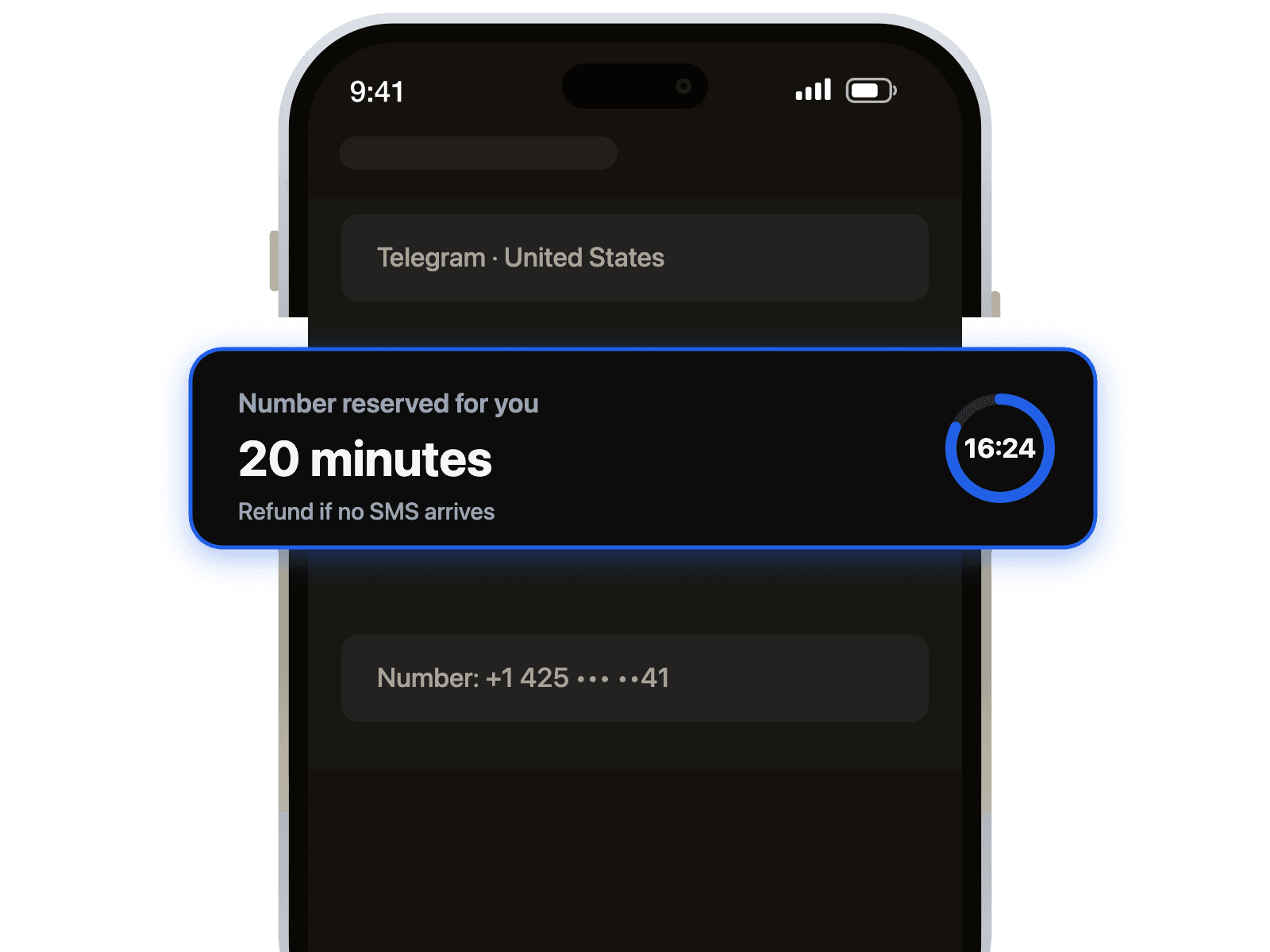
- Get Your Number: Complete the purchase and your temporary number will be displayed on your dashboard instantly. Copy it with one click.
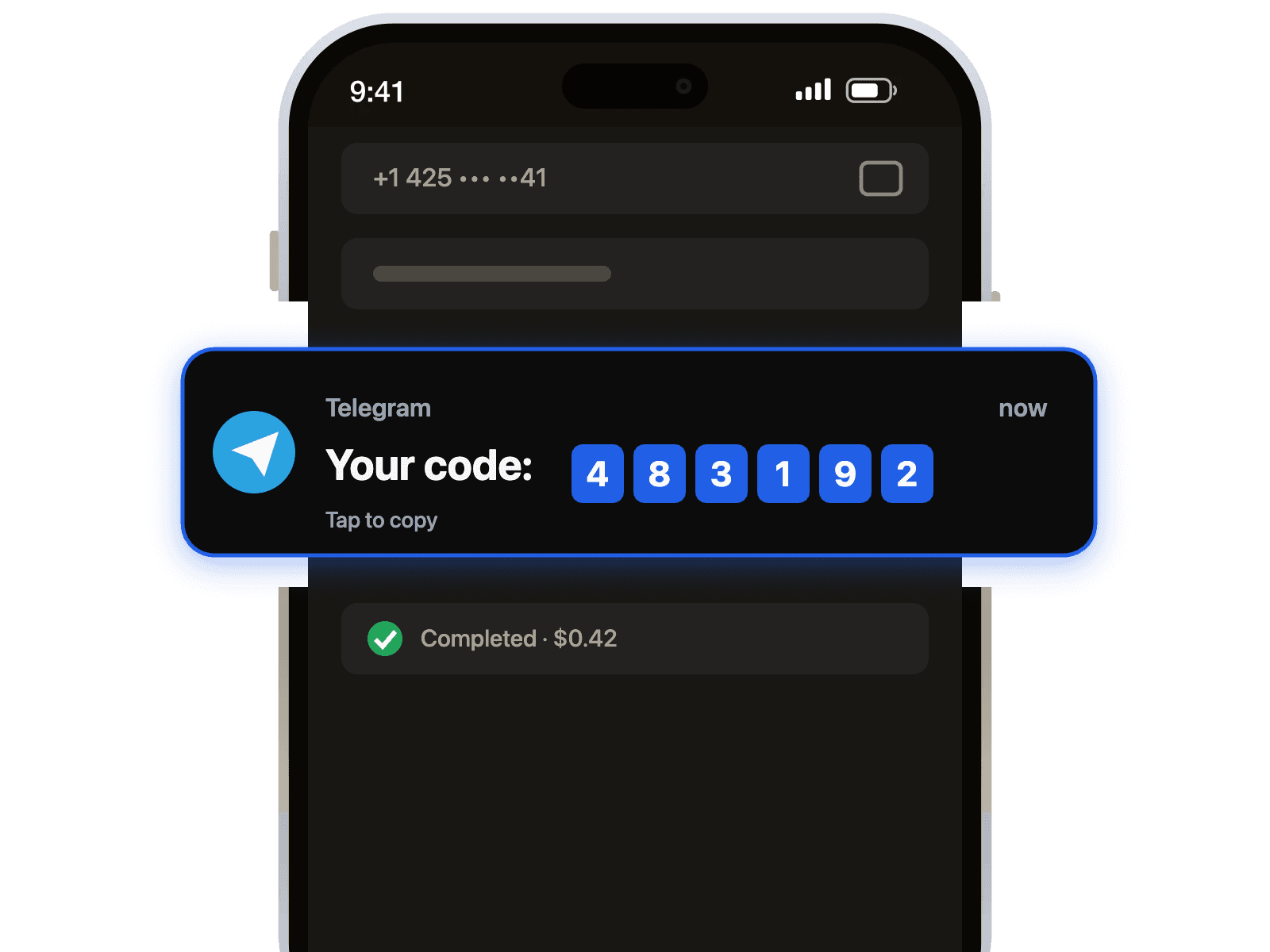
- Verify Your Account: Paste the virtual number into the Wallapop app and submit. Your SMS verification code will appear on our dashboard within seconds.
Pro-Tip: For the highest success rate, select a number from the country corresponding to the Wallapop marketplace you wish to access. This ensures compatibility and a smoother verification process.
Troubleshooting Common Verification Issues
Sometimes, you might encounter a hiccup. If you don't receive your SMS code immediately, don't worry. Here are a few quick troubleshooting steps:
- Request the Code Again: Wait a minute and tap the "Resend Code" button in the Wallapop app.
- Try a Different Number: If a specific number doesn't work, you can easily get another one from the same country. Sometimes a number might be temporarily blocked by a service.
- Check Service Compatibility: Our reliable platform supports a wide range of services beyond just marketplaces. Many users find success with our numbers for secure WhatsApp verification as well, proving the versatility of our system.
By using a dedicated virtual phone number, you take control of your digital footprint. Get started today and experience a more private and secure way to use Wallapop.

 Telegram channel