


Seamless Steam Verification: Your Guide to Using a Virtual Number
Setting up a new Steam account or enabling Steam Guard requires a phone number for SMS verification. But what if you don't want to use your personal number? Whether you're protecting your privacy, creating a separate gaming account, or facing regional restrictions, a temporary virtual phone number is the perfect solution. Our service provides a private, reliable masked number to receive your one-time password (OTP) instantly.
Why Use a Temporary Number for Steam?
Using your real phone number online can expose you to spam and link your gaming identity to your real-world identity. A virtual sim offers a clean break, providing several key benefits:
- Enhanced Privacy: Keep your personal phone number private and secure. This is a core principle of identity protection online.
- Create Multiple Accounts: Easily manage multiple Steam accounts for different purposes without needing multiple physical SIM cards.
- Bypass Regional Blocks: Access Steam features or register from anywhere by using a number from a specific country, like one of our United Kingdom phone numbers.
- Stop Spam: Your disposable number is used once for verification, so it will never receive unwanted marketing calls or texts.
How to Get Your Steam Verification Code in 3 Simple Steps
Our platform is designed for speed and simplicity. You can get your Steam OTP and be ready to game in under two minutes. Here’s how:
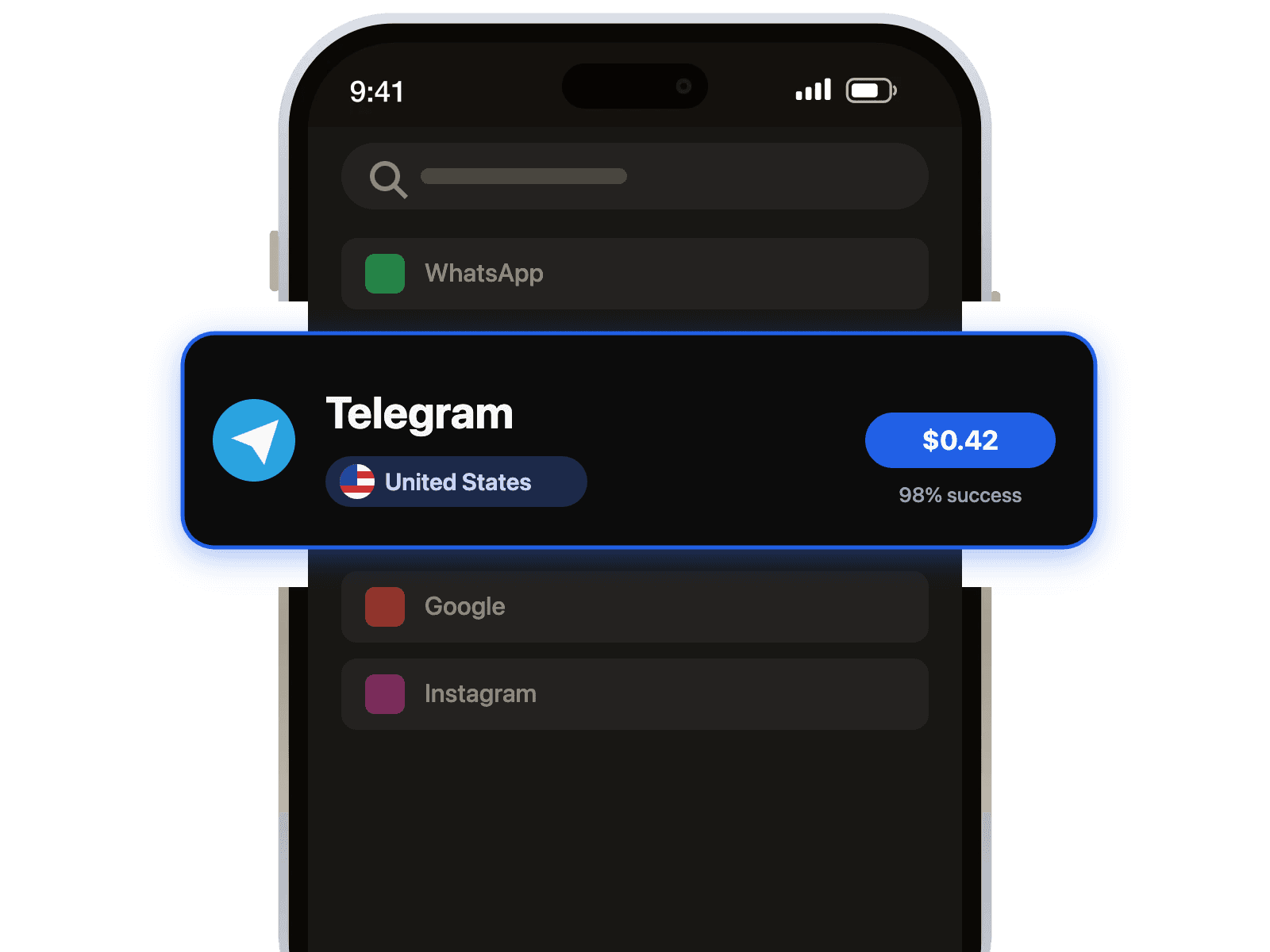
- Select Your Service: Choose "Steam" from our service list and pick a country for your number. We offer a wide range of options, including popular choices like our United States phone numbers.
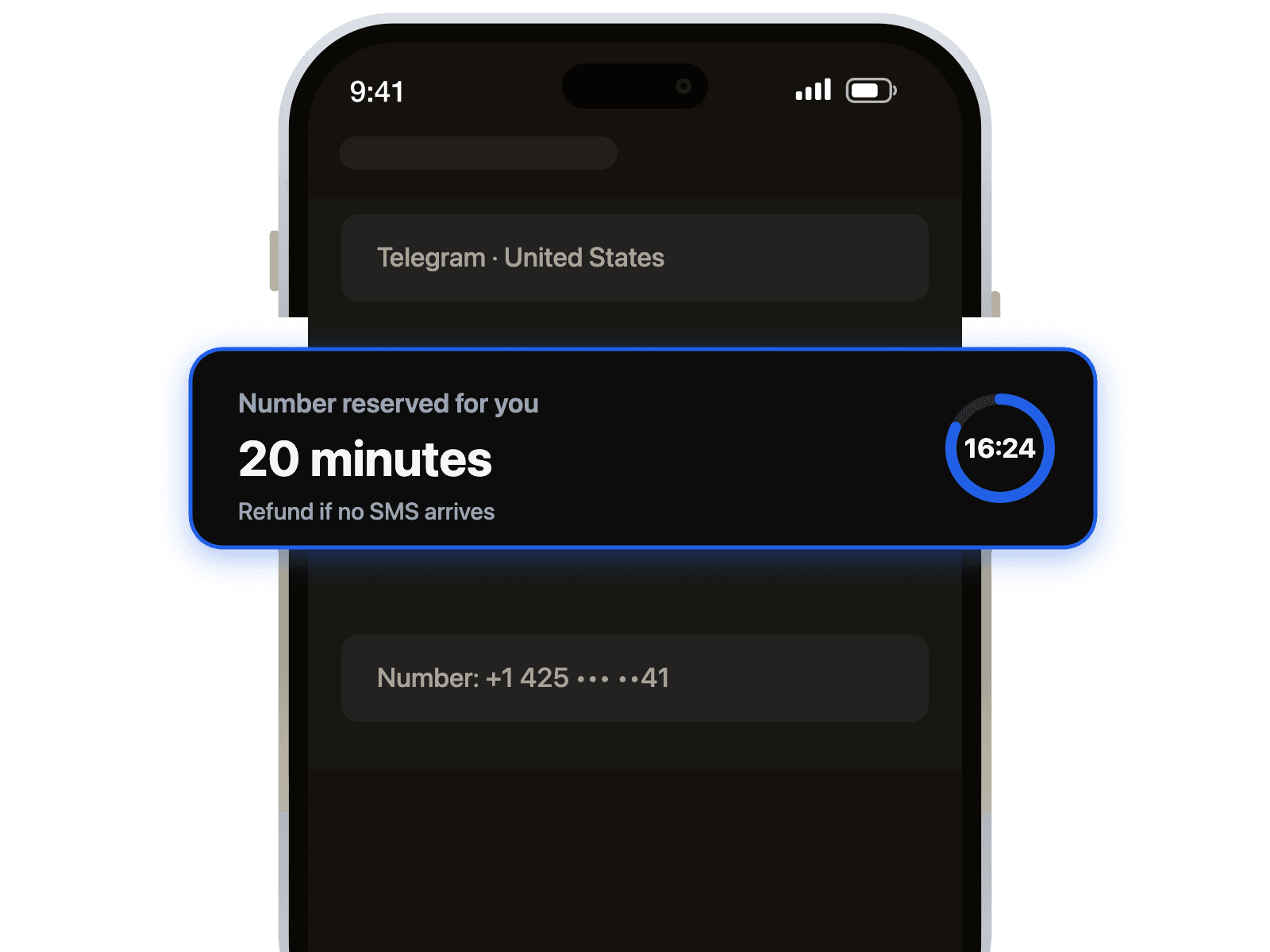
- Receive Your Number: After a quick payment, your private temporary number is displayed on your dashboard. Copy it and head over to Steam.
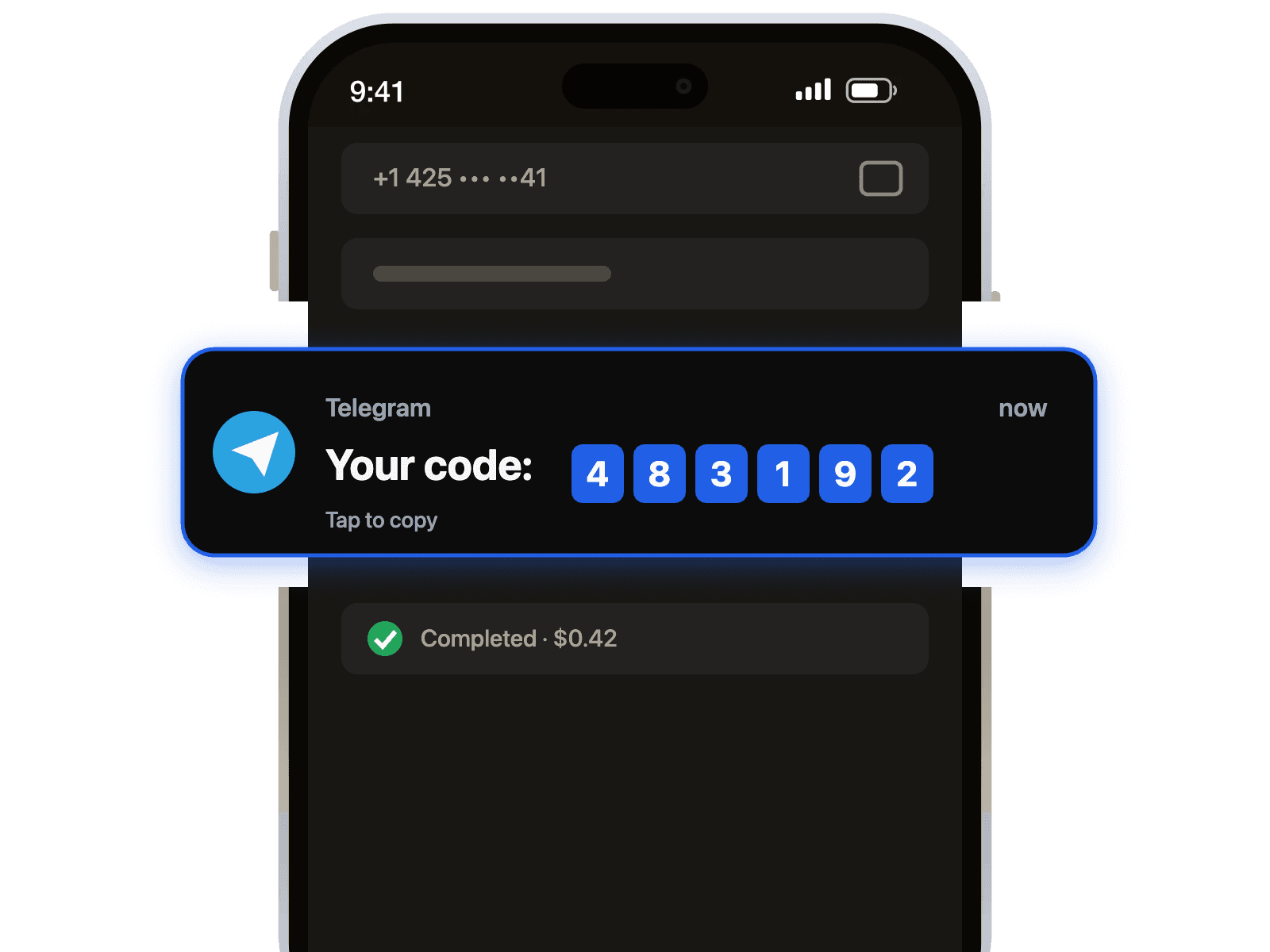
- Verify Instantly: Paste the number into the Steam registration or Steam Guard setup page. Your verification code will appear on our dashboard in seconds. You've successfully bypassed the SMS verification with a secure OTP receiver!
Troubleshooting Common Steam Verification Issues
Sometimes you might run into a snag. Here are solutions to the most common problems users face when trying to verify Steam.
- Error: "This phone number has been used too many times." This often happens with unreliable free services. Our numbers are private and dedicated to you for the duration of the verification, ensuring you never see this error.
- Problem: The SMS code isn't arriving. First, wait up to 60 seconds, as networks can have minor delays. If it still doesn't arrive, you can cancel the number and try another one from a different region. The process is quick and hassle-free.
Pro-Tip: After successfully setting up Steam Guard with your temporary number, make sure to write down and save your Steam Guard recovery codes. A virtual number is for one-time activation and cannot be used to recover your account later.

 Telegram channel