


Как беспрепятственно верифицировать аккаунт Ticketmaster с помощью виртуального номера
Регистрация в Ticketmaster требует действительного номера телефона для верификации, что может стать препятствием для пользователей, заботящихся о конфиденциальности, или тех, кто сталкивается с региональными ограничениями. Использование личного номера может привести к нежелательному маркетингу, а географические ограничения могут блокировать доступ к обязательным для посещения мероприятиям. Наш сервис предлагает простое решение: временный виртуальный номер телефона, который действует как ваш личный приемник одноразовых паролей (OTP), обеспечивая плавный и безопасный процесс регистрации.
Зачем использовать виртуальный номер для Ticketmaster?
Временный номер телефона, или виртуальная SIM-карта, предлагает уровень безопасности и гибкости, который не может обеспечить ваш личный номер. Это умный способ управлять своей цифровой личностью и обходить распространенные препятствия при верификации.
- Защитите свою конфиденциальность: Сохраняйте свой настоящий номер телефона конфиденциальным и защищенным от брокеров данных и спам-списков. Маскированный номер — ваша первая линия защиты.
- Обходите региональные блокировки: Получайте доступ к мероприятиям, эксклюзивным для определенных стран, используя местный номер. Например, используйте один из наших номеров телефонов Великобритании для регистрации на мероприятия, проводимые в Великобритании.
- Управляйте несколькими аккаунтами: Легко создавайте и управляйте несколькими аккаунтами Ticketmaster для деловых или рекламных целей без необходимости использования нескольких физических SIM-карт.
- Мгновенно и надежно: Наши номера чистые, приватные и выделяются вам на время верификации. Вы получаете свой OTP мгновенно на нашей панели управления.
Простое руководство по верификации Ticketmaster
Верификация вашего аккаунта проста. Выполните следующие шаги, чтобы получить SMS онлайн и завершить регистрацию за считанные минуты:
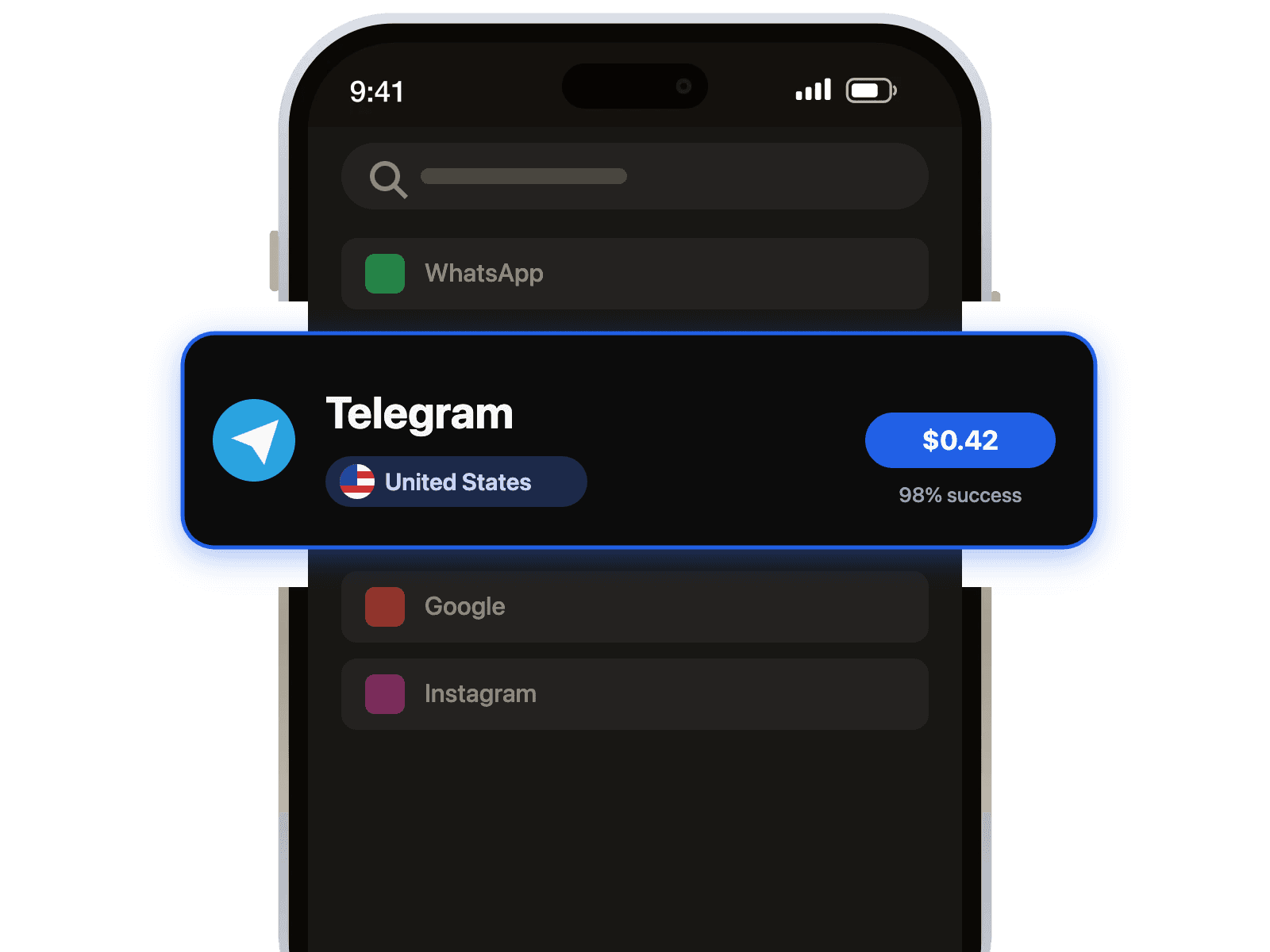
1. Выберите сервис: Выберите Ticketmaster из нашего списка доступных сервисов.
2. Выберите страну: Выберите страну из нашего обширного списка. Мы предлагаем номера из десятков мест, включая популярные варианты, такие как наши номера телефонов США.
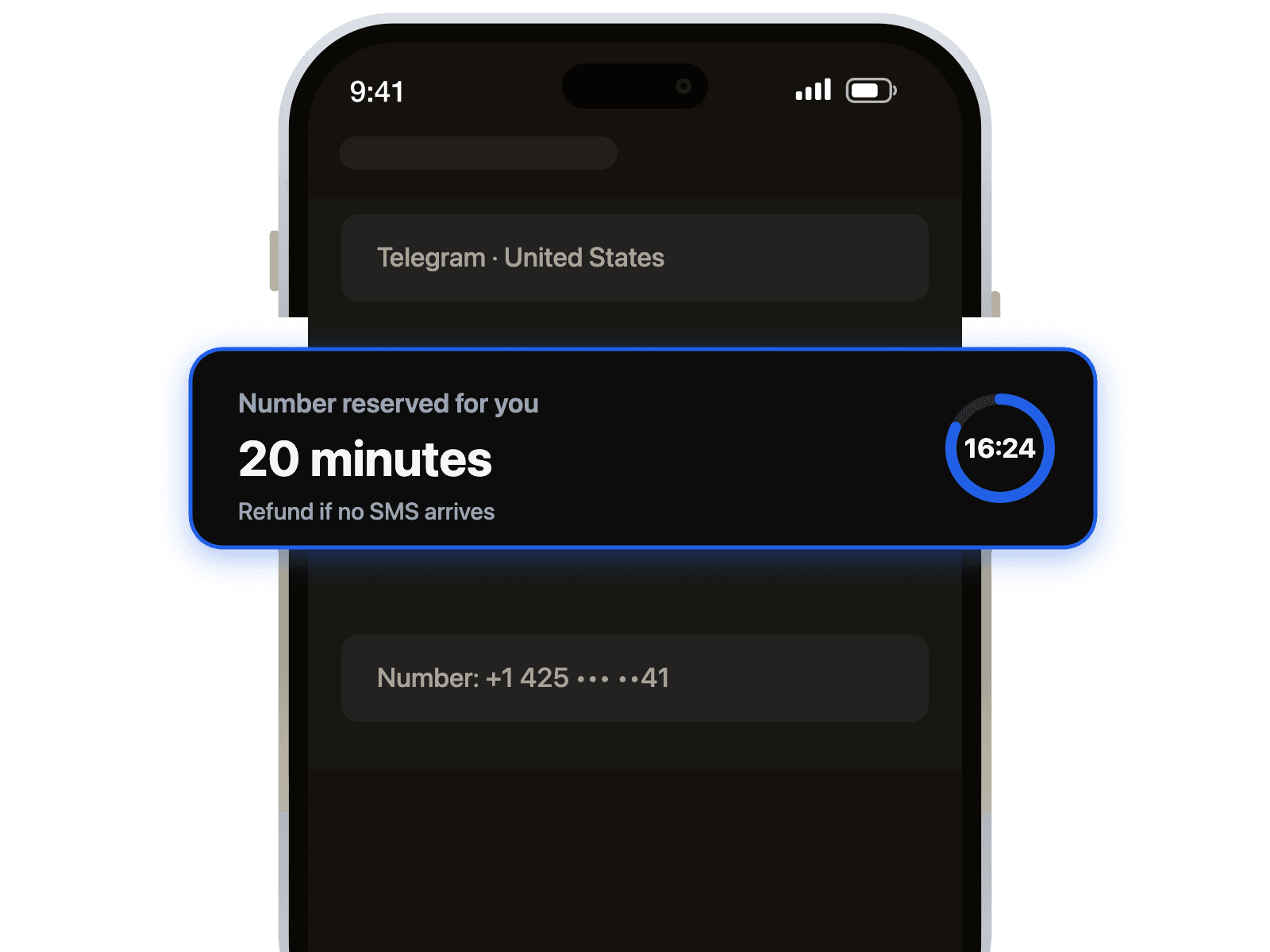
3. Получите свой номер: Скопируйте временный виртуальный номер, предоставленный на вашей панели управления.
4. Верифицируйте на Ticketmaster: Введите номер на странице регистрации Ticketmaster и запросите код верификации.
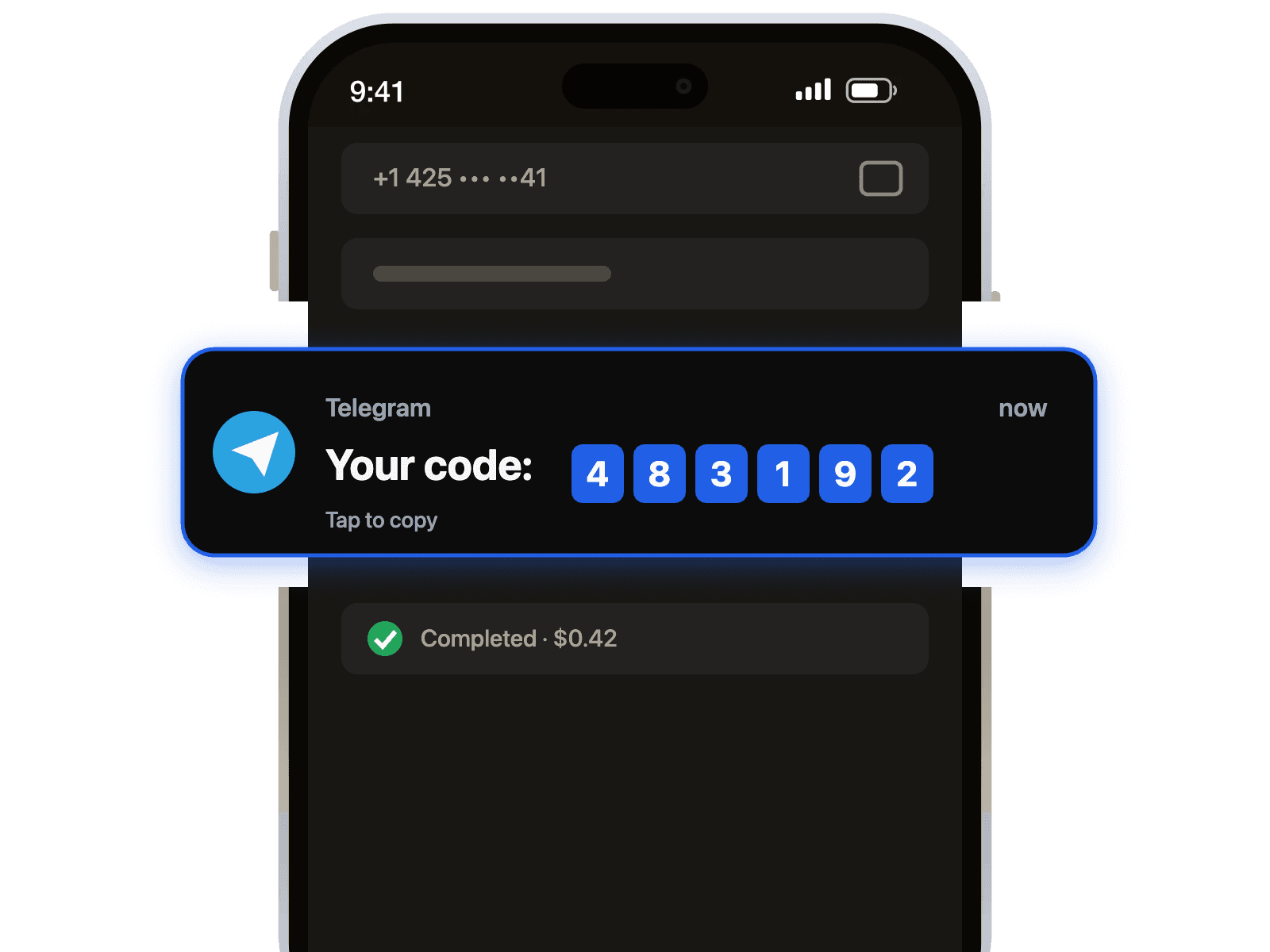
5. Получите свой OTP: Ваш код появится на нашей панели управления почти мгновенно. Введите его на Ticketmaster, чтобы завершить настройку аккаунта. Это так просто!
Устранение распространенных проблем с верификацией
Хотя наша система может похвастаться высоким уровнем успеха, иногда вы можете столкнуться с загвоздкой. Вот как устранить распространенные проблемы и обеспечить успешную защиту и верификацию личности.
Совет профессионала: Если номер из одной страны не работает, не волнуйтесь. Просто запросите другой номер из другого региона. Наш разнообразный пул номеров гарантирует, что вы найдете тот, который подойдет для любого сервиса, включая верификацию Discord.
Если вы столкнулись с сообщением об ошибке «Этот номер телефона не может быть использован», это часто означает, что Ticketmaster пометил конкретный диапазон номеров. Мы постоянно обновляем наши пулы номеров для борьбы с этим. Лучшее решение — завершить текущую сессию и приобрести номер из другой страны или у другого провайдера на нашей платформе. Это быстрое изменение почти всегда решает проблему, позволяя вам успешно обойти верификацию.

 Канал в Telegram