1
选择套餐和天数
固定流量或按天套餐,按停留天数选。
为您的旅行准备的预付费流量套餐

省去实体卡领取、更换和机场柜台排队,也无需合约或身份核验。用旅行流量代替原卡数据漫游,只需支持eSIM且无运营商锁的手机。
保留熟悉的号码,原卡继续留在手机里。这张eSIM只管上网,电话、短信和银行验证码仍走原卡,WhatsApp也能沿用原号码。
按行程选长短,开罗看金字塔的短途游适合短方案。若还要前往卢克索、阿斯旺,或到红海度假,可选更长的方案。
出发前装好,到达后即可尝试连接。不必把找机场无线网络作为落地第一件事,也能提前为前往入境检查处时的上网需求做好准备。
它不是: 电话号码。如需本地号码接收注册验证码或预订信息,请在流量套餐之外添加 虚拟号码 。
前一晚连着 Wi-Fi 设置好。eSIM 会静静等您到达。
固定流量或按天套餐,按停留天数选。
从余额付款,二维码立即保存在账户。
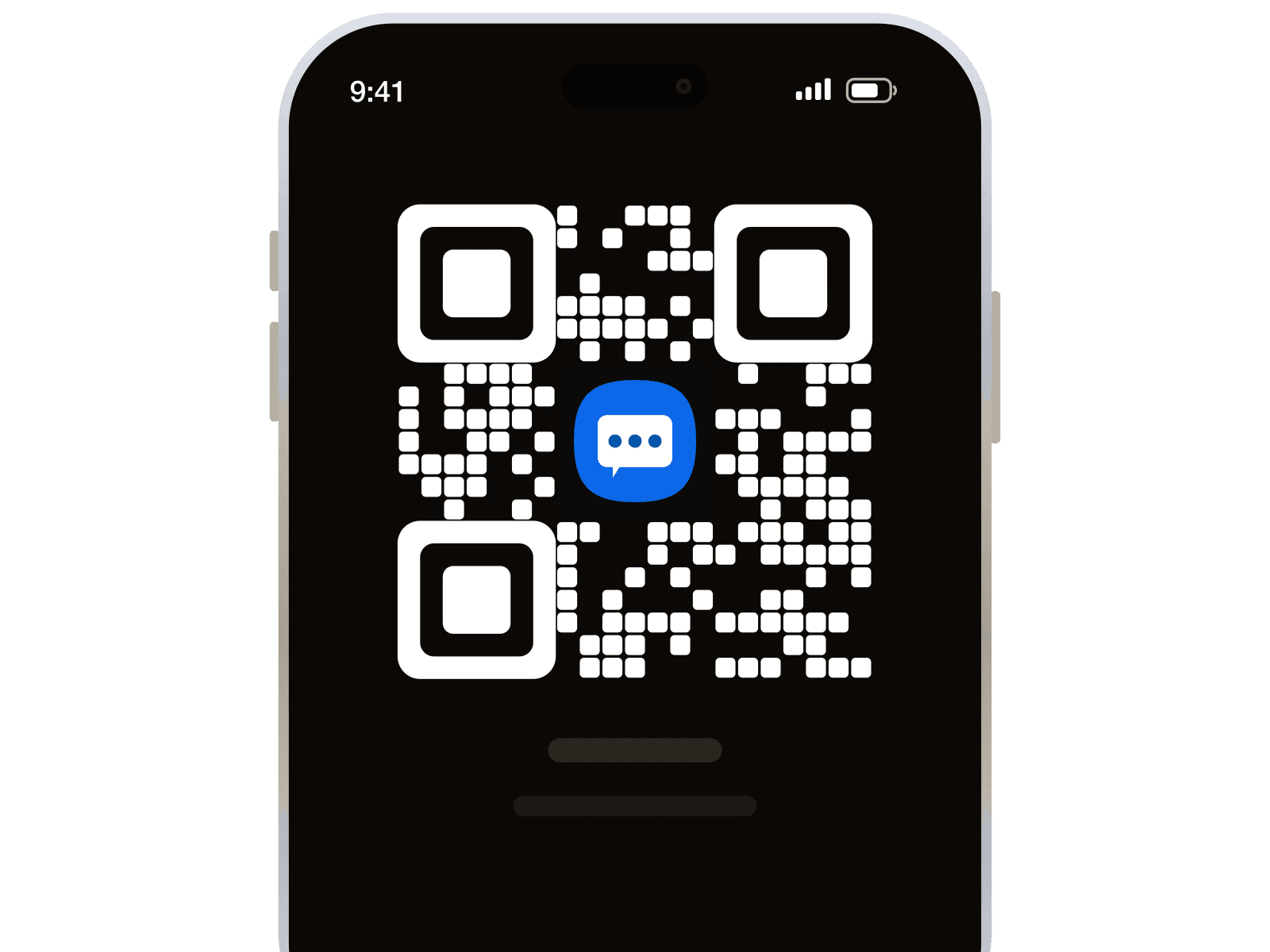
只为 eSIM 线路开启数据漫游。
真正到了当地才会在意的那些细节。
退款遵循我们的付款与退款政策。 阅读政策

Using this site from more than 1 month and everything works perfect till now.. no problem faced.. UI is simple and easy to understand, buying number is fast.. numbers are always fresh and otp comes instantly no waiting time.. I really suggest them best site in 2026
Well, it worked as intended. It was very easy to use the service, so I can only recommend it. Wish there were help desk to check some questions but regardless it was a satisfactory purchase.
Excellent service. Works when it works and replaced when it doesnt. Fair pricing and good perks as well.
It definitely works, but it can be confusing if you are not aware of what some of the services do to prevent having multiple numbers. WhatsApp will try to prevent you from making a new number on the same phone. Just have to use another phone to create the account and then you can sign in properly. I was confused why I kept going through so many numbers not working, but it was because I was using the same device that I recently had an account on. I deleted my previous account, but WhatsApp saves your device info for 30 days.
SMS a little more expensive than other pages, but they are much more reliable, and work.
My experience has been great because 1001sms has made my job so effortless and a 10 man task feel like a job for just 1.
Great service, absolute amazin for 3rd Countries who cant use amaing services without phone numbers
I have used number from this site and it worked perfectly. 1001sms is a good choice when it comes to getting number from any country and any service
可以,前提是手机支持eSIM且没有运营商锁。你可拨打*#06#查看是否显示EID,再确认手机已解锁。
可以保留原号码,WhatsApp无需改号。埃及这张eSIM只提供数据,通话和短信仍由留在手机里的原卡处理。
不能,这张eSIM只提供数据,不接收短信。银行验证码仍发往你原来的号码,能否收到取决于原卡的短信服务。
这张eSIM提供的是手机上网流量。目前提供的埃及套餐资料没有说明热点共享支持情况,无法确认能否分享。
日包当天额度用完后会降速,具体速度因方案而异。若停留更久,你可以用预付账户余额另购埃及方案。
先打开这张eSIM,并将它设为手机的数据用卡。再打开这张卡的数据漫游,关闭飞行模式后尝试重新连接。
不会,日包有每日流量额度,用完后降速。各款降速值有512 Kbps、1 Mbps、500 Kbps和384 Kbps。
113,442 位注册用户