1
Выберите тариф и срок
Фиксированный пакет или пропуск по дням.
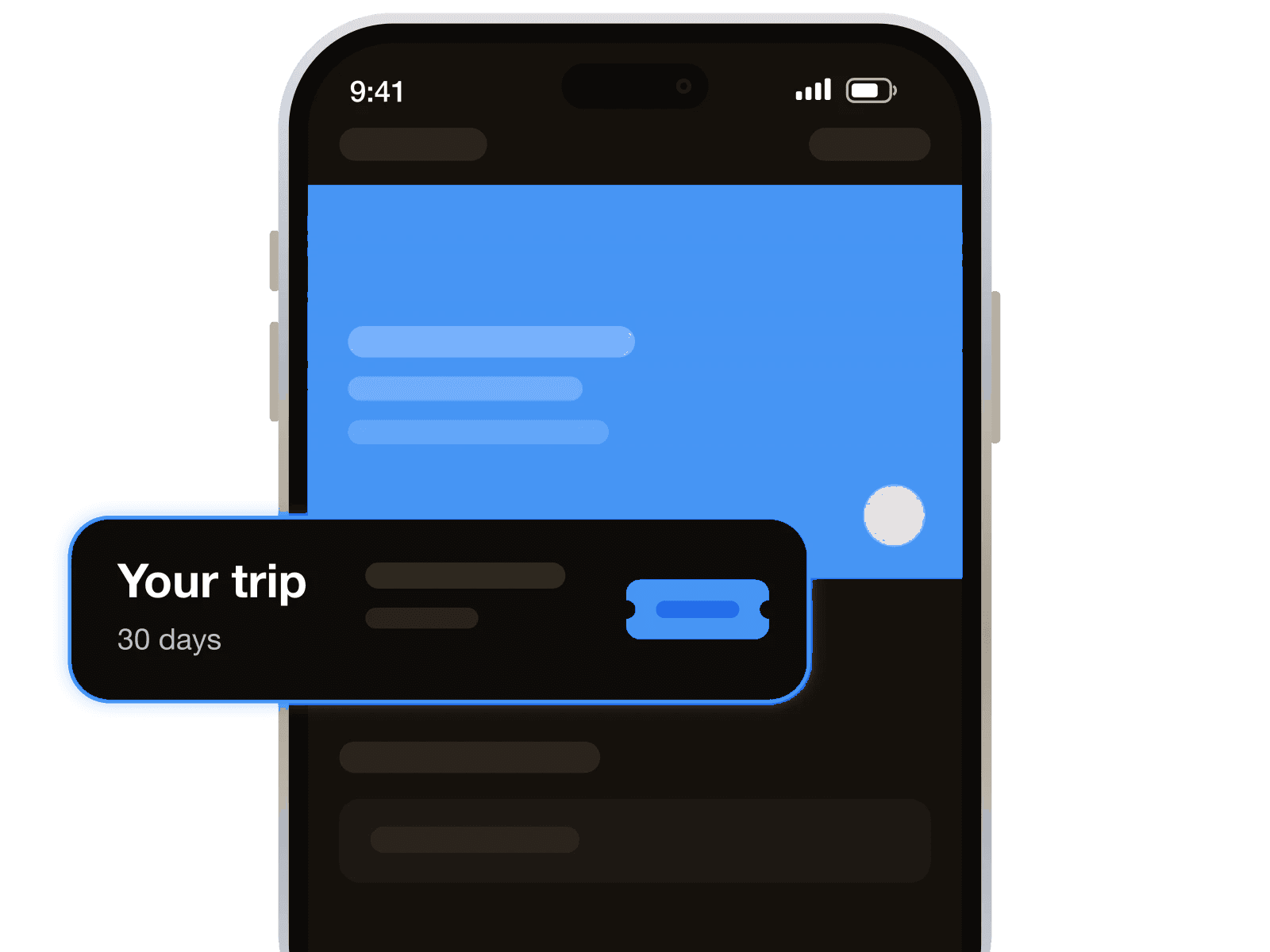
Предоплаченные тарифы на интернет для поездки

Вы получаете интернет без роуминга домашнего оператора, договора и проверки документов. Не нужно забирать или менять физическую SIM, стоять у стойки аэропорта: достаточно телефона с eSIM без операторской блокировки.
Ваш номер остаётся с вами: eSIM отвечает только за интернет, а привычная SIM остаётся в телефоне. Звонки, SMS и банковские коды поступают через неё; номер WhatsApp менять не нужно.
Короткий тариф подойдёт вам для остановки в Мбабане или долине Эзулвини по пути из ЮАР. Более долгий удобен для неспешной поездки по Эсватини с посещением Манзини и заповедника Хлане.
Заранее установленная eSIM позволяет подключиться после прибытия, не разыскивая Wi-Fi в аэропорту. Вы можете выйти в интернет ещё по дороге к паспортному контролю и сообщить близким о своём прилёте.
Чем это не является: телефонным номером. Если нужен местный номер для кодов регистрации или бронирований, добавьте виртуальный номер к тарифу на интернет.
Настройте по Wi-Fi накануне вечером. eSIM спокойно подождёт вашего прилёта.
Фиксированный пакет или пропуск по дням.
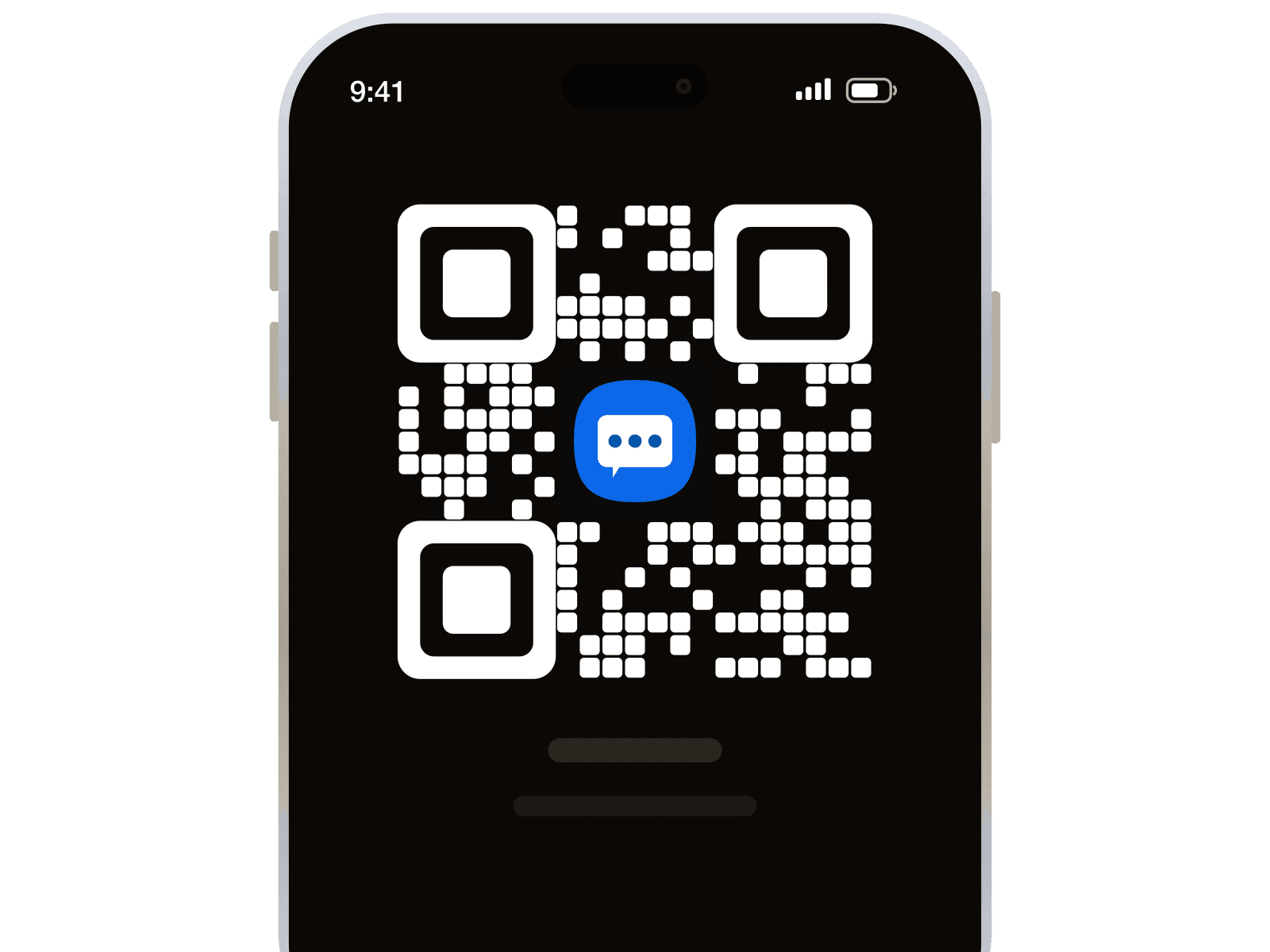
Оплатите с баланса — QR-код придёт сразу.
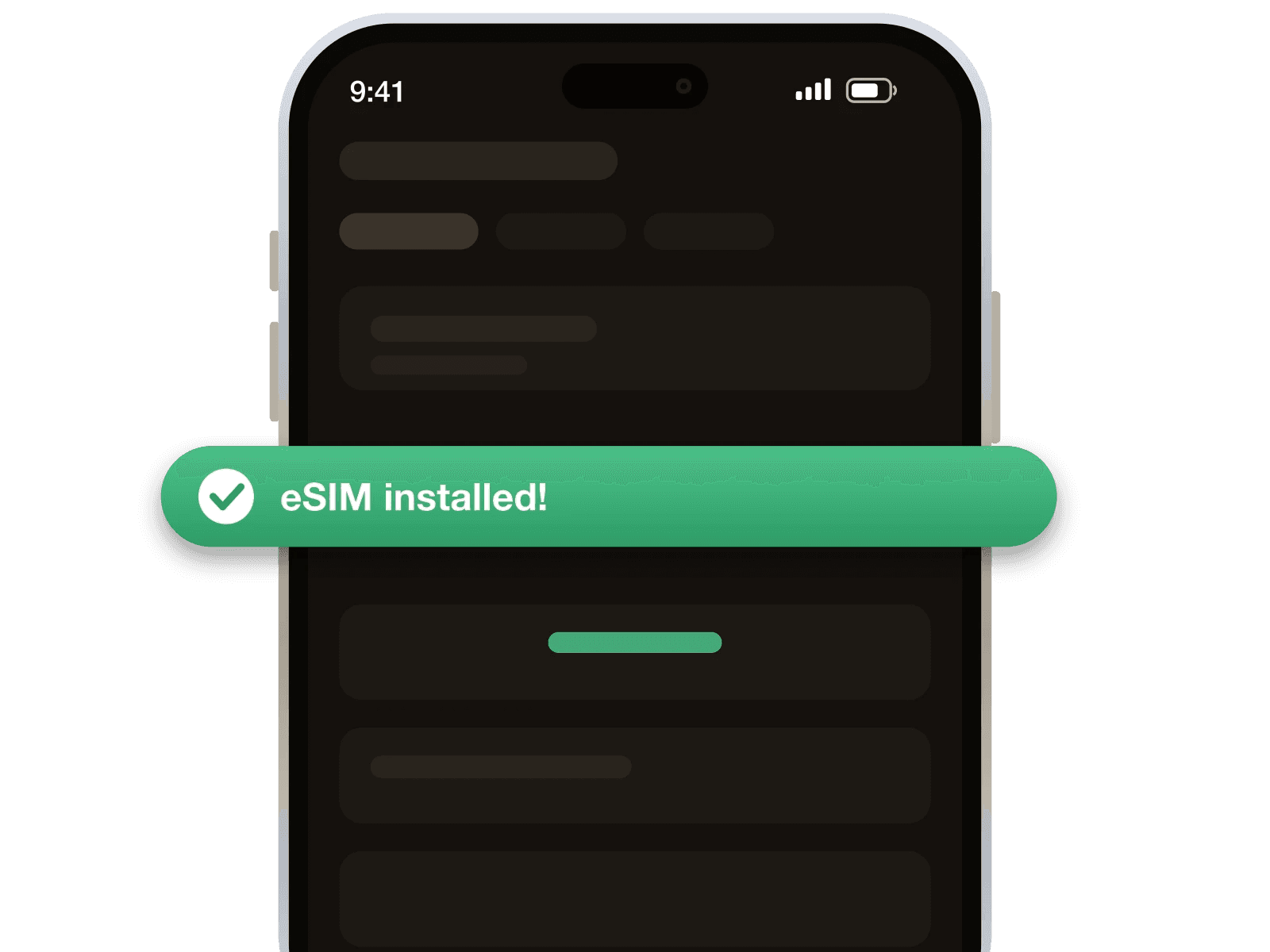
Включите роуминг данных для линии eSIM.
Детали, которые важны, когда вы уже на месте.
Возвраты выполняются по нашей политике оплаты и возвратов. Читать политику

Очень удобный сервис. Столкнулся с болью, то что практически нигде нет нормальных армянских номеров для приема СМС. Где-то изредка встречается, но чтобы получить номер нужно "отстоять" виртуальную очередь. В этом сервисе такого нет, взял пополнил баланс и покупаешь без очередей, мгновенно, то, что тебе нужно.
Вначале были пробеге в с приобретением, но спустя несколько попыток все прошло успешно
Очень неплохой и доступный ресурс. Значительный выбор номеров и стран, но хотелось бы больше актуальных неиспользованных номеров
Если номера нет делают возможным возврат денег,в целом сервис отличный ,есть нюансы но где их нет?)
В общем, не плохой сервис. Однако, рассчитывал на российские номера, которые заявлены, но чуда не случилось. Увы и ах. А так да, всё хорошо.
Нормально. Но быстро вышло из Ватсаппа
Да, если телефон поддерживает eSIM и не заблокирован под одного оператора. Наберите *#06#: EID указывает на поддержку eSIM. Операторскую блокировку уточните у своего оператора.
Да, номер WhatsApp менять не нужно: приложение использует интернет через eSIM. Оставьте привычную SIM в телефоне для звонков и SMS на свой номер.
Коды по SMS принимает ваша обычная SIM, а не эта eSIM. Для их получения нужна работающая связь домашнего оператора в Эсватини; доставка кодов не гарантируется.
Подтвердить поддержку раздачи интернета для этих тарифов мы не можем. eSIM предоставляет только мобильные данные; для подключения на самом телефоне выберите её в настройках интернета.
Вы можете купить другой пакет, оплатив его с баланса 1001SMS. После оплаты получите новый QR-код и код активации; установите новый профиль для дальнейшего подключения.
Вы можете купить ещё один тариф на оставшуюся часть поездки. Его срок начнётся при первом подключении в Эсватини, а не в момент оплаты.
Включите профиль eSIM и выберите его для мобильных данных в настройках телефона. Включите роуминг данных для этой eSIM, затем попробуйте перезапустить телефон и подключиться снова.
Каждый раз, когда приглашённый вами человек пополняет баланс, 10% попадают на ваш. Не один раз. С каждого пополнения, навсегда.
Получить реферальную ссылкуСоздайте бесплатный аккаунт, выберите тариф и установите eSIM до выезда в аэропорт.
113 457 зарегистрированных участников